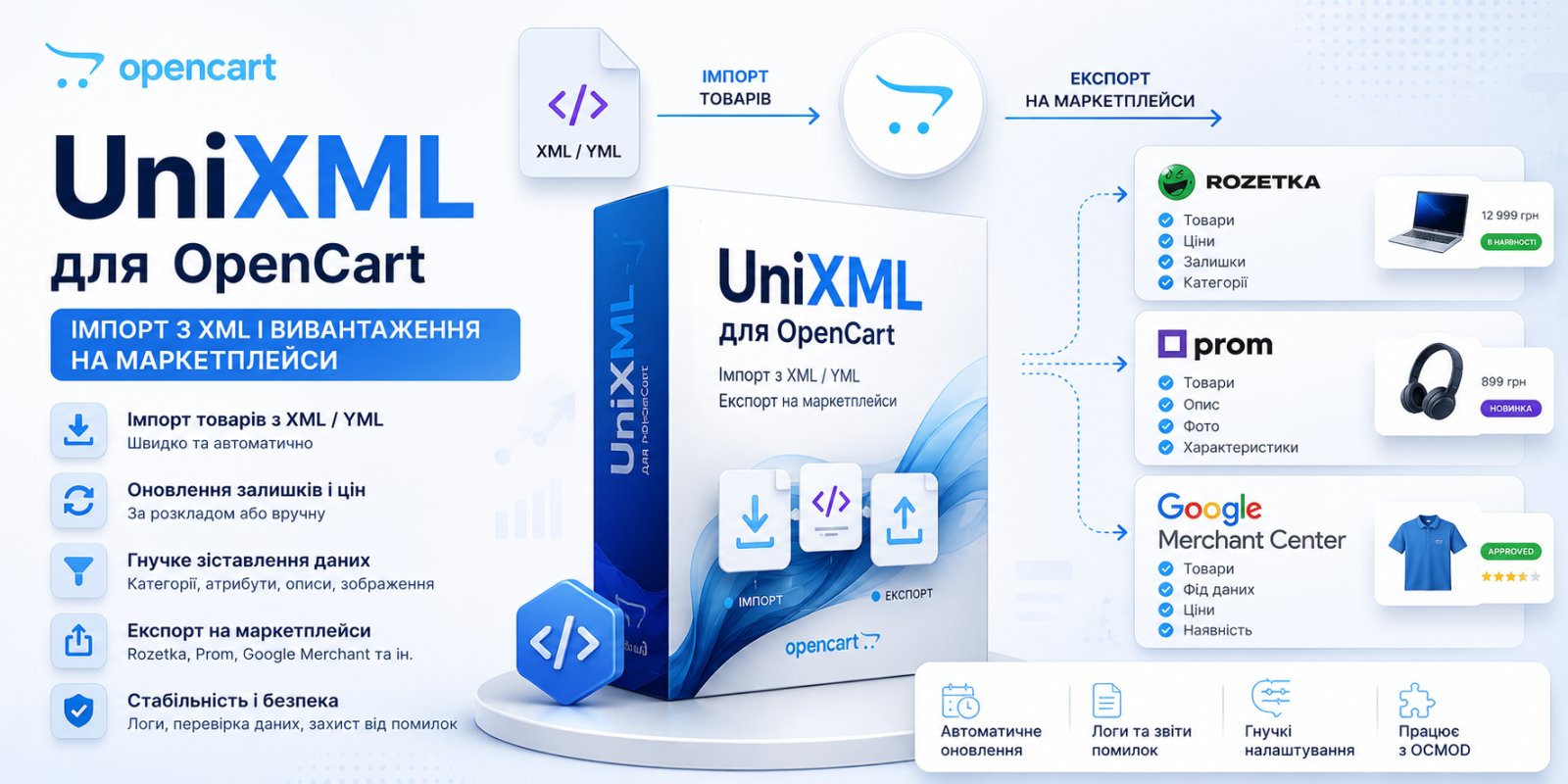
A store that works with an external supplier eventually runs into the same task. The supplier's price list and the catalog on the website need to synchronize themselves, without daily manual price and inventory checks. The second part of the same story is marketplaces. Rozetka or Prom bring traffic that makes no sense to refuse, but maintaining a separate feed for each platform manually quickly becomes a routine.
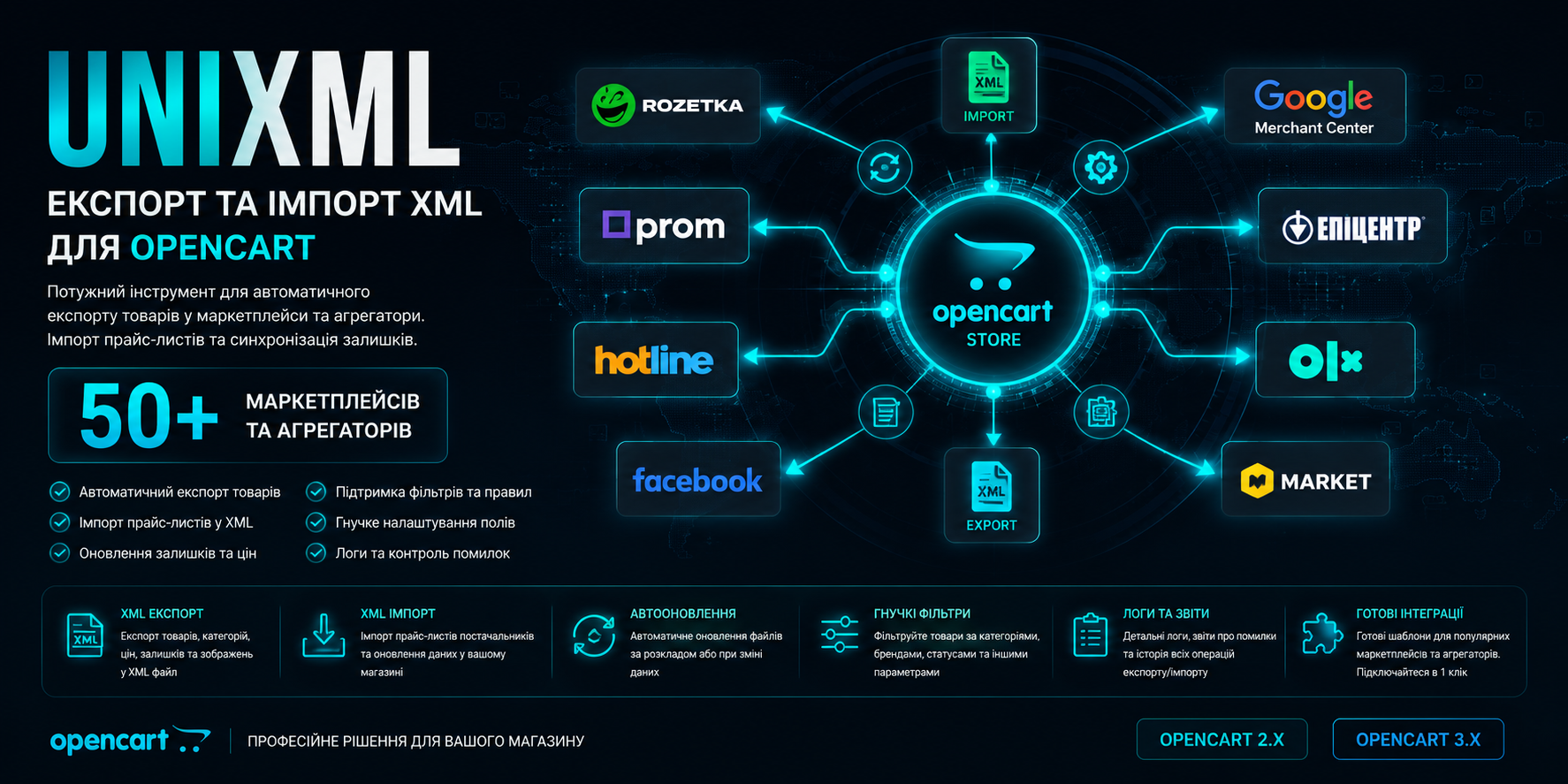
UniXML from developer Exploits solves both tasks with one module: import from supplier and generation of XML/YML feeds for marketplaces. Let's see what's really under the hood.
What the module actually does
The module combines two independent functions: import and export, with separate settings but a shared license. Once configured, the feed works on schedule via cron, without human involvement. The supplier updated the price list, and in an hour or two your prices and availability are updated as well.
Import. Takes XML, YML, as well as xls(x) and csv from the supplier and applies it to the OpenCart catalog: products, prices, availability, categories with full nesting, attributes, options, photos. Works in blocks, meaning it doesn't pull the entire feed into memory at once, but processes it in batches. This allows importing large price lists without timeouts or memory failures. After generation, the module shows statistics: how many database queries were made, how much memory was consumed, how many products were added or updated. A small detail, but it's exactly what saves you when you need to understand why the import is taking longer than expected.
Export. Generates a feed in the format understood by a specific marketplace: Rozetka, Prom, Google Merchant Center, Facebook, Hotline, Kaspi, AliExpress, and dozens of other platforms, including recently added Maudau, Monomarket, EVA, KASTA. The list is updated. The developer adds new directions as demand appears.
XML import: where's the flexibility and where are the pitfalls
The most valuable part of the import functionality is not the fact of uploading products itself, but the ability to finely control the mappings. You can specify which feed tag corresponds to which OpenCart field, configure the linked key (by default the module ties the product to the id in the feed, but you can switch to article number or name), set a stop-list of items that shouldn't be loaded at all.
Separately, it's worth noting three things that are usually missing in cheaper or homemade solutions:
- Custom code at three points: before import, during, and after. This is essentially a hook into the generation process. If you need logic that doesn't exist in standard settings (for example, calculating price by a complex formula or pulling data from another table), you can add it directly to the module.
- Multilingual import without limits on the number of languages, with the ability to link attributes of the main feed to attributes of feeds in other languages. If tags go in order, linking happens automatically, and this saves hours of manual configuration for stores with two or three interface languages.
- Updates without duplication. You can configure it so the module only updates existing products without touching new ones, or conversely disable positions that disappeared from the supplier's feed but were previously uploaded. This solves the classic problem: the supplier removed the product from availability, but it still hangs on the website for sale until someone makes an order and gets a refusal.
Photo conversion is also well thought out. If the supplier provides images in webp, the module automatically converts them to png, with the option to disable this. A small detail, but it's exactly what stores stumble on where the frontend or template isn't ready for webp in all display places.
Uploading to marketplaces: not just an XML generator
Here the main value is not just the fact of having a feed for Rozetka or Prom (many modules have that), but the level of control over what exactly goes there. You can filter by categories, brands, availability, price, presence of photos, and combine these conditions. You can set a markup separately for each marketplace category, not one general markup for the entire feed, which is critical if you have different margins for different product groups.
It's worth mentioning the multiplication of product by options. If a product has two colors and three sizes, for the marketplace this should go as six separate offers. Otherwise, the buyer on Rozetka or Prom simply won't see the needed variant. The module implements this, and according to the developer's description, this feature was reworked in the new version, so there were problems before that are now fixed.
For Epicenter there's a nuance worth knowing in advance. Before uploading, you need to manually set the correspondence of your store's data with the marketplace's reference books. This isn't a matter of one click "enable feed," without this correspondence Epicenter simply won't accept the feed correctly. The developer posted a separate instruction on the documentation site precisely because this is the most common place where newcomers get stuck.
Technical realities: what to check before buying
- OpenCart versions: 2.0.3–3.0.5.
- PHP: 5.6–8.4, meaning current PHP 8.x builds are supported by the module.
- Ioncube: not used, source code is open. License verification happens once upon activation to the developer's server; if the server is unavailable, the module continues to work.
- Installation: via standard ocmod-file in admin. There's a known nuance for version 3.x: if the
admin/controller/feeddirectory is not writable, first install the auxiliary localcopy mod, clear the modification cache, and only then UniXML. Skip this step — installation will fail with an error you might easily mistake for a module bug, but the cause is purely permissions on the directory. - The module appears in the menu Extensions → Marketing Channels → UniXML.
Price and license
The module costs approximately 40 USD, license for one domain. When changing the domain, the developer reviews the request individually, there's no rigid automatic mechanism for changes. There are discounts based on quantity: from 2 units minus 30%, from 10 units minus 50%, which makes sense for agencies or people managing multiple client stores.
Installation and configuration of one feed (30 USD) and customization for atypical tasks (20 USD) are sold separately; the developer directly writes that it's better to write to him personally about import pricing and requirements first, rather than submit an order blindly. An approach you rarely see in typical module marketplace descriptions, and it's more of a plus than a minus: less chance of buying the wrong thing.
Who UniXML is right for
The module works best where there's real complexity: multiple suppliers with different price list structures, multiple marketplaces with different feed requirements, a catalog of thousands of items where manual category and attribute verification is no longer realistic. Here, the flexibility of mappings, custom code, and category-based markups justify their cost. Saving on a cheaper solution means spending months manually fixing broken feeds and losing orders due to outdated inventory.
Checklist before installation
- Check your OpenCart version — the module supports 2.1–3.0.5.
- Check PHP version on your hosting: support from 5.6 to 8.4.
- Install localcopy if needed.
- Determine the linked key for import in advance: id from feed, article number or name, so you don't have to reconfigure synchronization later.
- For Epicenter, plan time upfront for manually setting correspondences according to the marketplace's reference books.
- Specify the domain when purchasing — then license activation happens automatically.
- If you need an atypical import or export scenario, write to the developer before purchase, not after.