Reports for OpenCart: Sales Analysis, Profit Tracking, Scheduled Reports
Custom reports without SQL with XLSX and CSV export, plus purchase costs, commissions and net profit in every order.
 oc_kit
Analytics
oc_kit
Analytics
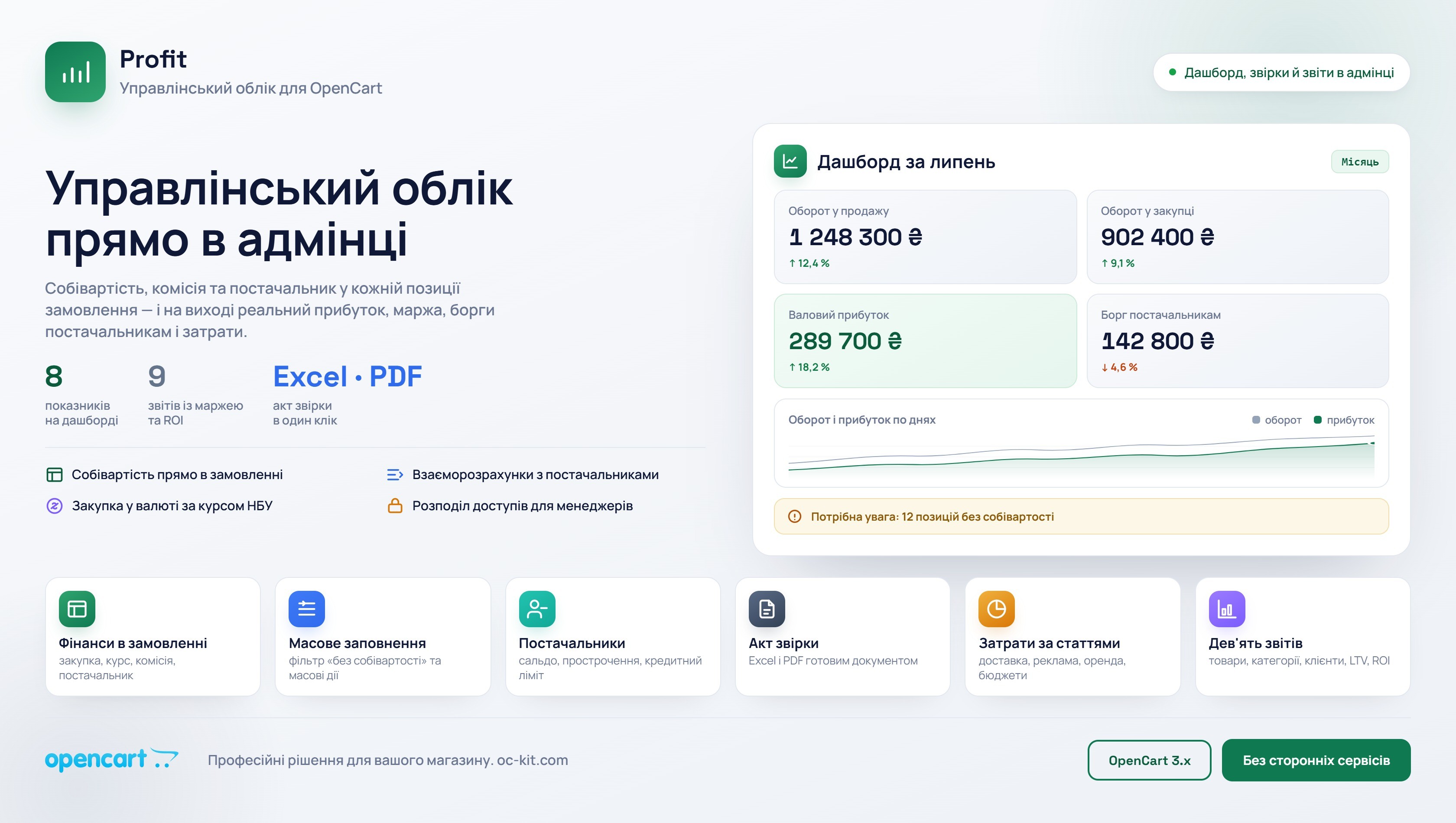
Profit - Management Accounting for Opencart Store
The module shows how much your store actually earns. In each order, you see not only the selling price, but also the purchase cost, commission, and net profit. Separately — debts to suppliers, expenses, cash register, and reports. Everything in the familiar admin panel, without Excel spreadsheets.
 spectre
Reports
spectre
Reports
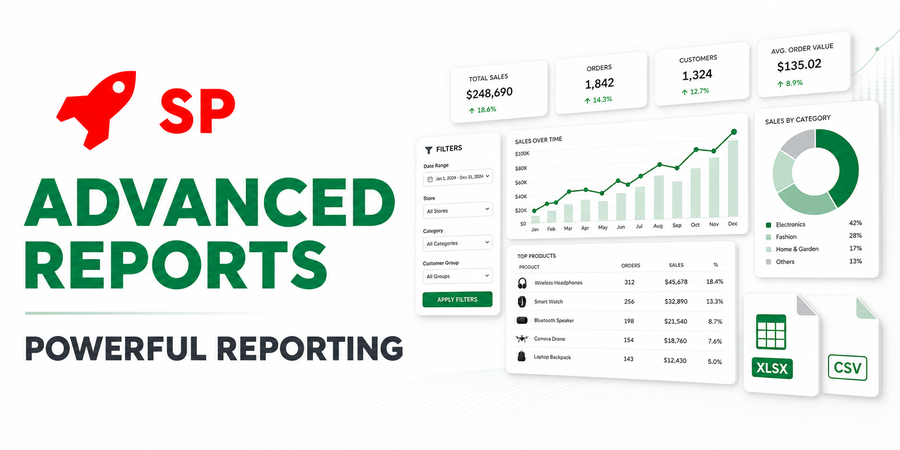
SP Advanced Reports - POWERFUL REPORTING
Create virtually any reports based on your store's data — without the need to manually write SQL queries and constant refinements from a programmer.
Default OpenCart 3 reports show sales, viewed and purchased products and customer orders for a period. You can't build a report around your own question, send it to a manager on a schedule or see profit in it, because OpenCart doesn't store purchase prices. Modules in this category close both gaps.
Report builder
SP Advanced Reports builds a report from OpenCart database fields without SQL: you pick conditions with AND/OR groups, columns, sorting and calculated metrics. That gets you revenue, order count and average order value for a period, sales by category or manufacturer, or a list of yesterday's orders without a waybill. You view the finished report in the admin, export it to XLSX and CSV, or receive it on a schedule by email or in Telegram.
Profit tracking
Profit adds the purchase price, supplier and commission to each order and calculates what you earned on it. Purchases in dollars or euros are converted to hryvnia at the day's rate, and older orders can be filled in bulk or by uploading prices from a file. The module also tracks supplier balances: how much you bought and how much you have paid.
How to choose
If you need reports on data already in the store (sales, statuses, customers, coupons), take the report builder. If the question is how much the store earns after purchases and commissions, you need profit tracking: SP Advanced Reports calculates profit only from purchase prices already in the database, and Profit gives you a place to keep them. Both modules run on OpenCart 3.0.x. Profit requires ionCube Loader and contacts the developer's server, SP Advanced Reports needs neither.
Google Analytics 4 and Facebook CAPI events are in the Analytics category.