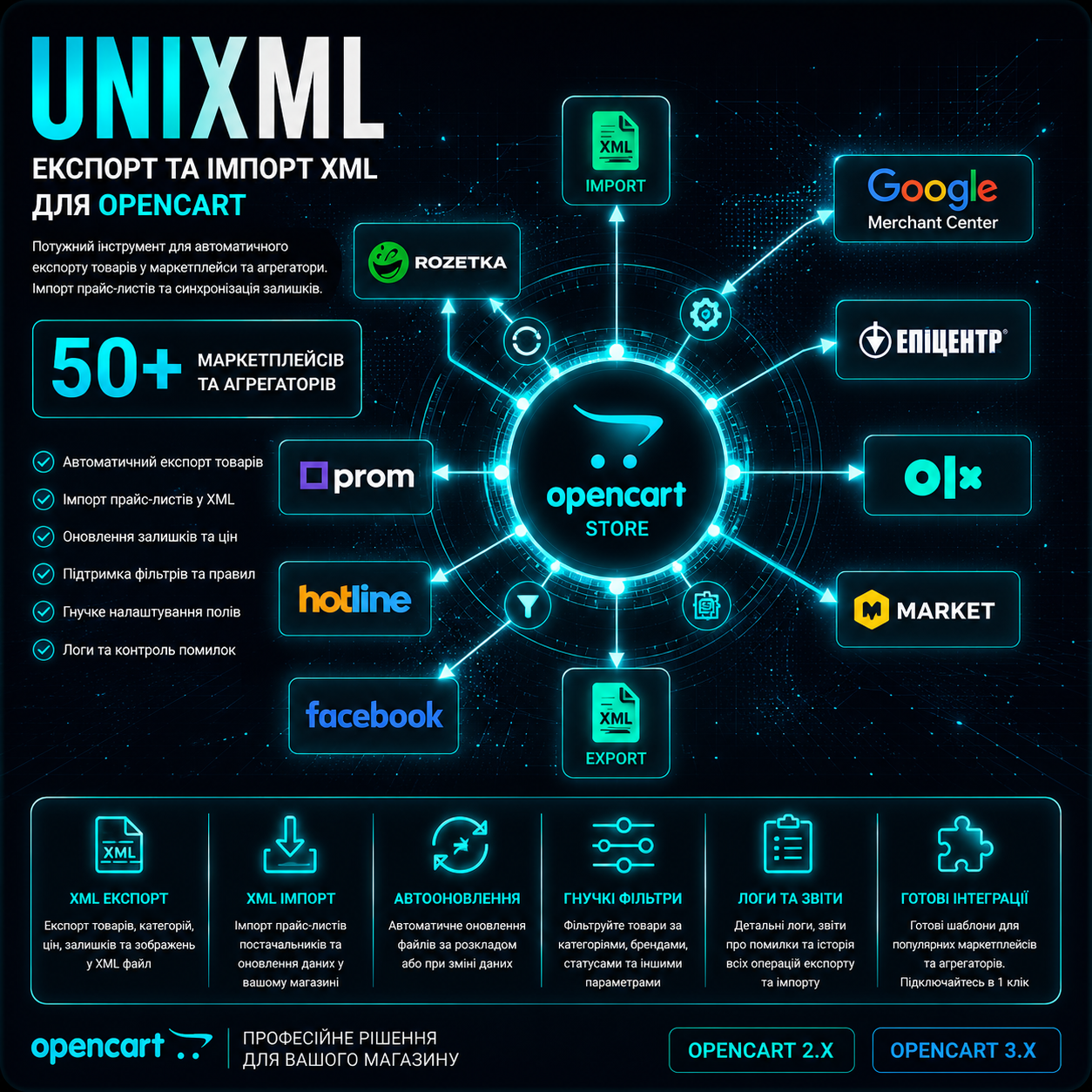
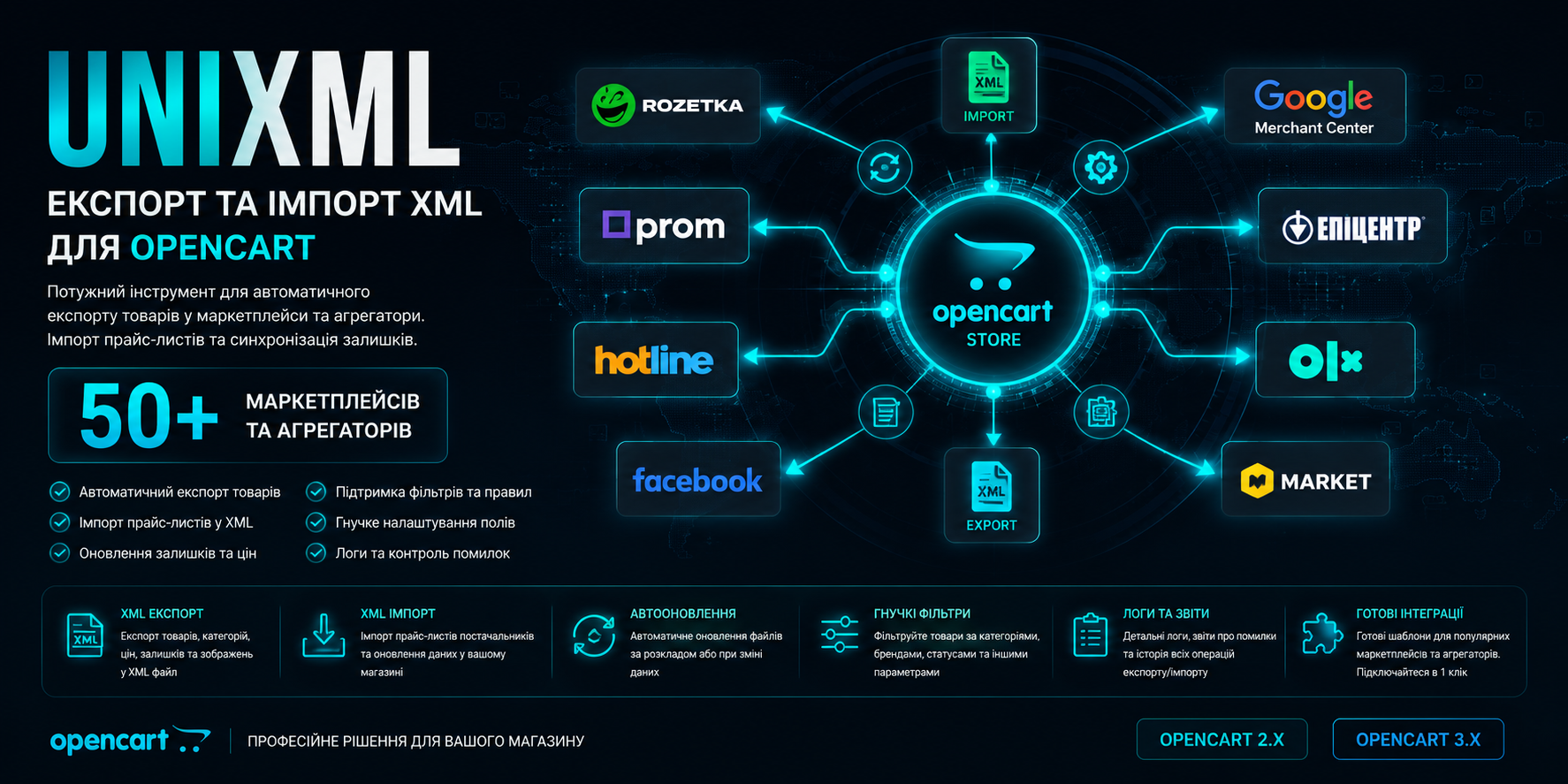
UniXML - module for export to XML format + import from XML
UniXML - module for export to XML format + import from XML
A tool that will allow you to increase online store sales through integration with marketplaces (upload and update products there) Extensive import functionality that allows you to import and update products from XML (YML) to Opencart from suppliers
 Exploits
Promo code will be applied automatically when you add the product to cart
Optional — you can enter the domain later from your account.
Demo
DocumentationDescription
Important Information – Please Read!
- Please, if you are updating the module, always make backups of your website.
- If you are purchasing the module for import - first write to me and I will check the price list(s).
- If you want to order module configuration from someone, it's better to write to me. I am the module developer and know it completely, so you will get what you need as a result.
- The installation and configuration service includes installing the module and configuring ONE feed for import or export. But before ordering, it's better to consult with me and I'll review your wishes and requirements.
- The module works only with version 2.1 and above. It is not yet adapted for version 4.
- The module interface language is Ukrainian, English, and Russian.
- Support is usually fast, but there are peak loads when you need to wait a bit. Please be understanding. When you write to support - please wait, I always process everything in any case. Please do not duplicate support requests. You wrote once - I see everything. No need to duplicate, remind, or write to other communication channels.
- The module is sold only here on the forum. In any other place – it is a cracked version with "surprises" from pirates. The author does not sell the module directly. You can buy it here on the forum, and please specify the domain when purchasing, then activation will be automatic.
- Module website https://unixml.pro - there is all the information, instructions, and extended documentation. Frequently asked questions and answers https://unixml.pro/faq/
- UniXML is not encoded with ioncube - the source code is open. The license is checked once on the author's server in the module admin, you receive the key automatically - no more requests. There are no checks during generation.
- The module has a volume of only 260KB. The code is maximally optimized both in structure and in speed of operation.
- The license applies to one domain (with the possibility of change on an individual basis).
- Free updates for 1 year after purchase.
What You Get From the UniXML Module
- A tool that will allow you to increase your online store sales through integration with marketplaces (upload and update products there). E-commerce has now transformed. Marketplaces are at the top of search results - they are like shopping centers where different stores sell their goods. The marketplace's task is to attract buyers and show them your offers. Your task is to upload goods there (using UniXML) and receive orders. The module's concept is to set up once and get automation of product upload and update.
- There is also extensive import functionality that allows you to import from XML (YML) into supplier products, as well as update data (prices, availability, etc.). Import can be very flexibly configured, there are mappings, filtering, custom code, and other customization tools. There is also the ability to work with xls and csv format (basic).
- Ability to synchronize all your stores with each other using export-import.
Import from XML to OpenCart
- There is the ability to export/import settings.
- The interface is maximally simple, but with the possibility of additional fine adjustments. There is detailed instructions and hints.
- Import is maximally optimized. A block download approach is used, which allows importing and updating very quickly.
- During generation and after, there is statistics where there is a count of database requests, maximum memory consumption, and how much was imported and updated.
- The supplier price format must be XML. The module also understands xls(x) and csv formats.
- You can specify both a link to the feed and an import file. You can also add a comment to the import and login/password for authorization (if needed).
- You can delete all supplier products with one click (together with photos, as an option).
- You can configure which tag is responsible for what and generate links for products, categories, and brands, configure a related key, replacements, etc.
- Ability to import any data into any field. You just write the tag name and select where to upload it.
- There is a category import with full nesting as in the supplier's price list. There is the ability to upload from one category to multiple categories. There is functionality for replacing category names, configuring mappings, and filtering by categories. For example, you can avoid uploading what you don't need. You can disable new categories or prohibit category uploads. You can assign a category to a product on the website if the product from the feed has no category.
- In product import, you can configure not to add new products, but only update old ones. You can specify what to update, what to leave unchanged. You can configure the status or disabling of products that are not with the supplier but were previously uploaded from him.
- You can select a related key. By default, the module marks each product uploaded from the feed - the product id in the feed. If you need to synchronize by article number or by name, this is all done very simply.
- There is the ability to create a stop list of identifiers, names, or models. This is what you don't need to upload.
- For some data, such as name, description, etc., you can set your own template for generating values.
- You can make replacements - what we are changing to what in the data.
- For price and other data, you can configure calculation - add, multiply, divide, etc.
- You can configure generating product links from any field. You can also not generate links, but take ready-made ones from the feed. For version 3, you can disable adding a prefix so that there is one link for different languages.
- You can import product variants (modifications) as options. You can make a correspondence of which option in the feed = option in the store. Also with values.
- There is the ability to upload custom option fields, such as default option, custom option sign, and other data.
- You can set the correspondence of brands and filter products of unwanted manufacturers.
- There is filtering by price, for example, you can set not to upload products if the price is less than 100 or more than some number.
- There is the ability to upload main and additional photos. Photo names are generated correctly and friendly for SEO. If photos in the feed are in webp format, they are automatically converted to png format. But this can be disabled.
- You can upload attributes, filter by attributes, not upload what you don't need, and set attribute correspondences feed = store. Also, if you have attribute groups in your feed – you can upload attributes with groups. You can also configure attribute binding to one group.
- And the most interesting thing is custom code. There is custom code before import, during import, and after. That is, you can maximize the customization of import and change data as needed.
- There is the ability to upload information in different languages (without restrictions) and import from different feeds for different languages. You can set correspondences of attributes from the main feed and other languages. And if attributes come in order, everything happens automatically.
Export to Marketplaces in XML (YML) Format
- There is the ability to export/import settings.
- For each settings item, there are hints (when hovering over the name) and extended instructions with documentation on the website. For example, to view information about item 5.4, just go to the website at https://unixml.pro/5-4
- When generating the feed, batch data selection tactics are applied to optimize and reduce server load.
- In the list of marketplaces, there is the ability to sort by dragging, delete feeds, move to trash, and quick search.
- You can also add a feed, copy the structure and settings.
- Directly in the admin, you can view and change the XML structure - maximum customization.
- In the settings, you can select the upload language and currency.
- The interface is maximally structured by logical blocks and items, on the right is quick navigation and search by items – all for convenience of configuration.
- For popular marketplaces, there are articles on the website with detailed setup guides, and a button to the article is right in the feed.
- You can specify which products to upload, which to prohibit, as well as specify additional products that do not pass other settings, but will be as additional ones. You can search for products by any data, including by product id.
- You can select which categories to upload, everything is made maximally convenient with category nesting - subcategories.
- There is filtering by brands and selecting upload logic (categories AND/or brands).
- There is binding to the main category, availability, and you can also specify the status in the availability of products whose stock is 0.
- You can avoid uploading products that don't have photos.
- You can specify a markup or discount on the product, for example -10% or +30% or 200.
- There is functionality for multiplying products by options, that is, if a product has 2 colors and 3 sizes, then to the marketplace it goes as needed 6 different offers. This functionality is maximally well thought out and reworked in the new version. You can also specify a template for generating product ids in the feed.
- You can generate product names and descriptions, where all variables are available (attributes, options, array fields, database fields). You can specify the generation mode, as well as the description cleaning mode - original, partial, and full cleaning.
- There is the ability to set correspondences for store and marketplace categories. You can also specify your own markup for each category and any tags with any data for products of each category. Super convenient and flexible!
- You can perform attribute correspondence. For Epicentr, you can set data such as paramcode and valuecode.
- The markup functionality for product groups allows you to add any number of groups with any products and set your own markup for each group. You can import products to a group.
- There is the ability to write replacements - what we are changing to what and most importantly, where to apply these replacements: In the name, In the model, In the manufacturer, In the description, In the link, In photos, In attribute names, In attribute values.
- You can upload additional product photos. Gaps and special characters in photos are replaced for correct transmission to the feed.
- You can add additional static parameters where you specify which tag or parameter to transmit. You can use options, attributes, product array field, any field from the database, and static text.
- You can customize the database query by specifying additional conditions for product selection.
- Custom code after the database query allows you to make additional selections or add/process data.
- Custom code in the product loop iteration allows you to add or modify the final product data – maximum flexibility.
- Custom code after the loop is complete - this functionality can be used to add or process additional feed data, for example, add gifts or something else to the feed.
- First, the module selects the necessary data for speed and resource savings (optimization). There is a hint button showing which fields can be added. You can specify any field/fields from the product or product_description table and then use it in custom code. Please note that when you specify a field from the database in other items, the module will take it automatically.
- You can replace the offer id from any database field.
- You can specify which field to take the price for products in the feed from, you can also set whether to keep promotions with such replacement.
- The "Number of times at once" setting allows you to specify how many products to take from the database in one cycle. With this parameter, you can dose the load on the server.
- You can specify the name of the file for logging uploads – there will be all generation statistics.
- You can specify a protection key for uniqueness of the generation link, as well as specify your own feed file name.
- In the module there are links for direct generation, generation to file, as well as a CRON command and a link to the XML file itself.
- In the settings window there is a recommendations block for settings if you are uploading the wrong products or not uploading the ones you need.
Which Feeds Are in UniXML
- rozetka.com.ua - The most popular marketplace in Ukraine is rozetka. It works with XML format and allows you to upload your products to your catalog and place orders through their website.
- google merchant center - This is Google Shopping. Uploading products to Google for contextual advertising in Google search. When uploading there, it is necessary that the micro-markup works correctly on the site.
- google RSS 2.0 - a slightly different format but also for Google Shopping.
- facebook - Uploading products to the Facebook advertising cabinet. After uploading the products, you can start advertising on the Facebook social network.
- prom.ua - A very popular marketplace in Ukraine. Allows you to accept and synchronize products from your store to the store on Prom. Generates quite a lot of traffic, which is why it is very popular.
- hotline - A service for comparing prices from sellers. Also very popular.
- Retail CRM - Uploading to a popular CRM
- kaspi - A popular marketplace in Kazakhstan.
- halyk - A popular marketplace in Kazakhstan.
- price.ua - a price comparison service in Ukraine. Upload products and attract even more traffic to your website.
- epicentr - Uploading epicentr. A rapidly gaining popularity marketplace from the Epicentr chain of hardware stores. Any product is uploaded there, not just those related to construction. Attention! You need to match the store data with identifiers from the Epicentr directories https://unixml.pro/info/feed/epicentr
- aliexpress - The same Ali! Now you can upload your products there and sell them through Aliexpress.
- ekatalog - A price comparison service that works in many countries. Just upload your products there and you will attract additional traffic to your website.
- onliner - A popular marketplace in Belarus. Allows you to upload and update products on the online store and also sell them there.
- kidstaff.com.ua - A popular children's goods platform in Ukraine and not only.
- hubber.pro - A platform for unloading goods, which are then taken to online stores and sold by your products.
- nadavi.net - A platform that can upload your goods to itself and advertise in its own advertising network. With the right approach, it gives a good boost to the store.
- mobilluck.com.ua - One of the first online stores of technology. Allows you to accept goods to yourself and sell them from yourself.
- besplatka.ua - A bulletin board in Ukraine where you can unload goods from your store and attract more attention.
- bigl.ua - A marketplace like prom.ua, but wholesalers already get there. The module has a separate unloading created for convenience.
- allo.ua - A popular online store of mobile technology in Ukraine, which, like all giants, has become a marketplace.
- f.ua - Another dinosaur among online stores in Ukraine has become a marketplace.
- skidochnik.com.ua - Discount and sales aggregator service. With this tool, you can increase your sales if you have discounts.
- allbiz
- forte.kz
- synthetic
- froot.kz
- dom.by
- chia
- vcene.com
- obyava.ua
- retailcrm
- distributions.com.ua
- tomas.by
- gudriem.lv
- ceno.lv
- kurpirkt.lv
- salidzini.lv
- ria.com
- zakupka
- esputnik
- heureka
- skidka.ua
- pn.com.ua
- deal.by
- ua.market
- channable
- pinterest.com
- Yandex YML
- Maudau NEW
- Monomarket NEW
- EVA NEW
- KASTA NEW
- hind.ee NEW
Specifications
Features
Technical Details
- OpenCart Version
- 2.0.3 2.1.0 2.2.0 2.3.0 3.0.0 3.0.1 3.0.2 3.0.3 3.0.4 3.0.5
- Module Localization
- Ukrainian, English, Russian
- Support Language
- Ukrainian, English, Russian
- Activation Method
- Automatic activation
- Ioncube Loader
- No (not required)
- Developer Server Connection
- Yes
- If Developer Server Unavailable
- Extension works
- PHP Version
- 5.6 7.0 7.1 7.2 7.3 7.4 8.0 8.1 8.2 8.3 8.4
- Compatible with Templates
- All
Reviews (0)
Please log in to leave a review.
Log inNo reviews yet
Be the first to review this product!
Questions (0)
Please log in to ask a question.
Log inNo questions yet
Be the first to ask a question about this product!
Related Modules
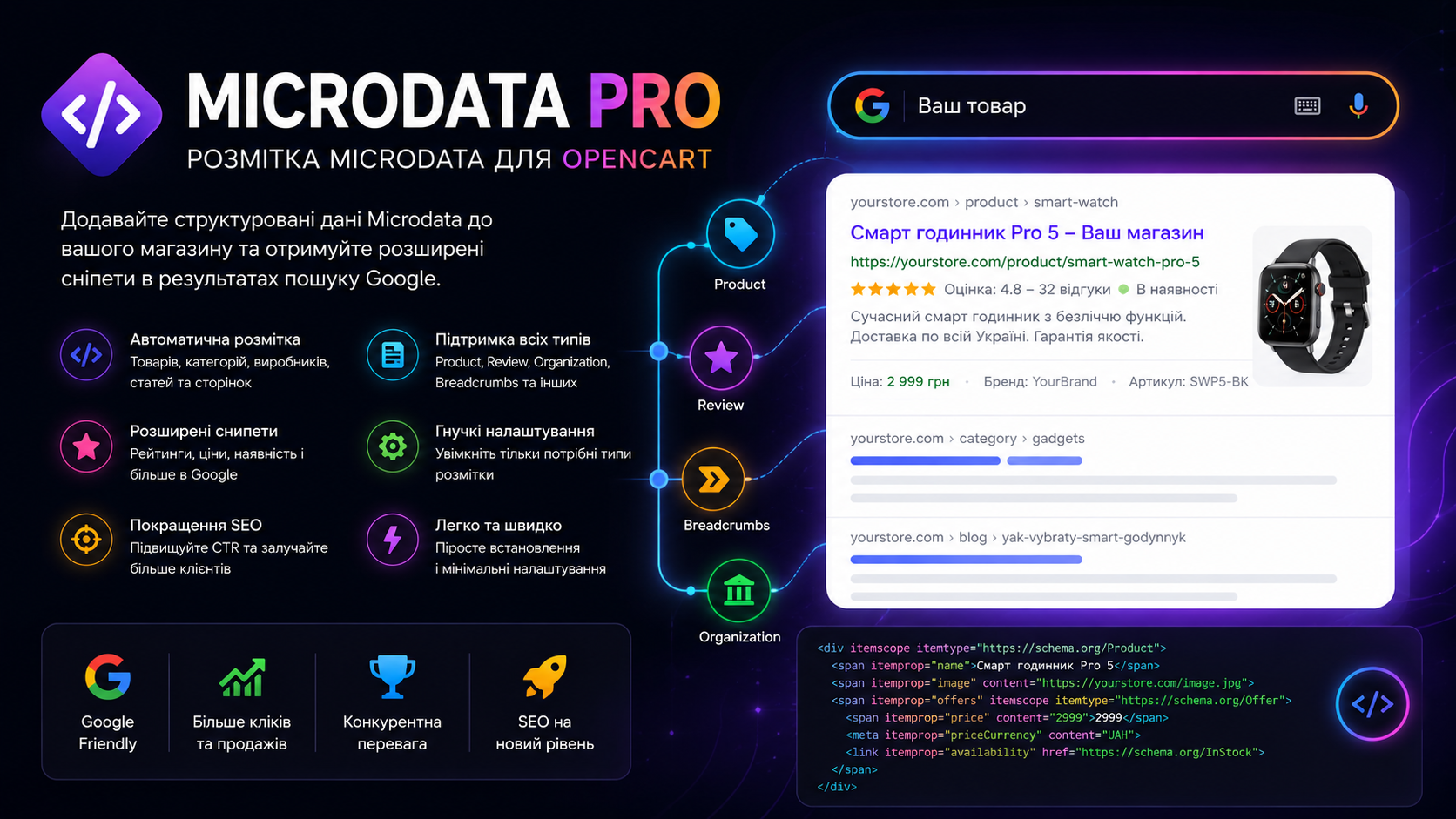
MicrodataPro - micromarkup for an online store
For just $15 you get the friendliness and transparency of an online store for search engines. This will set your site apart from your competitors! The module allows you to make a good snippet in search engine results. Which significantly increases click-through rates, and as a result, sales.
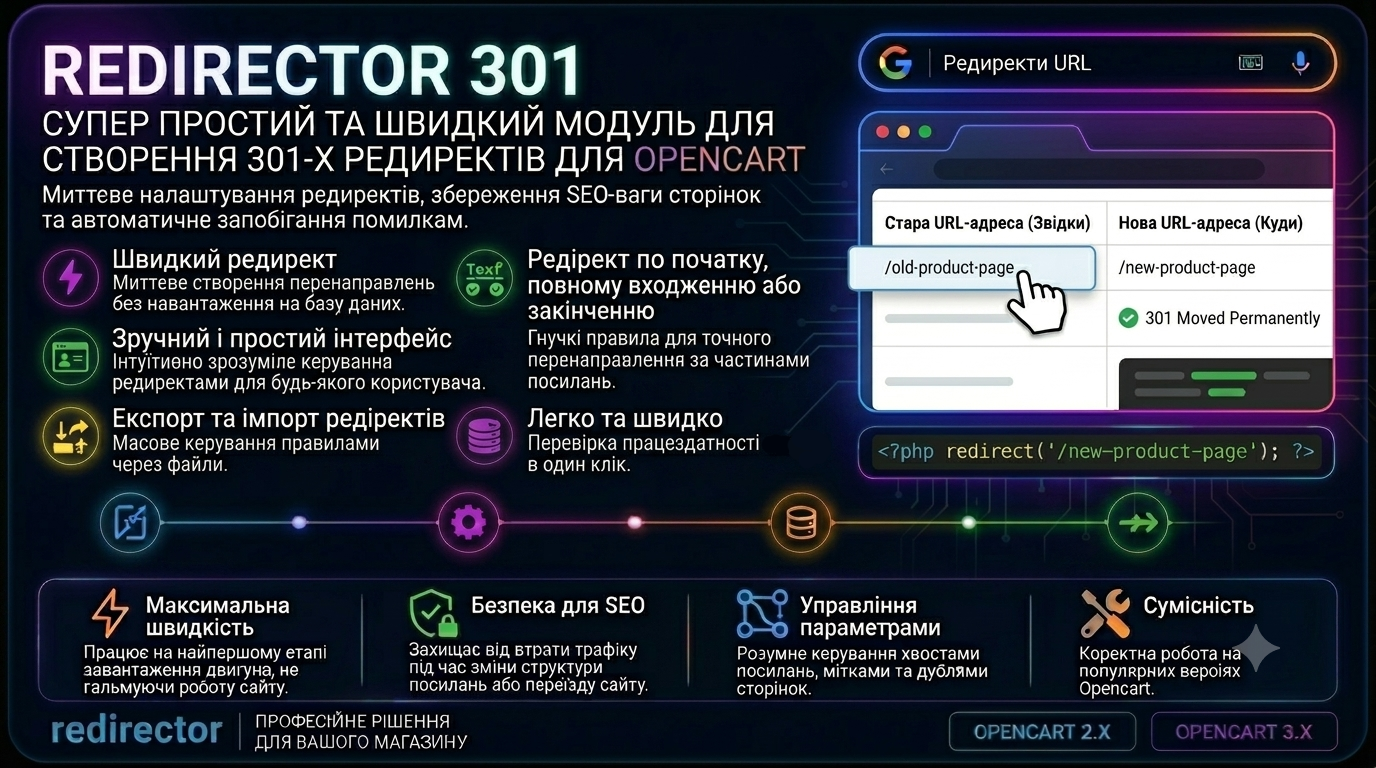
Redirector 301 - a super simple and fast module for creating 301 redirects
301 Redirector – this is a module for creating redirects in Opencart in just a few seconds! You can create redirects from exact link matching, to the beginning, to the end, or to the beginning and end of the link - very convenient! The module has import, export, deletion, and redirect testing
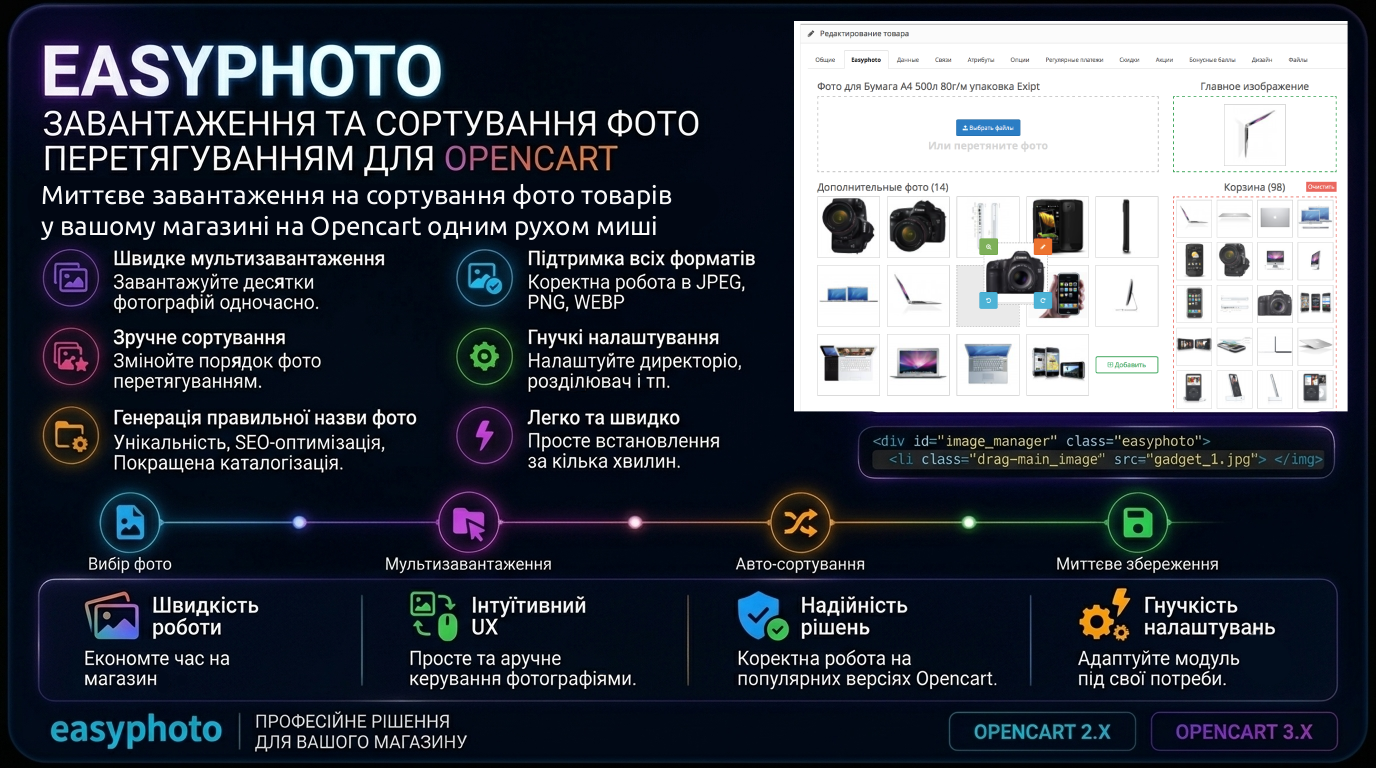
Easyphoto — photo upload and sorting by drag and drop
Multi-photo upload in 2 clicks directly from your computer, bypassing the standard file manager. Convenient and intuitive interface — photo selection/drag-and-drop field, main image field, additional photos field, and cart field