OpenCart Feedback Modules: Live Chat, AI Consultant, Messenger Button
Live chat with an AI consultant, a floating button with phone and messengers, customer conversations in Telegram from the admin.

 sasha3337774
Tools & Utilities
sasha3337774
Tools & Utilities
Return Pro - enhanced returns for OpenCart
Return Pro transforms the standard OpenCart return page into a full-featured and convenient service for the buyer and store administrator.

Jet Anti Spam - form spam protection
Jet Anti Spam allows you to protect custom forms from spam and encode emails on the page
 sasha3337774
Feedback & Calls
sasha3337774
Feedback & Calls
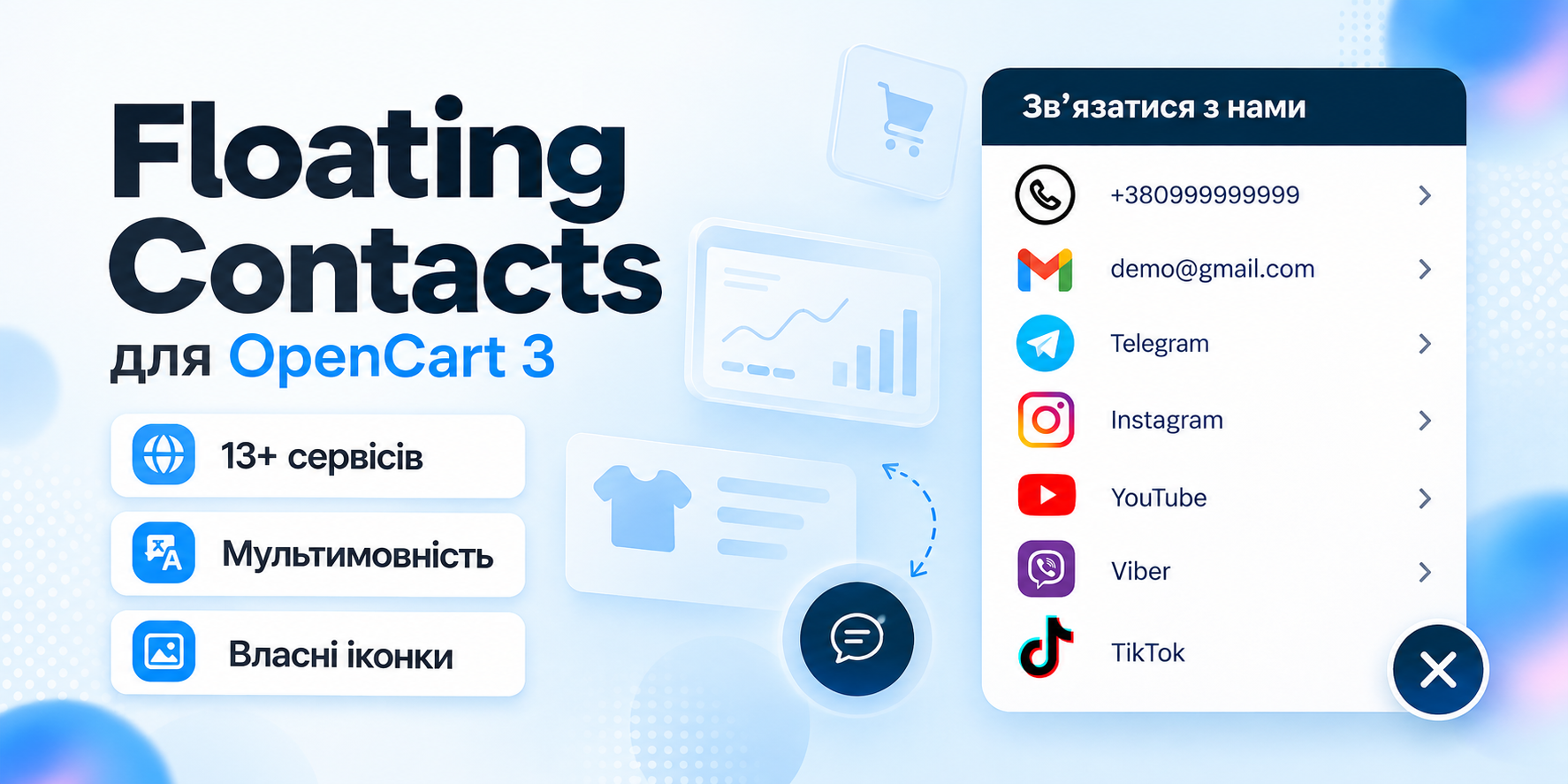
Floating Contacts - floating contacts button for OpenCart 3
Floating Contacts allows you to add a convenient floating panel with phones, email, messengers, and social networks to your store pages.
 oc_kit
Feedback & Calls
oc_kit
Feedback & Calls
Telegram - Notifications, Mailings and Auto-posting
Orders and statuses are sent to the client and admin, new products are automatically published to the channel, the mailing goes to bot subscribers, and you conduct correspondence with the client directly from the admin panel.
 Parallax
Feedback & Calls
Parallax
Feedback & Calls
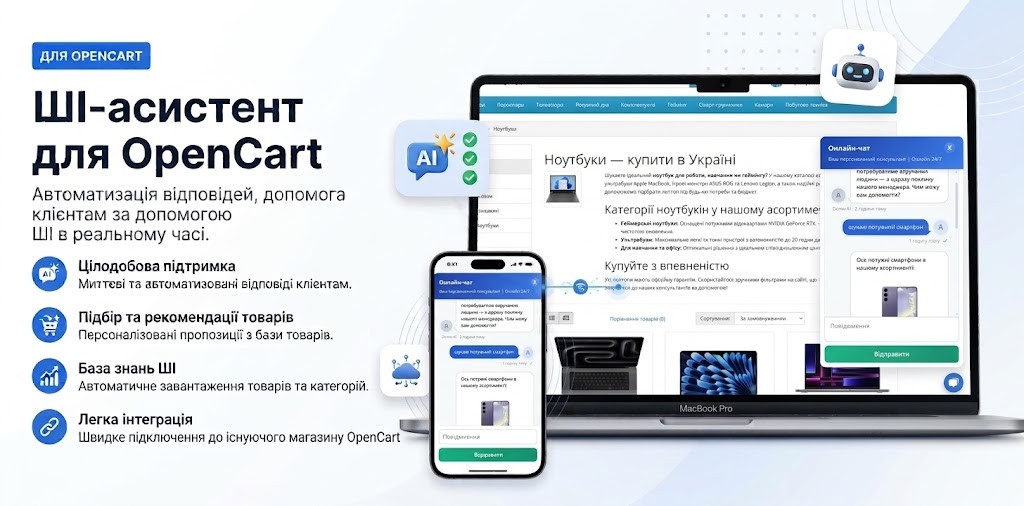
Chat + AI consultant online
Stay in touch with customers 24/7 and increase conversion using online chat with integrated AI. Buyers receive instant consultations on products and sizes directly on the website, without switching to messengers.
Default OpenCart gives shoppers a Contact page with a form that sends replies by email. Some shoppers with a question about size or stock don't look for that page and leave. Modules in this category let them write or call from any page of the store and get an answer while they're still on the site.
Types of feedback modules
A contact button stays on screen and links to your phone, messengers and social profiles: the shopper writes in a channel they already use, and the manager replies from their phone. A live chat opens right on the site, and an AI consultant in it answers common questions and suggests products when no manager is available. A Telegram integration moves conversations into the messenger: the manager replies from the admin, and the customer gets the message in Telegram.
How to choose
Start with where your customers already reach you. If they call or use messengers, a contact button is enough. If you get many repeated questions (delivery, sizes, stock), an AI consultant takes part of the load off your managers. The Telegram module fits when you want conversations, order notifications and mailings in one channel. Check your OpenCart version: the contact button and the Telegram module run on OpenCart 3, the AI chat also on 2.3. The Telegram module requires ionCube Loader.
Modules in this category
Floating Contacts adds a floating panel with phone, messengers and social links that you configure in the admin. Chat + AI consultant runs on Gemini and answers questions and suggests products around the clock. Telegram: conversations, notifications, mailings and autoposting lets you message customers from the admin and sends order statuses to the customer and the admin. Mailings, channel autoposting and abandoned cart reminders are in the Marketing category.