Typical picture: a client placed an order, received payment details in response, and disappeared. Someone is too lazy to enter the IBAN manually, someone put off "I'll pay in the evening" and forgot. Or another classic: cash on delivery, the package lies in the department for a week, then goes back, and you pay for delivery both ways plus a fee for payment on delivery. Both problems grow from one root: the store doesn't have proper online card payment.
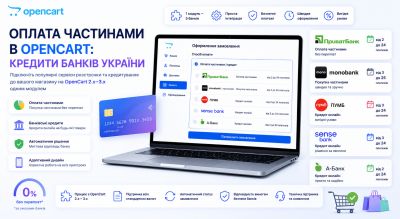
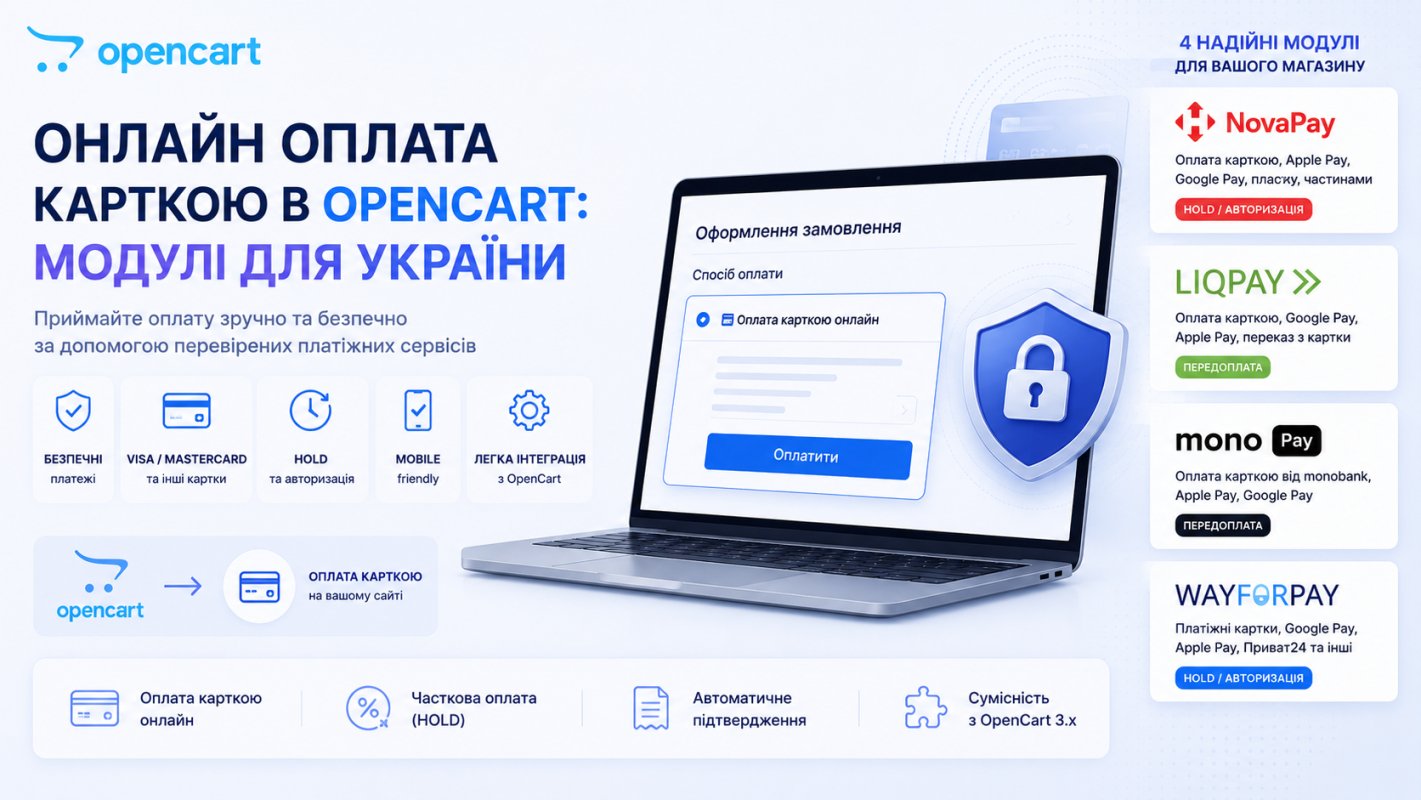
Standard OpenCart doesn't help here, and you'll see why now. Let's figure out what payment methods the platform provides out of the box, what it lacks for Ukraine, and which payment modules cover this: NovaPay, LiqPay, MonoPay, and WayForPay for OpenCart 2.x and 3.x (some already support 4.x).
Need a ready-made solution without a manual? All verified payment modules for OpenCart are collected in the marketplace catalog.
Payment methods in OpenCart out of the box
Open Extensions → Extensions → Payment in the admin panel of clean OpenCart, and you'll see a list of about twenty methods: PayPal, Klarna, Authorize.Net, bank transfer, check by mail, payment on delivery. The set is clearly not assembled for the Ukrainian market. There's not a single Ukrainian payment system there: no LiqPay, no monobank, not to mention NovaPay.
From the entire out-of-the-box list, only two methods survive in Ukrainian realities. "Payment on delivery" for cash on delivery and "Bank transfer" for payment by details, where an IBAN or card number is usually entered in the description. Both are manual: you verify the money by eye, change statuses manually, and you can forget about instant payment confirmation. So accepting card payments online in OpenCart always means a third-party payment module.
Why transfer by details and pure cash on delivery lose money
The times of "send to the manager's card" are gone along with financial monitoring and fiscalization, so the store is left with only two legal options: an invoice by details or acquiring. And while a client "pays the invoice in the evening," they have time to reconsider, find something cheaper, or simply forget. Every extra action between the "Place order" button and money being debited cuts conversion, and manual transfer by IBAN is the worst option here: exit the store, open the banking app, copy the details, enter the amount and payment purpose. A buyer used to paying in one tap through Apple Pay simply drops off at this stage.
The other side of the same problem: manual verification. Someone has to see the payment by details in the statement, find the order, and change the status manually. While the manager gets to the statement, the client has already called twice with "I paid, where's the package," and on weekends payments hang until Monday anyway. Acquiring closes this automatically: the payment system itself confirms the payment, the module itself changes the order status.
And third, which newcomers mention only after the first losses: uncollected parcels. Cash on delivery without prepayment means all logistics risk is on you. A prepayment of at least 100-200 hrn drastically disciplines the buyer: a parcel they've already paid for is approached with a completely different motivation.
Payment modules for OpenCart: what they have in common
All four modules were made by one developer (bogdan281989), so the logic of their work is similar, and it's convenient: you learn how to work with one, you'll figure out the rest in five minutes. The common base is like this:
- HOLD (funds hold). Money is blocked on the customer's card but not debited until the manager confirms the payment from the admin. For stores where you first need to check product availability in the warehouse or with a supplier, this is a lifesaver: no goods — just reject the payment, and the customer doesn't have to wait for a full refund procedure.
- Administration from the admin panel. Confirmations, refunds, transaction list: everything in the OpenCart panel, without visits to the payment system's personal account.
- Flexible order statuses. Each event (successful payment, cancellation, return) is assigned its own status from the System → Localization → Order Statuses list.
- Standard installation via "Extension Installer," without editing system files. After installation, don't forget to update modifiers. This is the step that's most often skipped, and then they write to support "the module didn't appear."
- Test mode to test integration without real debits.
Now an important technical detail that applies to all four: modules are encoded with IonCube and activated by a license key for one domain. Before purchasing, check that IonCube Loader is enabled on your hosting for your PHP version: create a file with <?php phpinfo(); and search the page for the word ionCube. Not there — write to your host or enable it in the panel. The stated PHP support is wide, from 5.6 to 8.2, but keeping a store on PHP below 7.4 in 2026 is already a separate conversation, and not in favor of such a solution.
Each module at the time of publication costs $15, installation by the developer will cost another $10. The license includes unlimited support. And one more detail worth knowing before payment: the WayForPay module doesn't provide license transfer to another domain, so specify the domain where the store will actually live when purchasing, and use a test subdomain for development, which comes with the package.
LiqPay: widest functionality in the quartet
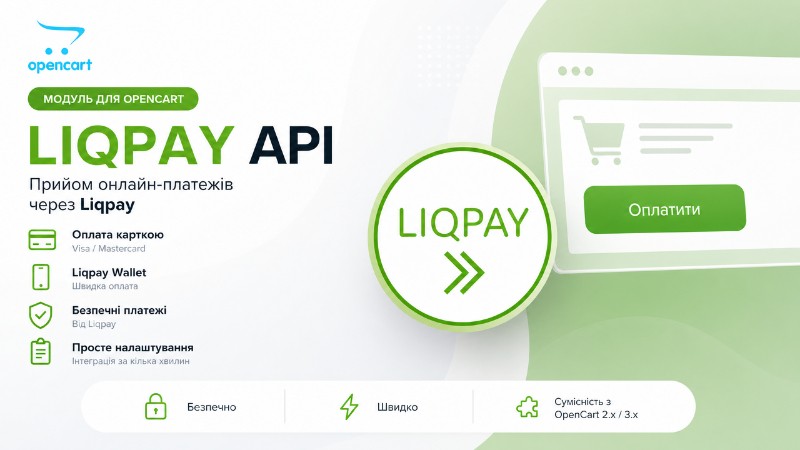
LiqPay API Module is the most "feature-packed" of the four. It's actually a package of three modules: main payment, a separate prepayment method (fixed amount or percentage), and a copy of the main module with separate API keys for the eSupport program.
What the main module can do:
- Payment by card, Apple Pay, Google Pay, Privat24, invoice to email, QR code.
- Two modes: classic redirect to liqpay.com or embedded widget, when the payment form appears directly on the checkout page, without redirecting to an external site. The widget for the cart works in a popup.
- Two-stage payment (Hold) with confirmation from the admin panel.
- Fiscalization: sending product data (the
rro_infoobject) to LiqPay to generate fiscal receipts, with the choice of product identifier (model, sku, ean, etc.). The developer honestly warns in the changelog: the function is being tested, verify the receipt punching yourself. This is exactly the level of honesty you'd like to see more often. - In the admin panel, separate sections "Liqpay Transactions" and "Liqpay Products" appear in the "Sales" menu, and in the order card — a Liqpay button: view the transaction via API, generate a payment link, send it to the customer by email.
The current version 2.3.0 (June 2026) is translated to LiqPay API v7 with callback verification. Supported versions: OpenCart 2.1–2.3 (PHP 5.6–7.4) and OpenCart 3.x (PHP 7.3–8.2), and 4.1.0 is also listed in the technical details.
MonoPay: monobank acquiring, including OpenCart 4.x
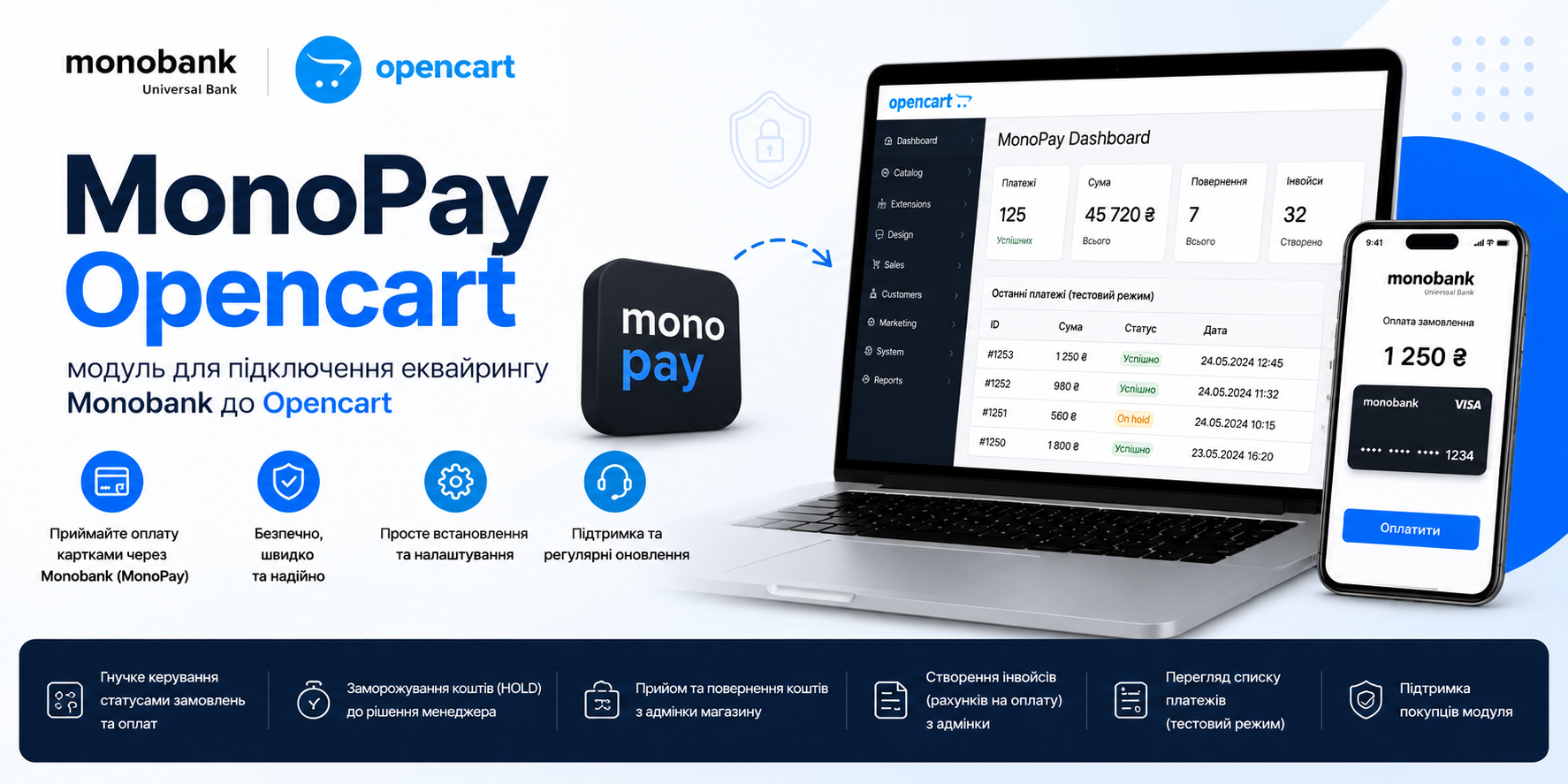
MonoPay Module connects monobank Internet acquiring via the official API. For the buyer, this is a familiar mono payment interface, and trust in the payment form directly converts into completed payments.
Functionality: HOLD with confirmation or refund from the admin panel, automatic order status changes based on payment events, invoice creation from the admin panel, test mode. Compatibility: OpenCart 2.x, 3.x and 4.x (version 4.1.0 is in the list). If you've already moved or plan to migrate to the fourth branch, this is an important argument: not all payment modules on the market have even seen version four. Current version 1.7.2.
NovaPay: Nova Poshta acquiring plus prepayment against unclaimed parcels
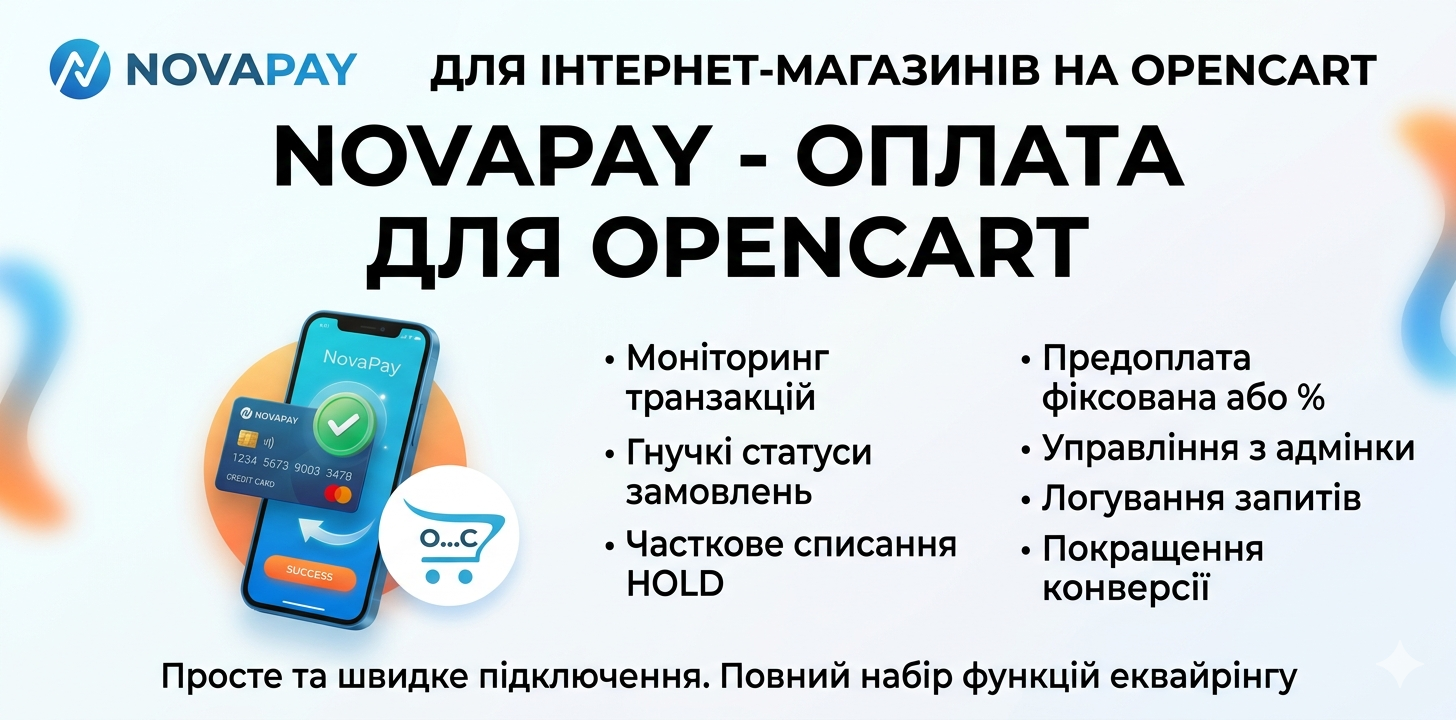
NovaPay Module integrates Nova Poshta acquiring into OpenCart 2.x–3.x. The logic is obvious: if 90% of your shipments are already going through Nova Poshta, payment within the same ecosystem looks natural to the customer.
The module's main highlight is the built-in prepayment plugin. You set an advance with a fixed amount (say, 200 UAH) or a percentage of the order, and this is what protects you from the scenario "the package went back and forth at your expense". For stores with cheap goods and a high share of cash on delivery, this one plugin alone can pay for the module faster than everything else combined.
The rest of the set is standard for the line: HOLD, full or partial refund from the admin panel, a separate list of transactions with detailed statuses, exclusion of individual cart totals from the payment amount, an error page with retry, internal log for API diagnostics.
To get started, you need a sole proprietor or LLC and an acquiring agreement with NovaPay, then you get API keys in your cabinet and enter them in the settings. This, by the way, applies to any official acquiring: no one will connect it to an individual.
WayForPay: two payment modes and invoices
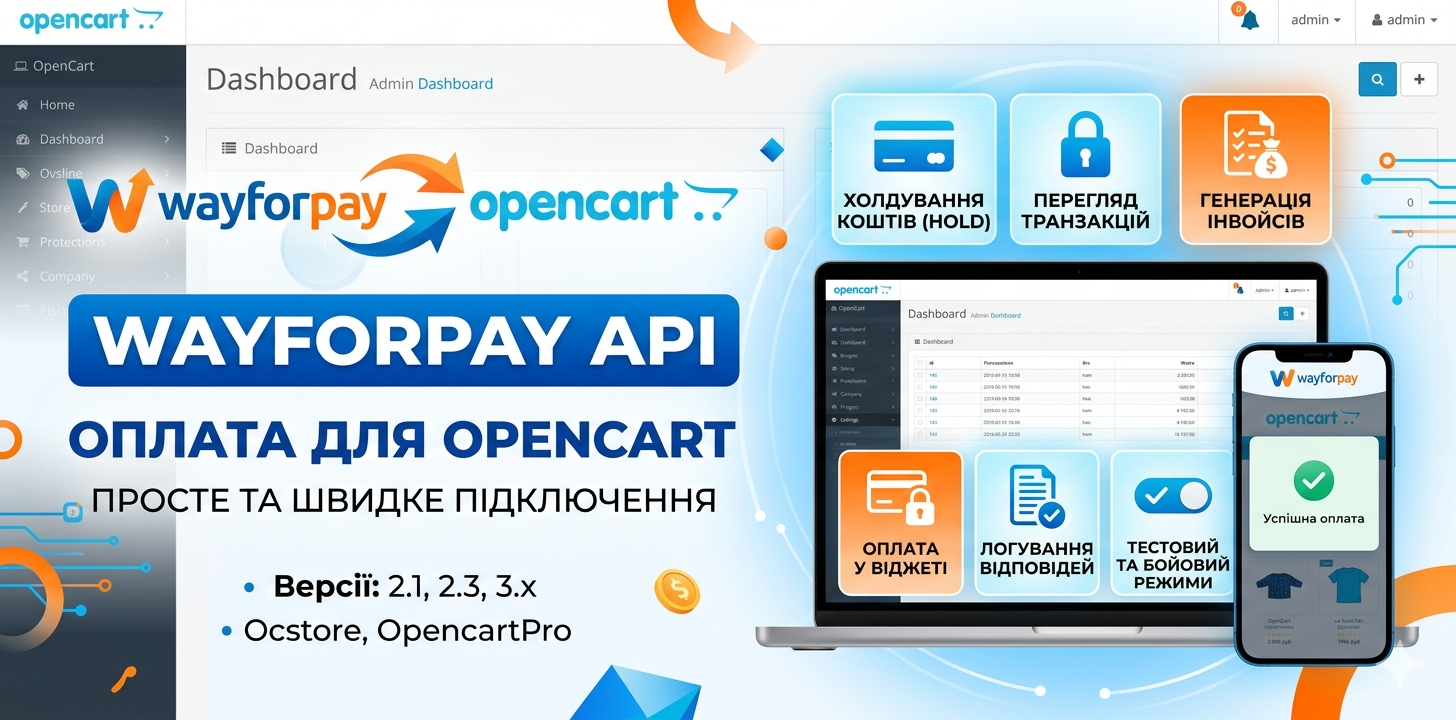
WayForPay API Module closes the integration with the eponymous payment service for OpenCart 2.1–3.x (version 4.1.0 is also mentioned in the technical details). WayForPay is traditionally chosen when working with multiple banks and a large selection of payment instruments on the service's side.
From the module's capabilities:
- Two modes: redirect to the payment system page or payment in an embedded widget without transition.
- Holding funds until manual confirmation by a manager.
- Invoices: arbitrary invoice manually, automatic generation from order data, acceptance of prepayment for any order via invoice.
- List of transactions and details for a specific order directly in the admin panel.
- Logging of payment system responses. When payment "doesn't arrive", the log answers the question in a minute instead of hours of correspondence with payment support.
In terms of code openness, the situation here is the best in the group of four: IonCube is encoded only one admin file, the rest is open for editing. For a developer who needs to customize something for a project, this is a noticeable advantage. Current version 2.1.1 (June 2026).
What to check before installation
A few things that people most often stumble over:
IonCube Loader. Without it, the modules won't start at all. Checked via phpinfo(), enabled on hosting.
HTTPS and callback. The payment system confirms payment with a server request to your site. If the SSL certificate is expired or the callback address is blocked by a firewall or security module, orders will hang in "awaiting payment" status, although the money has already been debited. The symptom is recognizable: the customer calls "I paid", but there's silence in the admin panel.
Order statuses. Before setting up the module, think through your status scheme: what does "paid" mean, and what does "hold confirmed" or "return" mean. If you hang everything on the default Processing, then in reports you'll tear your hair out.
Test run. Every module has a test mode. Run through the full cycle: payment, callback, status change, email to customer. Only then enable production keys.
Who doesn't need card payments in OpenCart
Honestly: not everyone. If you work exclusively B2B with invoiced payments through accounting, card acquiring won't give you anything. If your store gets three orders a week, the acquiring commission and setup time will hardly pay off quickly: start with free bank transfers and come back to modules when you have traffic. And if you don't have a sole proprietorship or LLC yet — register first, then acquiring, it won't work any other way.
For everyone else, the math is simple: prepayment cuts unclaimed parcels, one-click payment cuts abandoned carts, and managing payments from the admin panel saves the manager an hour or two a day. Against this backdrop, 673 UAH for a module is not the expense to economize on.
Checklist for connecting online payment
- Register a sole proprietorship/LLC if you haven't already, and conclude an acquiring agreement with your chosen payment system.
- Check IonCube Loader on your hosting via
phpinfo(). - Check PHP version: for OpenCart 3.x the target range is 7.3–8.2.
- Make sure the SSL certificate is valid and won't expire soon.
- When buying a module, specify the correct production domain (especially for WayForPay, where there's no license resale).
- Install the module via "Extension Installer" and update modifiers.
- Create separate order statuses for payment events (System → Localization → Order Statuses).
- Get API keys from your payment system's dashboard and enter them in the module settings.
- Run through the full cycle in test mode: payment → callback → status → email to customer.
- If you work with cash on delivery, enable prepayment (in NovaPay and LiqPay there are separate modules included for this).
- After launch, check the module log and transaction list for a week: discrepancies between payments and statuses are visible right there.
- You can browse and compare in the payment modules catalog.