Product Parsers for OpenCart: Import from Supplier Sites and Price Lists
Scrape products, prices and photos from supplier sites, process price lists in Excel, CSV and XML, update prices on a schedule.
 oc_kit
Parsers
oc_kit
Parsers
Products Scraper - product parser and auto-completion
The module provides the ability to easily populate the store with new products and fill in fields in existing products
 usergio ФОП Денисенко Анна Сергіївна
Data Exchange
usergio ФОП Денисенко Анна Сергіївна
Data Exchange
Suppliers
Filling the store with products. Parsing - Scraping. Supporting the store's operations by one person.

Competitor Parser - website parsing for OpenCart/OcStore
Automatically import products from any website into your online store. Once configured, the module automatically parses on a schedule, downloads photos, creates categories, and updates prices.
Filling a store by hand only works for the first few hundred products. After that, products come from supplier websites or their price lists. A product parser for OpenCart crawls another site's pages, takes names, prices, photos and attributes, creates products in your catalog from them, and then updates prices and stock on a schedule.
Website parsing
Competitor Parser works with profiles: you point it at a catalog page, sitemap or XML feed of the source and set CSS or XPath selectors for product fields. It takes the name, description, SKU, price and special price, quantity, the full photo gallery, grouped attributes and options such as size and color, and rebuilds categories from breadcrumbs. There are four import modes: new products only, updates only, both, or full sync, which removes products that disappeared from the source.
Price list processing
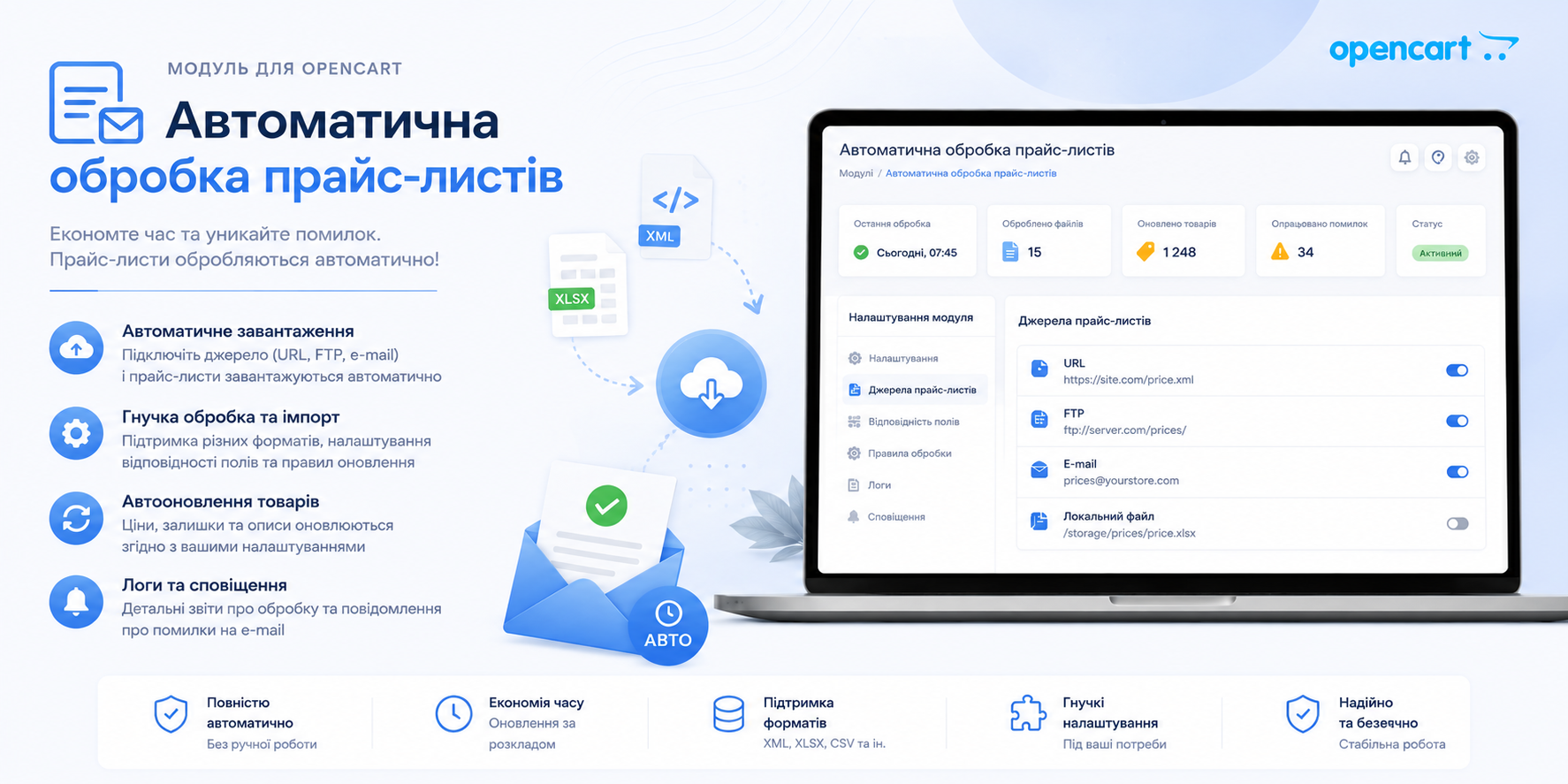
AOP adds and updates products from any number of sources: XLS, XLSX, CSV, XML with arbitrary tags and feeds, and it can also parse third-party sites. It groups products by supplier, so you can add a markup or zero out stock for one supplier only, and it generates meta data and URLs from your templates. Setup and typical scenarios are covered in the AOP module review.
XML import
If the supplier provides an XML or YML feed, you don't need a parser: UniXML imports products from the feed and updates prices and stock on a schedule. How it works in practice is described in the UniXML for OpenCart review. Other feed and marketplace export modules are in the Import and export category.
How to choose
Parsing depends on the layout of someone else's site: after the source is redesigned, you have to set up the selectors again. For stable work, prefer feeds and price lists and keep the parser for suppliers who don't provide them. All three modules run on OpenCart 3.0.x and most 2.x versions. AOP requires ionCube Loader, Competitor Parser and UniXML don't. Check the rights to the content you copy: descriptions and photos on other sites usually belong to their authors.