In a previous article I calculated what was needed to start an online store on OpenCart: a template, modules, settings, hosting and other necessary things. Perhaps someday I'll analyze the modules and templates I use separately, but for now let's talk about what to do with data when the store is already running and there are orders.
Of course, you can use CRM, accounting systems and other third-party services. But not every store needs all of their functionality. However, analyzing sales and other important metrics is necessary in any case.
What exactly needs to be analyzed in an online store?
Ideally, it would be good to draw up a proper P&L and see not just the store's turnover, but income, cost of goods, expenses and actual profit. But for that you'll have to do significant work on the OpenCart admin panel: at minimum store the cost of goods somewhere, enter other expenses and correctly reconcile it all together.
By the way, let me know if you draw up P&L, whether you even need it and what tools you use for it? Because I'm still doing this elephant manually, well, almost manually.
But let's eat it piece by piece. For now, let's at least properly understand simpler metrics.
Reporting in OpenCart
OpenCart already has some reports, but they're not very useful.
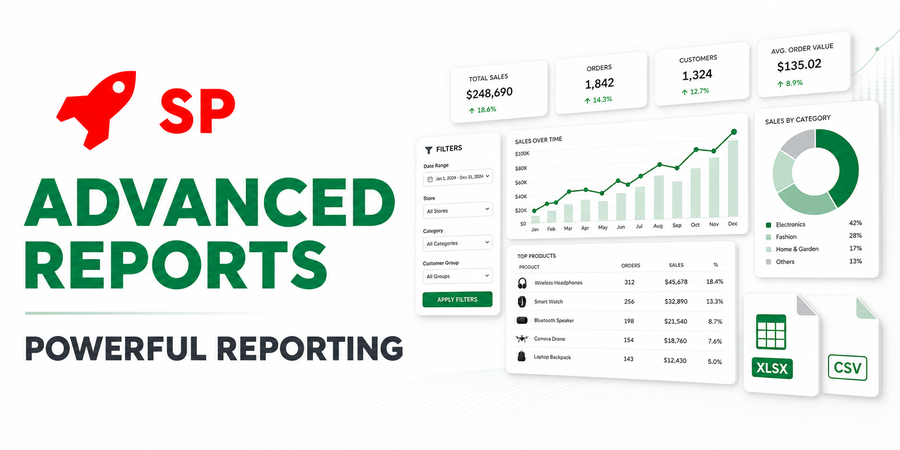
And then I came across the «Advanced Reporting»module.
My first impression was: oh my, how complicated and confusing everything is here 😄 I opened the settings, saw a bunch of fields, parameters and filters and at first didn't really understand how to approach all of this.
But that was only my first impression. When I looked at the settings a bit and understood the logic of how it works, I was pleasantly blown away by the capabilities.
First, the module has 20 ready-made reports, so you don't need to create everything from scratch. There are quite a few options for sales reports.
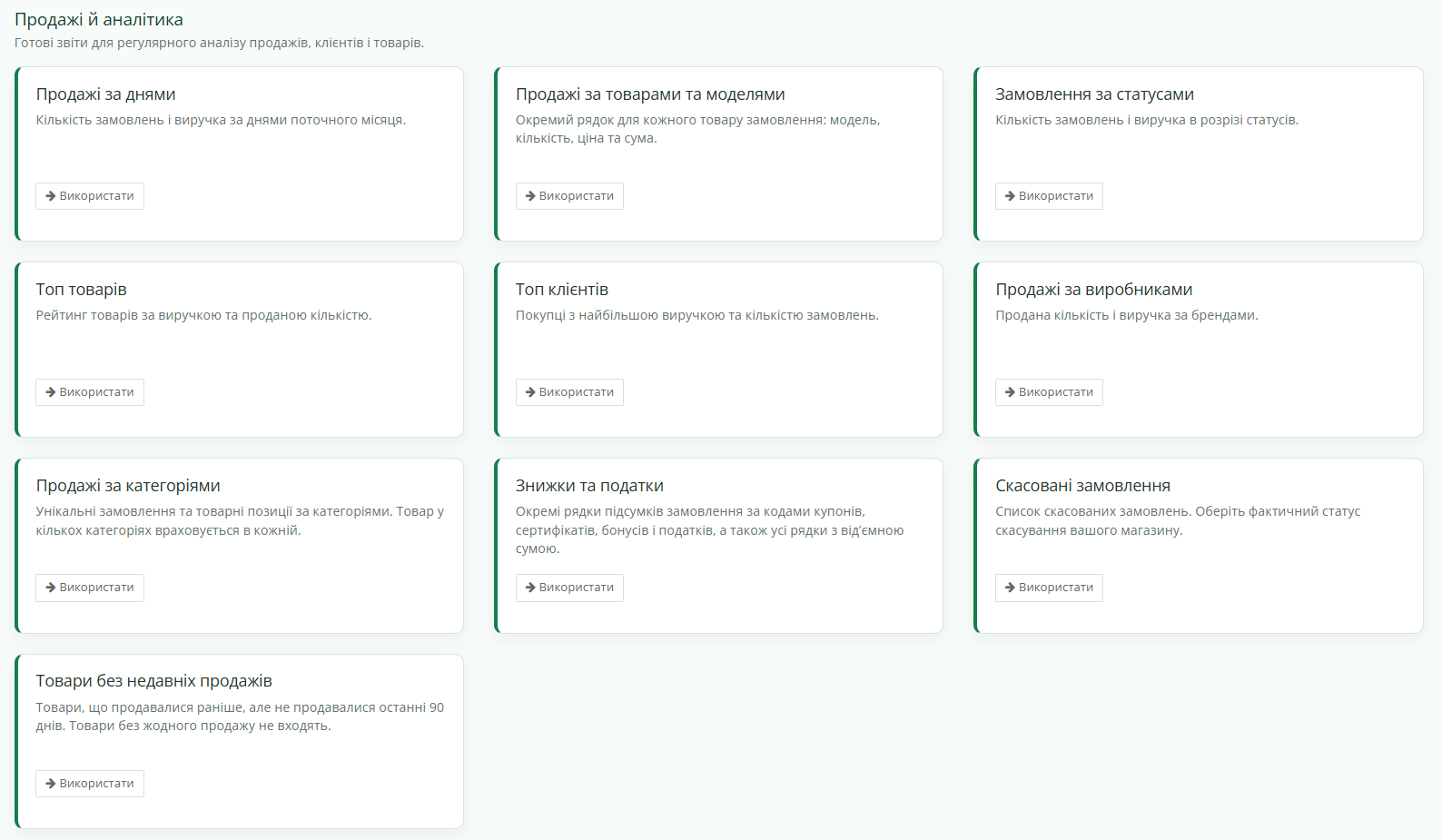
For myself, I've chosen two main ones so far: top sales and sales by period. I don't need the rest right now because I'm generally not a fan of collecting a bunch of metrics just because I can. Plus a lot of it's already in the accounting system.
But one report I needed wasn't among the ready-made ones, so I made it myself.
How many orders did advertising actually bring
I created a separate report on sales from advertising by UTM tags. Because the advertising cabinet can show a lot of nice numbers, but what I'm really interested in is a fairly simple question: how many actual completed orders did this advertising bring to the store.
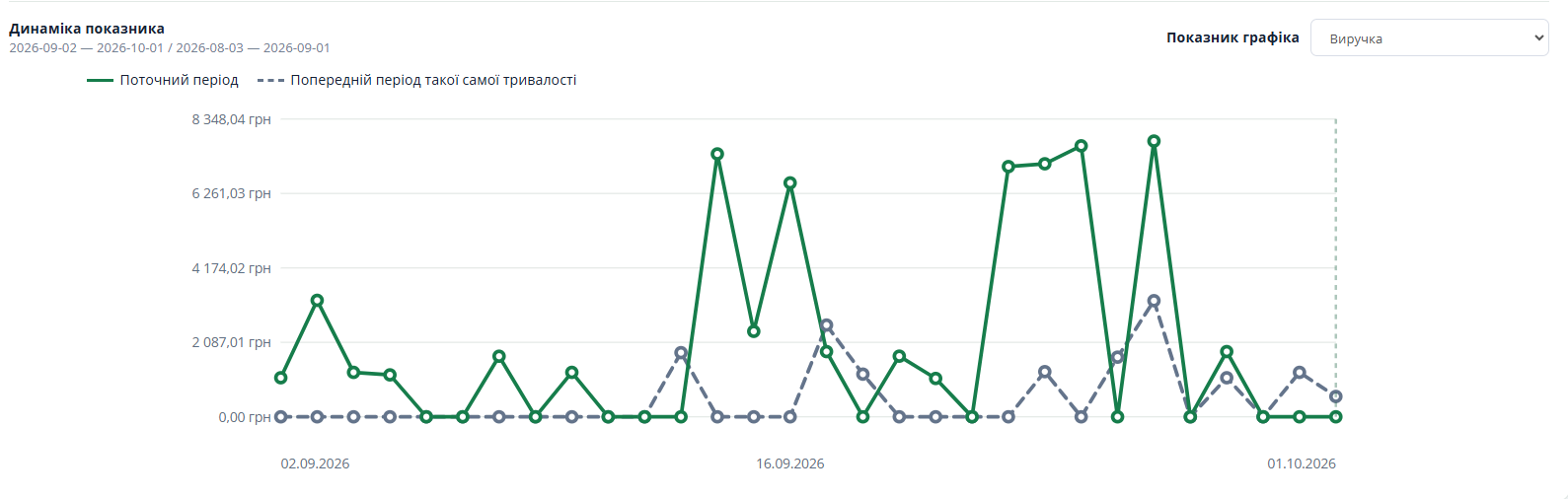
Actually, that's when I understood the main advantage of this module. Ready-made reports are great, but the system is flexible enough to assemble your own ones for your tasks. Of course, provided that the necessary data exists in the store in the first place.
Data control in the store
There's also a pretty nice section for controlling store data. You can track zero balances, prices and other product parameters, meaning you can use the module not only for analyzing sales but also for finding various issues in the catalog, orders, etc.
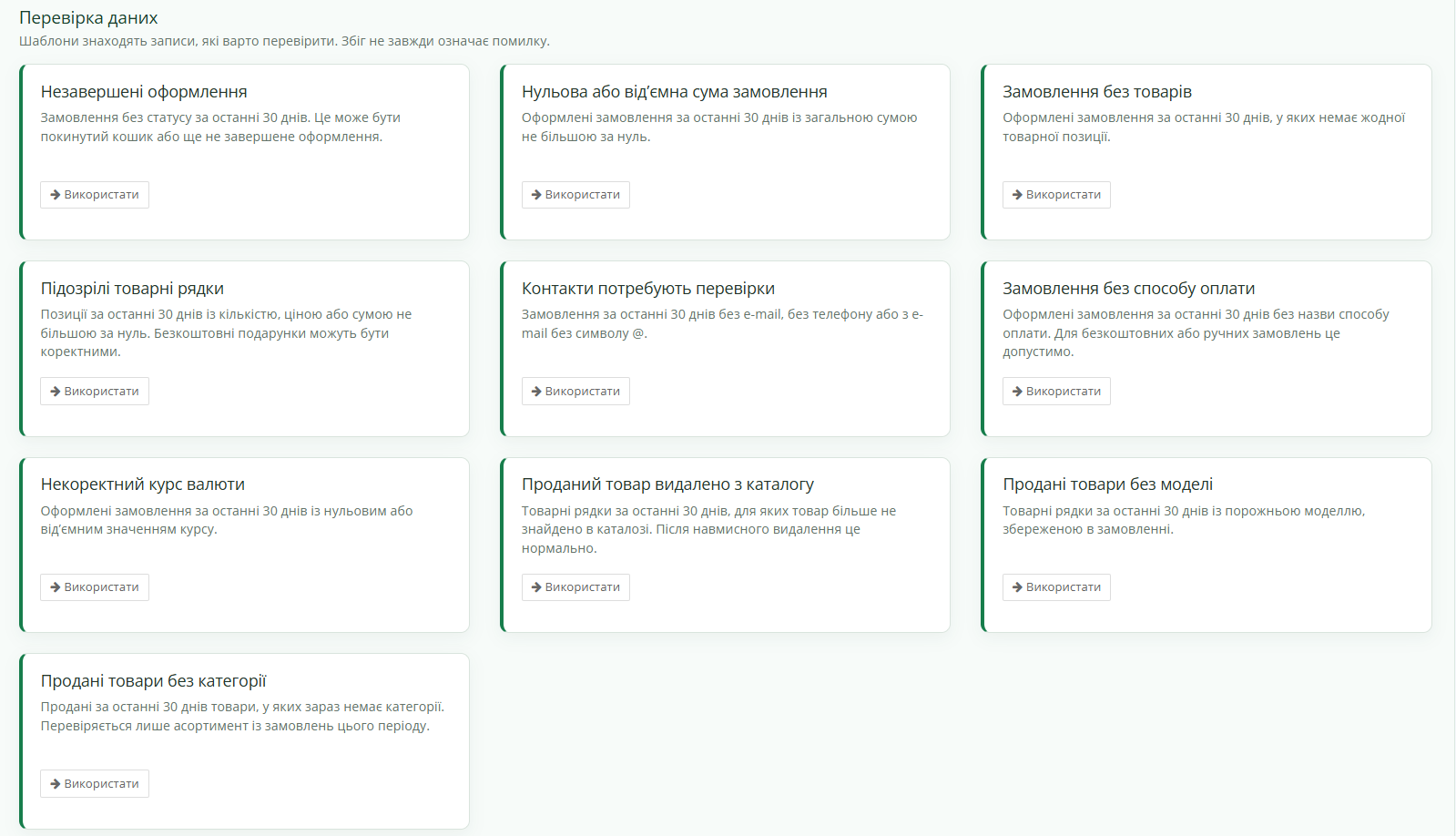
All of this is already in ready-made form. But, as I wrote above, if needed you can create your own reports and get the data slice you need.
What's it all for?
For example, I use a monthly sales report to calculate manager salaries. And that's where I found the only drawback specifically for me: I cannot filter orders by manager.
The reason is trivial. In my store, information about which manager processed a specific order is simply not recorded anywhere. Accordingly, the module has no way to get it. If you do store this information, it can be added to the report and you can get a separate view of manager performance. I've already made a note to add this soon myself.
And now my favorite feature
The most convenient feature for me personally is the automatic sending of reports to Telegram.
Because I regularly have this situation: I need to check certain metrics every Monday, I know this perfectly well, and then Monday comes and I happily forget about them )
Here the problem is solved once. You configure the needed report, set the time, and then you receive it in Telegram exactly when you need it. And for basic analysis, you don't even need to open the admin panel on a computer; you can view the data simply from your phone.

For me, this is much more convenient than another beautiful dashboard that I still need to remember to open.
A little secret
The author created a module based on my requirements for planning inventory based on previous sales. It's quite flexible: it's configured for each product individually, you can set the analysis period and the timeframe for which you need to keep stock on hand.
This was important to me because, in addition to selling products, I also produce them, and production takes time. So once a week I receive a report in Telegram showing which products are running low and need to be sewn, and which products haven't been sold in a long time. And based on this data, I plan orders to production.

I'm planning to automate this so that orders go to production automatically, but it all requires time for testing. If anyone is interested in such functionality, write to me. It can be obtained as an add-on to the reporting module.
What's the result
It's impossible to describe all the module's capabilities in one article because there really are many. And I wasn't aiming to write documentation anyway. I'm more interested in looking at such things from the perspective of real store tasks.
In my case, the module currently covers sales analysis, top products, advertising orders, provides data for calculating manager salaries, and allows me to monitor specific store data. And the needed reports even come to Telegram on their own. Simply a tired director's dream.
So if you need a tool for sales analysis but don't want to pull OpenCart data to third-party products for this, this option is definitely worth your attention.
And I'll get to a full P&L in OpenCart someday 😺