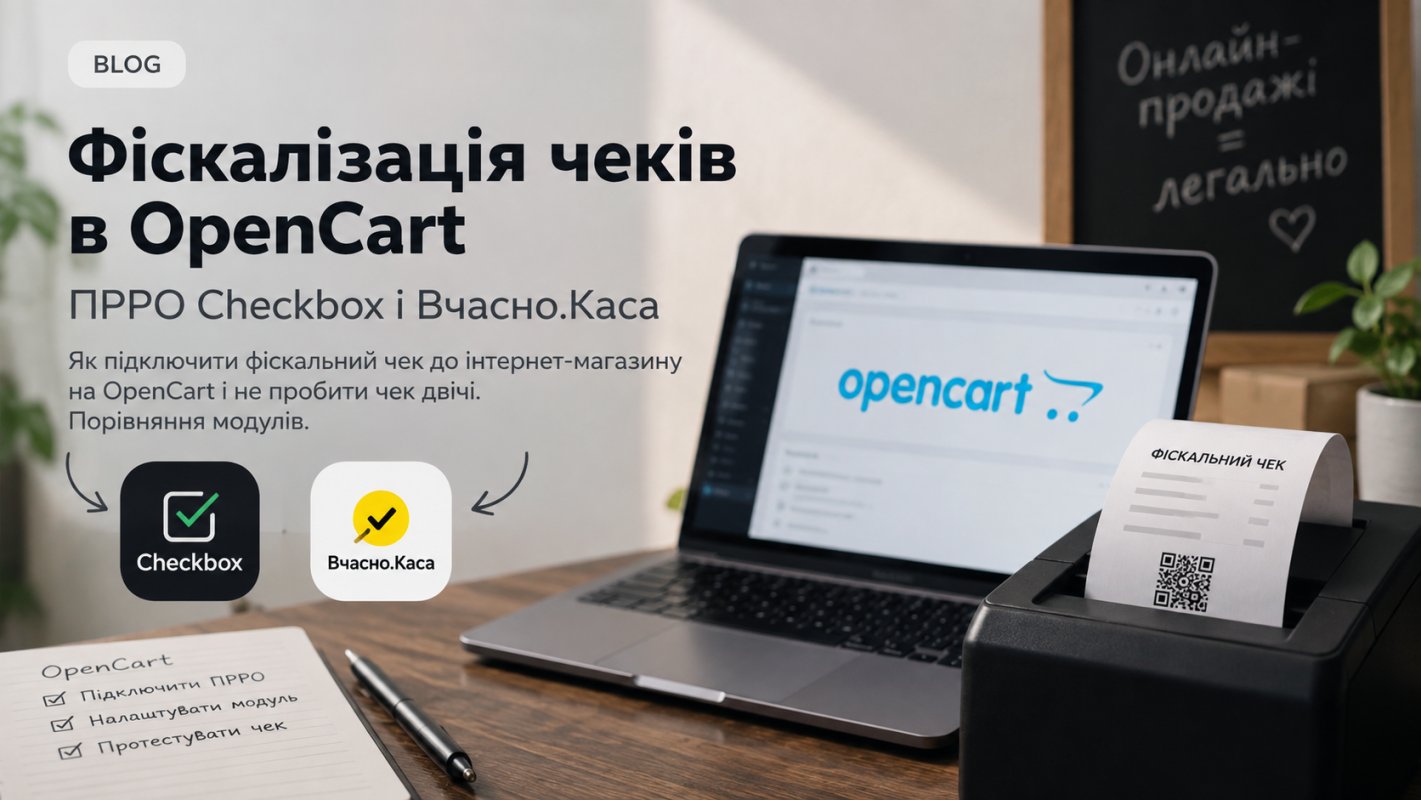
The buyer paid for the order with a card on the website, and the store now needs to issue them a fiscal receipt. When there are ten orders a day, the manager transfers them to the cash register cabinet manually. With fifty orders, errors appear: delivery doesn't get into the receipt, the coupon isn't counted, one order is rung up twice. Below is a breakdown of when a receipt is mandatory, what the fiscalization module does in OpenCart 3, and how two such modules from the OpenCart Code marketplace differ.
When an online store needs a fiscal receipt
The obligation depends on the payment method. The fact that the sale goes through the website doesn't change anything. Law No. 265/95-VR requires settlements to be conducted through a cash register or mobile cash register and to issue the buyer a receipt, either paper or electronic.
Payment method | Who issues the receipt |
|---|---|
Card on the website via payment gateway (LiqPay, WayForPay, etc.) | Store, at the moment of payment |
Payment link or QR code for acquiring | Store, at the moment of payment |
Transfer to FOP account by IBAN | Receipt not required |
Cash or card to your courier | Store, during settlement |
Cash on delivery, which the carrier accepts on their behalf and fiscalizes themselves | Carrier |
Delivery by a courier who does not participate in the settlement | Store, no later than when the buyer receives the goods |
Refund for a fiscalized sale | Store, return receipt |
What else you should know:
- FOP of the first group are exempt from cash registers/mobile cash registers.
- LiqPay receipt, bank statement, or terminal confirm payment. They do not replace a fiscal receipt.
- For cash on delivery, open a contract with the carrier and clarify who accepts the money from the buyer and on whose behalf transfers it to you. This determines whether you need to issue your own receipt.
- Preferential fines for FOP on unified tax were in effect until July 31, 2025. Now, for an unconducted settlement or failure to issue a receipt, the fine is 100% of the transaction amount, and for each subsequent violation 150%.
Check an atypical payment scheme (partial prepayment, marketplace, aggregator) with your accountant before setting up the module.
What the mobile cash register module automates in OpenCart
Without integration, the manager opens an order in the admin panel, then the cash register cabinet, and manually transfers goods, quantities, prices, discounts, delivery, and payment method. The module takes this data from the order, transfers it to the mobile cash register service API, and saves the fiscal receipt number in the order.
Before purchasing, check if the module can do this:
- Calculate the amount like a payment gateway. Coupons, discounts, delivery, and rounding should give the same amount that was charged to the buyer's card.
- Not ring up the receipt twice. You can change the order status several times, and a second sales receipt for the same order will then have to be processed as a return.
- Make a return receipt linked to the sales receipt.
- Manage shifts. Opening, closing, and Z-report every day when there were settlements.
- Keep a log. When the cash register API returns an error, you should see its text, not find out from the buyer that the receipt didn't arrive.
Checkbox PRRO module for OpenCart 3
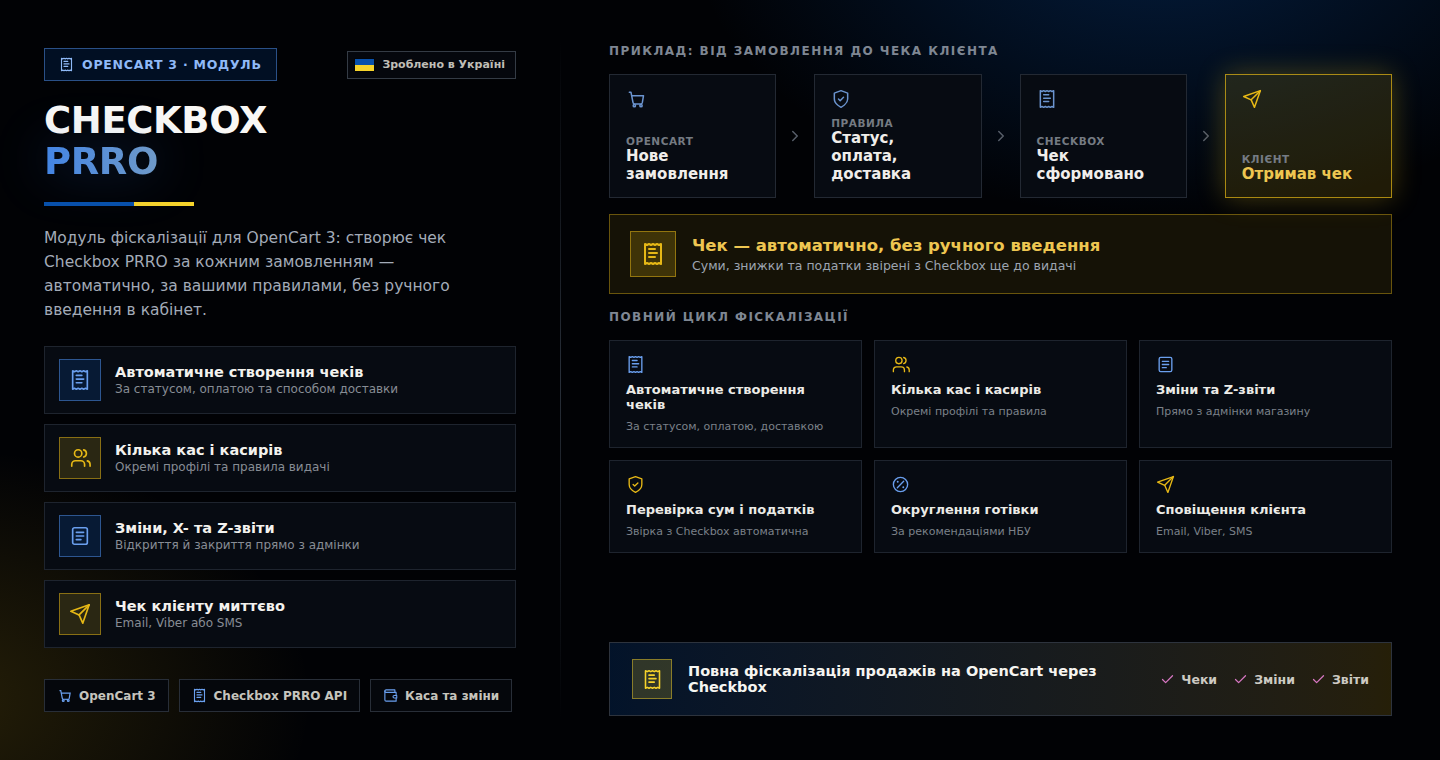
Checkbox PRRO module from developer SSHEVA connects your OpenCart 3 store to the Checkbox service. Receipts can be issued manually from the admin panel or automatically on a schedule. Launch rules are set by order status, payment method, and delivery method.
The module supports multiple cash registers and cashiers, and each profile has its own settings and rules. The shift is opened and closed from the admin panel, where X- and Z-reports are also available. The module calculates amounts, discounts, surcharges, and taxes from the order and verifies them against the amount in Checkbox. Cash settlements are rounded according to NBU rules.
The receipt can be sent to the buyer via email, Viber, or SMS. Other features include:
- cash service intake and disbursement;
- checking the status of issued receipts and returns;
- importing archived receipts previously issued by another tool, so all history is stored in one place;
- encryption of account details and differentiation of administrator rights;
- splitting a large order into multiple receipts by Nova Poshta (New Mail) invoices (experimental option).
If you have the Nova Poshta Delivery module with bulk TTN creation, Checkbox PRRO works with it as a pair.
The module is installed by the developer on your site to check compatibility with the theme and server. Before purchasing, message them privately and describe your payment scheme.
Vcasno.Kasa module for OpenCart 3
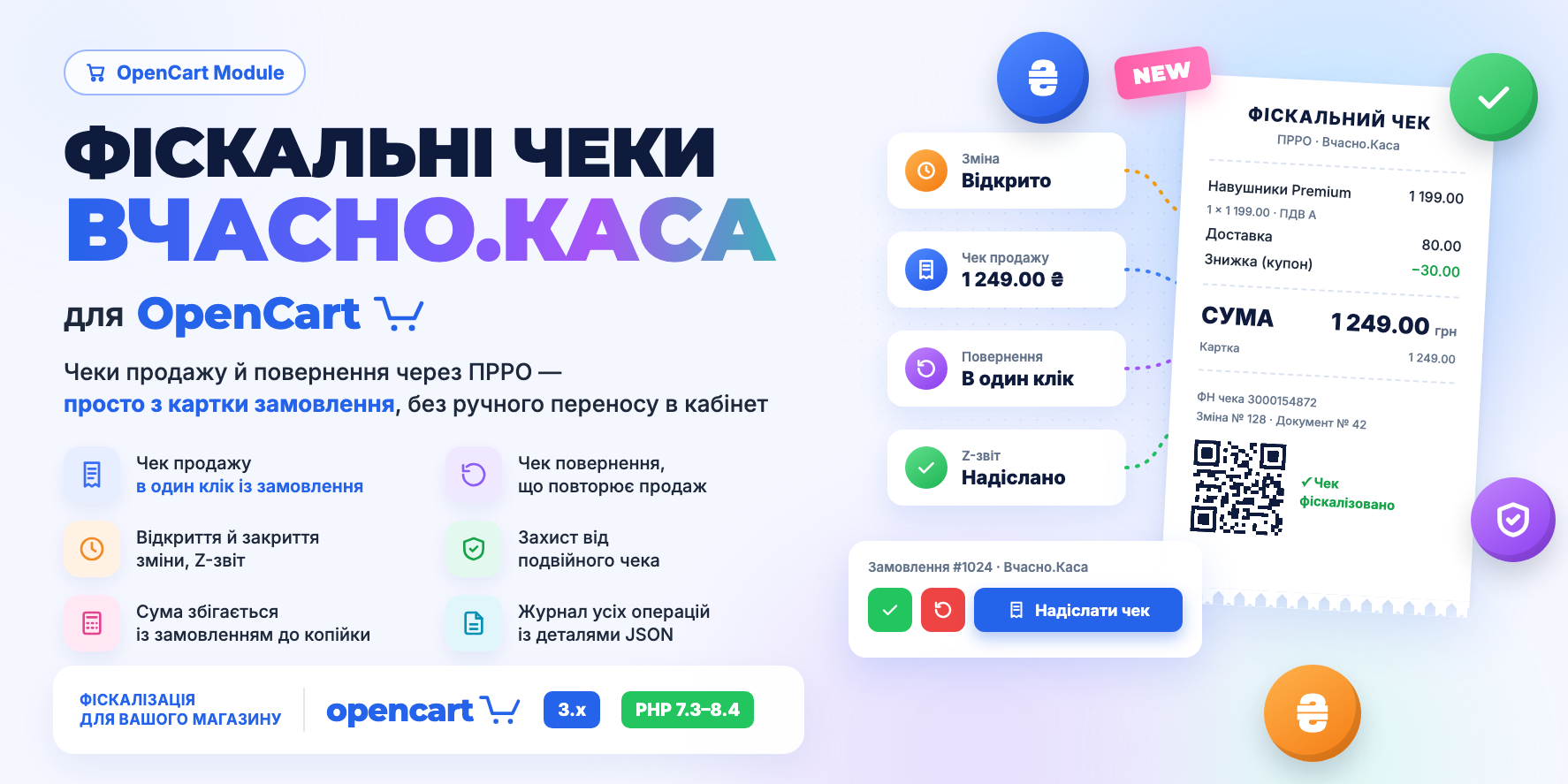
Vcasno.Kasa module from Yevhenii Lysenko issues sales and return receipts through Vcasno.Kasa mobile cash register from the OpenCart admin panel.
The return receipt is compiled by the module from the data that went into the sales receipt. After the sale, the manager could edit the order: remove a product or change the price. The return will still repeat what was actually sold.
The module opens and closes the shift along with the Z-report. If the shift was already opened in the Vcasno cabinet, the module will see this and won't open another one.
All calls to the cash register are collected on a separate history page. It shows the date, fiscal number, document number, operation type, order, amount, status, and error text. Details of each request are stored in JSON, so the developer can find the cause of the failure without access to the cash register cabinet.
Version 2.0.1 has a test mode and protection against duplicate receipts. The interface is available in Ukrainian, English, and Russian. The license is activated automatically, and the module can be installed independently.
Checkbox or Vcasno.Kasa: module comparison
Parameter | Checkbox PRRO | Vcasno.Kasa |
|---|---|---|
Mobile cash register service | Checkbox | Vcasno.Kasa |
OpenCart / ocStore | 3.0.0–3.0.5 | 3.0.0–3.0.5 |
PHP | 7.4+ | 7.4+ |
ionCube Loader | 15+ | 15+ |
Receipt launch | manually or on schedule, rules by status, payment, delivery | from OpenCart admin |
Multiple cash registers and cashiers | yes | not specified |
Shift | opening, closing, X- and Z-reports | opening, closing, Z-report, checking already open shift |
Returns | yes | yes, based on sales receipt data |
Receipt sending | email, Viber, SMS | not specified |
Operations log | checking receipt statuses | separate history page, JSON details |
Test mode | yes | yes |
Protection against duplicate receipt | yes | yes |
Split by Nova Poshta TTN | yes, experimentally | no |
Module languages | Ukrainian, English | Ukrainian, English, Russian |
Installation | developer | self-service |
Price (September 2026) | 1,565 ₴ | 894 ₴ on sale, regular 1,565 ₴ |
First, check which mobile cash register service your cash register and cashiers are already registered with. The module only connects to it, so switching to another service rarely makes sense.
If the service hasn't been chosen yet, base your decision on your needs. Multiple cash registers, sending receipts via Viber or SMS, many Nova Poshta shipments with splitting into multiple TTNs are better covered by Checkbox PRRO. For a store with one cash register that needs test mode and detailed error logging, Vcasno.Kasa is sufficient.
How to enable fiscalization in OpenCart
- Register the mobile cash register. Submit form 20-OPP for the business entity, register the cash register and cashiers. The name and address of the business entity on the receipt must match the data in the State Tax Service.
- Get the connection details. In the Checkbox or Vcasno.Kasa cabinet, find the cash register and cashier data to work through the API.
- Check the hosting. Both modules are encoded with ionCube, so the server must have ionCube Loader 15 or newer. The version is shown in
phpinfo(). - Install and configure the module. Set the statuses and payment methods by which the receipt is issued. Don't add IBAN payment and cash on delivery that the carrier fiscalizes to the rules.
- Test with a sample order. Take an order with a coupon, discount, and paid delivery. The receipt amount must match the payment amount to the cent. Then process a return.
- Set up shift closing. A Z-report is needed every day there were settlements.
Common mistakes in fiscalization in OpenCart
- Receipt for an unpaid order. The rule "issue receipt when status is 'Processing'" will also trigger for an order still waiting for IBAN transfer.
- Receipt amount doesn't match payment. Most often, delivery doesn't get into the receipt or the coupon is applied after rounding.
- Return from an edited order. The manager changed the order contents, and now the return receipt doesn't match the sales receipt.
- Canceling an order without issuing a refund receipt. The manager processes the refund via the payment service dashboard and sets the status to "Cancelled" but does not issue a refund receipt. Since the original sales receipt has already been transmitted to the State Tax Service, every refund requires a refund receipt that references the original transaction.
- Unclosed shift. Without a Z-report for a day with settlements, the cash register violates mobile cash register procedure.
Frequently asked questions
- Do I need a mobile cash register if payment goes through LiqPay or WayForPay?
- Yes. Card payment through a payment gateway on the website is considered a card settlement, and the store issues a receipt at the moment of payment.
- Do I need a receipt if the buyer pays by IBAN details?
- No, if the buyer transfers money themselves to the current account of an FOP or company without card acquiring.
- How does the buyer receive an electronic receipt?
- The receipt is sent to email or phone, shown via QR code or in a personal account, or included in the shipment on paper. Paper and electronic receipts have the same legal force.
- What if the buyer doesn't pick up the cash on delivery package?
- If you didn't receive the money and didn't issue a sales receipt, a return receipt is not needed. Save the carrier's documents about the shipment return. If the sales receipt was already issued, submit a return through the mobile cash register on the day you receive documents about the return from the delivery service.