Typical picture: a store has five suppliers, and each sends a price list in their own format. One sends a neat XLSX, another CSV with mangled delimiters, a third gives a link to an XML feed that updates every night. The manager sits down every morning and manually consolidates this into one table for some importer, but by the time they're done consolidating, the prices are already outdated. A client orders a product that the supplier no longer has, you call to apologize. Familiar situation? Then keep reading.
Built-in import in Opencart as such is absent: there is no tool in the admin of versions 2.x and 3.x that would take a supplier's price list and organize products by categories. All that comes out of the box is manual product creation in Catalog → Products.
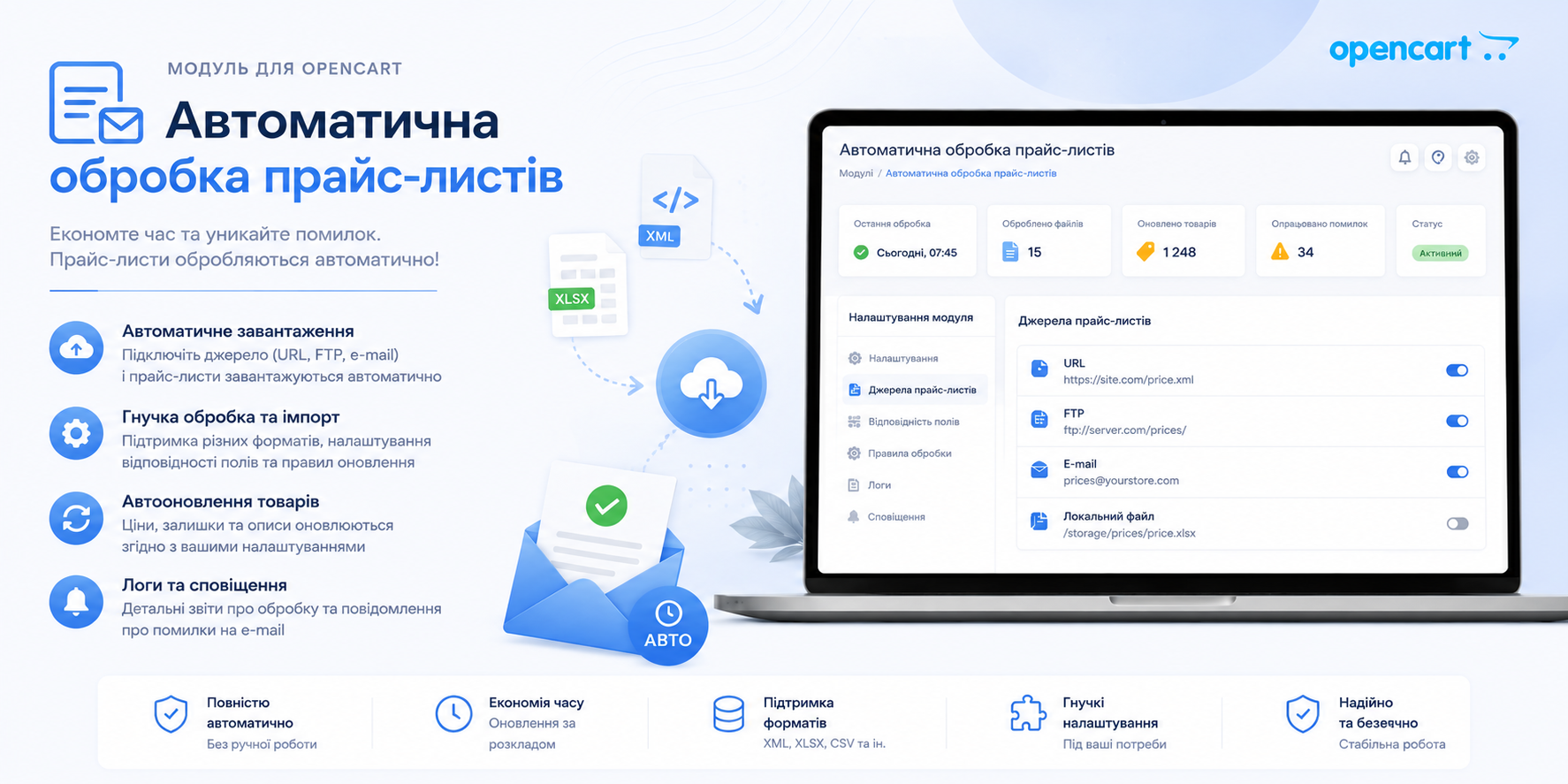
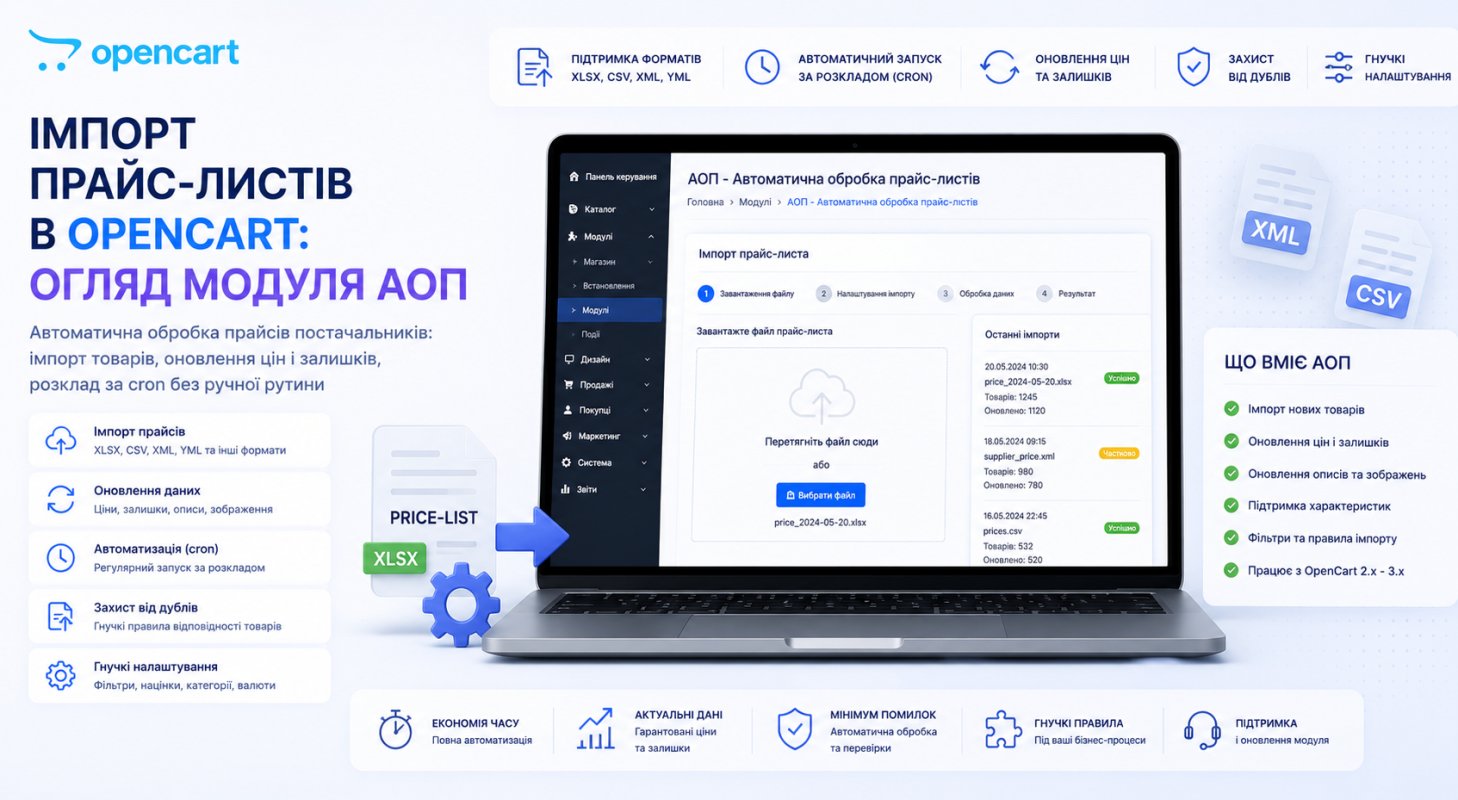
The module "Automatic Price List Processing" (abbreviated AOP) by developer usergio closes exactly this problem. The module has been known in the OpenCart community for a long time, and it's now available on the opencartcode.com marketplace. Let's figure out what it can really do and where its limits are.
Any price, not "price for the module"
The first thing that distinguishes AOP from simpler importers: it doesn't require bringing the price to its template. It supports XLS, XLSX, CSV, XML with arbitrary tags, XML-Excel and feeds. You show the module once which column has the article number, where the price is, where the stock is, and then it processes the file itself, no matter how many times the supplier updates it.
This is a fundamental difference. A common beginner mistake is to buy a cheap importer that only works with the "correct" file, and then spend months manually converting supplier price lists to that format. All the time savings get eaten up by file preparation. AOP is configured for the price, not the other way around.
Sources can be anything too: a file from disk, a direct link, email, FTP. For supplier feeds that update on a schedule, this is critical, more on that below in the cron section.
Suppliers as logic, not just a list
The second name of the module is "Suppliers" not by chance. AOP ties each product to a specific supplier, and this opens up operations that standard OpenCart doesn't have in principle:
- zero out stock for only one supplier (they went on vacation, products honestly disappeared from availability);
- add a markup only to their products;
- delete their entire assortment;
- replace attribute values only in their products.
In practice, the most valuable function here is related article numbers. Anyone working with multiple suppliers knows the pain: the same product in two price lists goes under different article numbers, and naive import creates a duplicate. These duplicates then spread through search results, cannibalize each other in Google, and cleanup becomes difficult. AOP allows you to tie multiple article numbers to one product and the product updates by any of them, no duplicate is created. The number of links is unlimited.
A separate nice touch: when the module is installed, it adds a "Article Number" field to OpenCart options. Options become addressable, they can be found and updated by article number, and the product price is recalculated as the minimum among options.
Updates with surgical precision
Importing a product once is half the battle. The real work starts after, when the price comes daily and you need to update existing items without breaking what you've manually perfected.
AOP works in two modes simultaneously: it adds new products and updates existing ones. And when updating, it listens to very detailed instructions: only prices, only stock, only descriptions, only main photo or only additional, only attributes. You can add text to an existing description at the top or bottom without overwriting it. You can update only products created after a certain date.
This is the nuance that distinguishes a practitioner's tool from a toy. If you've spent a month polishing SEO descriptions, and the next import overwrites them with raw text from the supplier's price, the work is in the trash. In AOP, such a scenario is simply disabled with a checkbox.
There's also an input filter: products with zero stock, unwanted manufacturers or categories are filtered out at the entrance in "Exclude" or "Allow" modes. And replacement tables allow you to fix attribute, option and manufacturer names on the fly: the module displays everything in the price, you set "what to replace with what" and the data enters the store already prepared. If you have a zoo of attributes like "Memory Volume / Memory Size / Pamyat", this function is worth half the module's price.
SEO wasn't left for later
Mass import without attention to SEO is hundreds of products with empty meta tags and URLs like index.php?route=product/product&product_id=1234. AOP generates metadata, friendly URLs and even image file names based on templates you set yourself. The same for categories: if the price has a category structure with nesting, the module creates it in the store along with metadata.
Languages and stores in the module are unlimited. There's even a tool that adds a new language to a live store "on the fly" without reinstallation.
Prices with an eye on competitors
A function you'll rarely find in importers: automatic pricing based on competitors' prices. You set the rules: a hryvnia less than minimum, ten below average. A safety mechanism is built in and the price won't fall below the purchase price with your supplier discount in mind, so the module won't push you into losses.
Such automation requires a head on your shoulders. Rules should first be tested on a small group of products and see what happens, and only then run them across the entire catalog.
Cron: a store run by one person
The motto on the module's page: "store maintenance by one person" and it stands on the scheduler. The scheme is: at a set time cron takes the price from a link, from email or FTP, performs up to three prep tasks (for example, zero out a supplier's stock), processes the price according to your settings and closes the cycle with six final tasks: round prices, add markups, delete duplicate photos, set promotion deadlines. And this for each supplier separately.
Set it up once and every morning the store wakes up with current prices and stock while you're having coffee. This is exactly how it should work.
Tools for all occasions
Besides the main import-update cycle, the module has a huge collection of standalone tools that work without any price list. The developer claims about three hundred. From what actually closes an administrator's daily pains: find and replace in names, descriptions, attributes; remove links to other websites from descriptions (anyone who scraped descriptions understands); delete duplicate products, photos, attributes; disable empty categories; convert webp to jpeg and back; soft delete products; round prices to nine.
Separately stands the "Plagiarism Fighter" — a generator of more unique descriptions through synonyms and random inserts. The developer himself advises using it carefully and testing it first on a few products. I agree: I wouldn't run a mass description overhaul without proofreading, it's too expensive to fix later.
Export and store migration
AOP can not only upload data but also extract it: 14 export options from a short price list to a full dump with attributes, options, bonuses, categories and photo links. Format: table or XML feed. There's order, category and price list export with added markup, and the built-in filter lets you export not everything, but a slice: by categories, manufacturers, word in name, price update date.
For a move to a new site this is ready transport: dumped a full price list from the old store, uploaded it to the new one with the same module. By the way, if the migration is planned along with a hosting change, then at CloudHosting they do OpenCart store migration for free, plus it's not just hosting, everything is tuned for productive OpenCart operation.
Requirements and limitations: read before buying
Now about what is usually hidden in fine print on praise pages.
ionCube Loader is required. The module code is encrypted, without ionCube it won't run. Before buying, check your hosting: create a file with phpinfo() and look for ionCube in the output. An important nuance that trips people up: the loader must match your site's PHP version. If the hoster provides PHP 8.3, but ionCube is built for 7.4 — the module won't start, and that's a hosting issue, not a module issue.
PHP: 5.6 – 8.3. A wide range, PHP 8.3 support for a module under OpenCart 2.x/3.x is a good sign that the code is maintained, not abandoned.
License. Activation by key, license for 2 domains, meaning production site plus test, which is fair. The module contacts the developer's server, but if the server is unavailable, the addon continues to work. This is important: the store won't go down because of someone else's infrastructure.
Localization and support: Ukrainian, English, Russian. Support is claimed to be unlimited.
Summary
AOP is not a single-task module, but a harvester for daily store management: import from any formats, managed updates, supplier logic with the duplicate problem solved, competitor-based pricing, cron automation and three hundred utility tools on top. For a store on OpenCart 2.x/3.x with multiple suppliers and live inventory it pays for itself quickly: the very first month without manual price consolidation puts everything in its place.
The price on opencartcode.com is 39 USD per license. Against the backdrop of what a month of a content manager's work costs manually consolidating prices, that's peanuts.
Checklist before purchase and launch
- Make sure your hosting has ionCube Loader for your PHP version (
phpinfo()) - Go to the demo admin (demo/demo) and see the interface live
- Collect price lists from all suppliers and review documentation for your formats
- Before your first import, do a full database backup
- Do the first run on a test domain (license 2 allows this)
- Set up the input filter so you don't pull in products with zero stock
- In update settings, disable overwriting fields you've edited manually (descriptions, meta)
- Test competitor-based pricing on a small product group
- Enable cron only after 2–3 successful manual imports