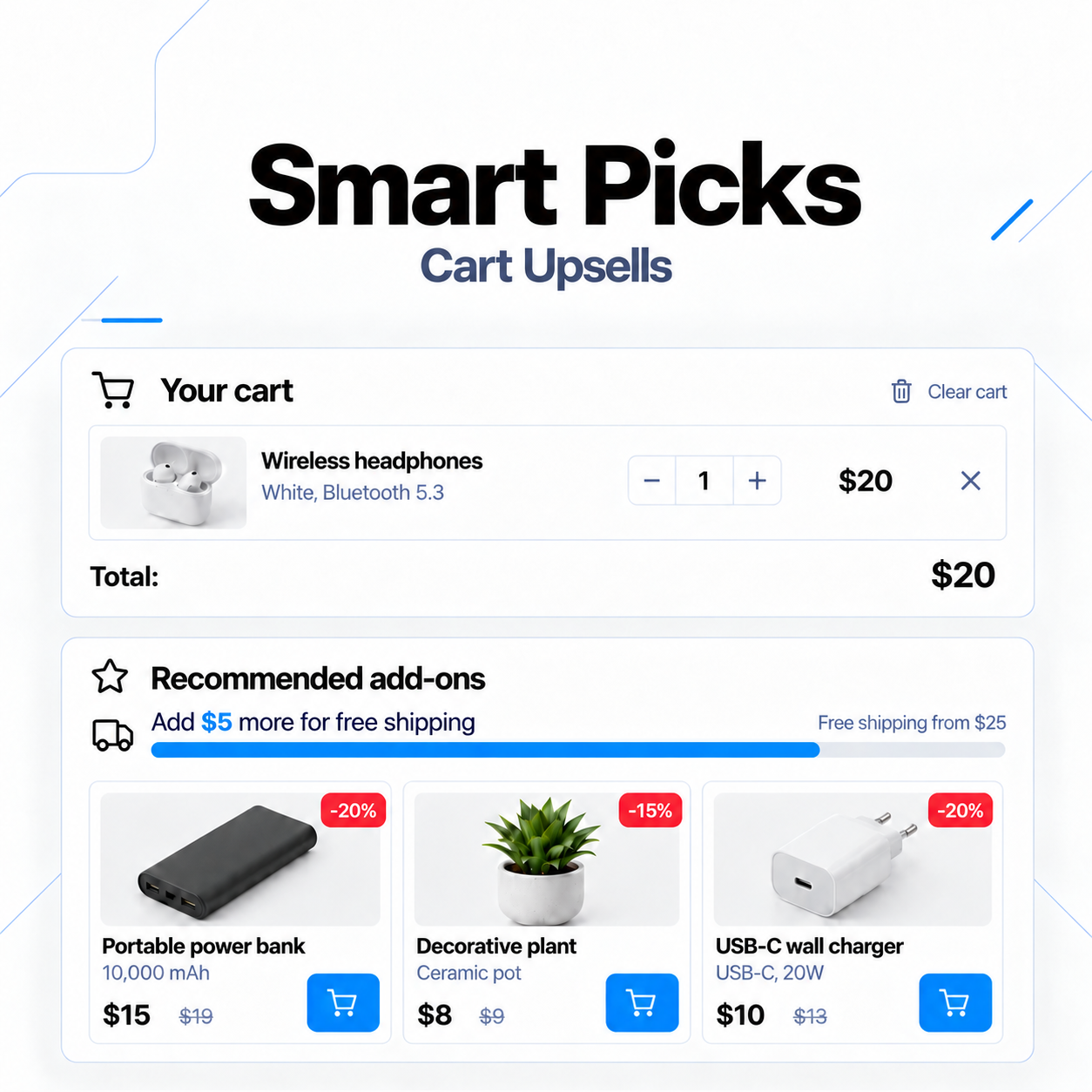
Smart Picks - recommendations and upselling of goods in the OpenCart cart
Smart Picks - recommendations and upselling of goods in the OpenCart cart
Adds a compact block of personalized recommendations to the store. The module helps display relevant products to the customer, increase the average order value, and simplify upselling without leaving the checkout page.
Promo code will be applied automatically when you add the product to cart
Enter domain without www, http, https (e.g. example.com)
Description
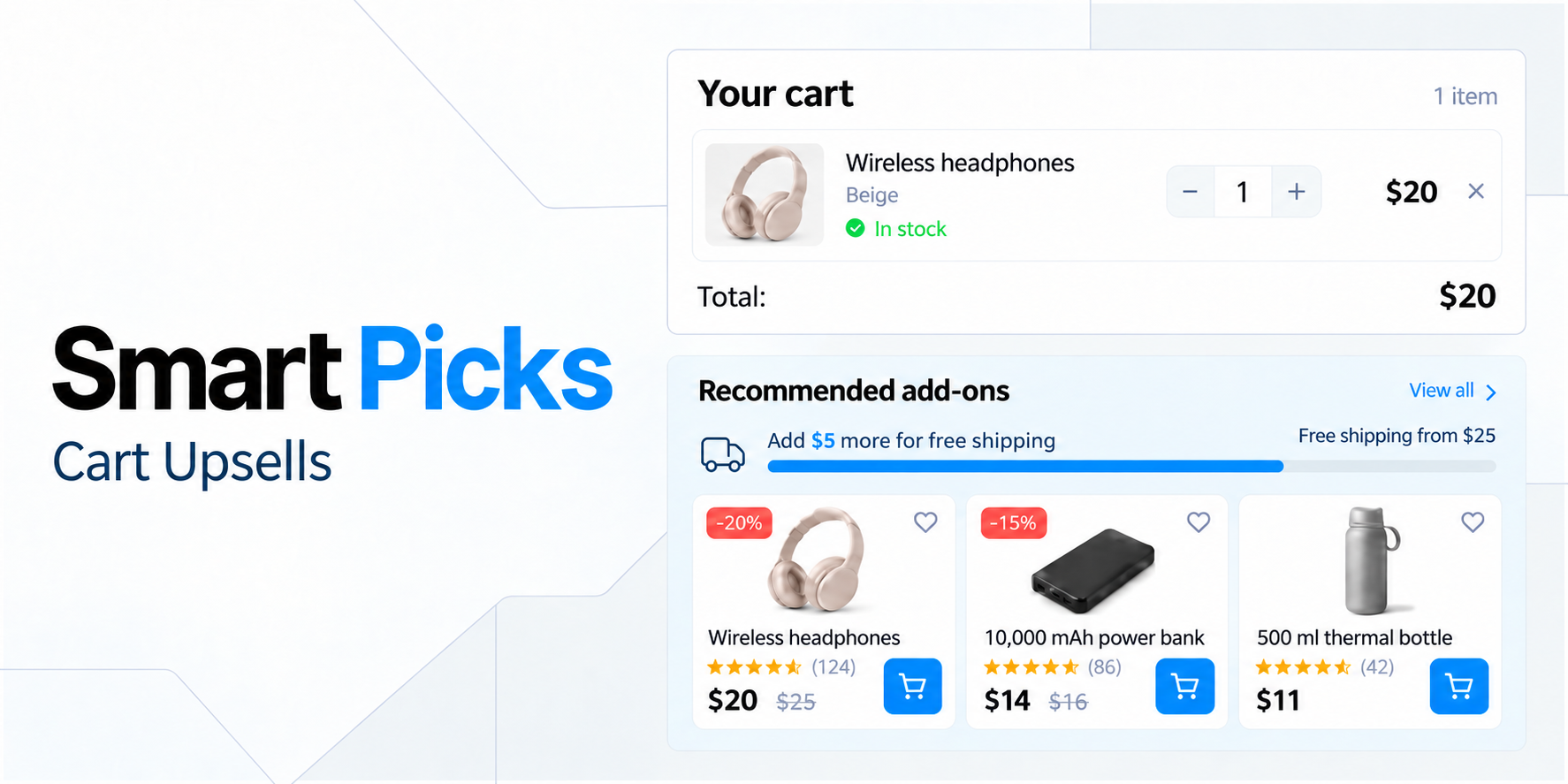
Smart Picks — a module for creating personalized recommendations in the cart and on the checkout page. It helps display relevant additional products to the buyer and increase the average order value.
The customer can view a product, select options, and add it to the cart without leaving the checkout page.
Flexible recommendation formation
The module supports several product sources:
- Manually selected products (highest priority);
- Related products;
- Products frequently bought together;
- Products from categories represented in the cart;
- Best sellers;
- New products for a specified period.
Automatic sources supplement the selection to the established limit, and duplicates are removed automatically. The "Frequently Bought Together" function analyzes completed orders taking into account a specified period and minimum number of joint purchases.
Relevance control
The store owner can precisely configure display rules:
- Do not recommend products already in the cart;
- Show only available products and exclude items with mandatory options;
- Limit the maximum price of recommendations and the limit of products from one category;
- Give priority to promotional products;
- Automatically shuffle the selection and limit the total number of products in the block.
Block display conditions
Smart Picks can be displayed only under certain conditions:
- Minimum number of products, as well as minimum/maximum cart amount;
- Presence in the cart of products from selected categories;
- Buyer type (guest or registered) and specific buyer groups (for example, separate selections for retail and wholesale customers).
Quick view and AJAX adding
Clicking on a recommended product opens a responsive quick view window directly in the checkout. The client sees the image, model, availability, prices, description, quantity selection, link to the full page, and standard OpenCart option types (lists, radio buttons, checkboxes, images, texts, date/time).
Products without mandatory options are added to the cart in one click via AJAX with clear messaging. Option selection errors are highlighted directly in the quick view window.
Design, responsiveness, and navigation
- Card formats: compact, minimal, and showcase (automatically adapt to disabled description or prices).
- Mobile version: convenient horizontal carousel with navigation arrows that appear only when needed.
- Interactivity: category tabs for switching without reloading, automatic and manual scrolling, discount stickers, old/promotional prices, and a compact offer timer.
- Free shipping: built-in progress indicator for reaching the free shipping threshold (with the ability to disable it).
Customization and technical advantages
- Design: accent color settings, borders, rounding, image sizes, and additional isolated CSS.
- Multilingual: separate title and subtitle for each language (support for Ukrainian, English, Russian).
- Placement: connection through standard OpenCart layouts with the ability to create multiple independent instances.
- Optimization: absence of heavy background processes, selection caching, batch queries, and single connection of shared scripts and styles. If conditions are not met, an empty block is not displayed.
Specifications
- OpenCart Version
- 3.0.0
- Module Localization
- Ukrainian, English, Russian
- Support Language
- Ukrainian, English, Russian
- Activation Method
- Automatic activation
- Ioncube Loader
- No (not required)
- Developer Server Connection
- No
- If Developer Server Unavailable
- Extension does not work
- PHP Version
- 7.0 7.1 7.2 7.3 7.4 8.0 8.1 8.2 8.3 8.4 8.5
Reviews (0)
Please log in to leave a review.
Log inNo reviews yet
Be the first to review this product!
Questions (0)
Please log in to ask a question.
Log inNo questions yet
Be the first to ask a question about this product!
Related Modules
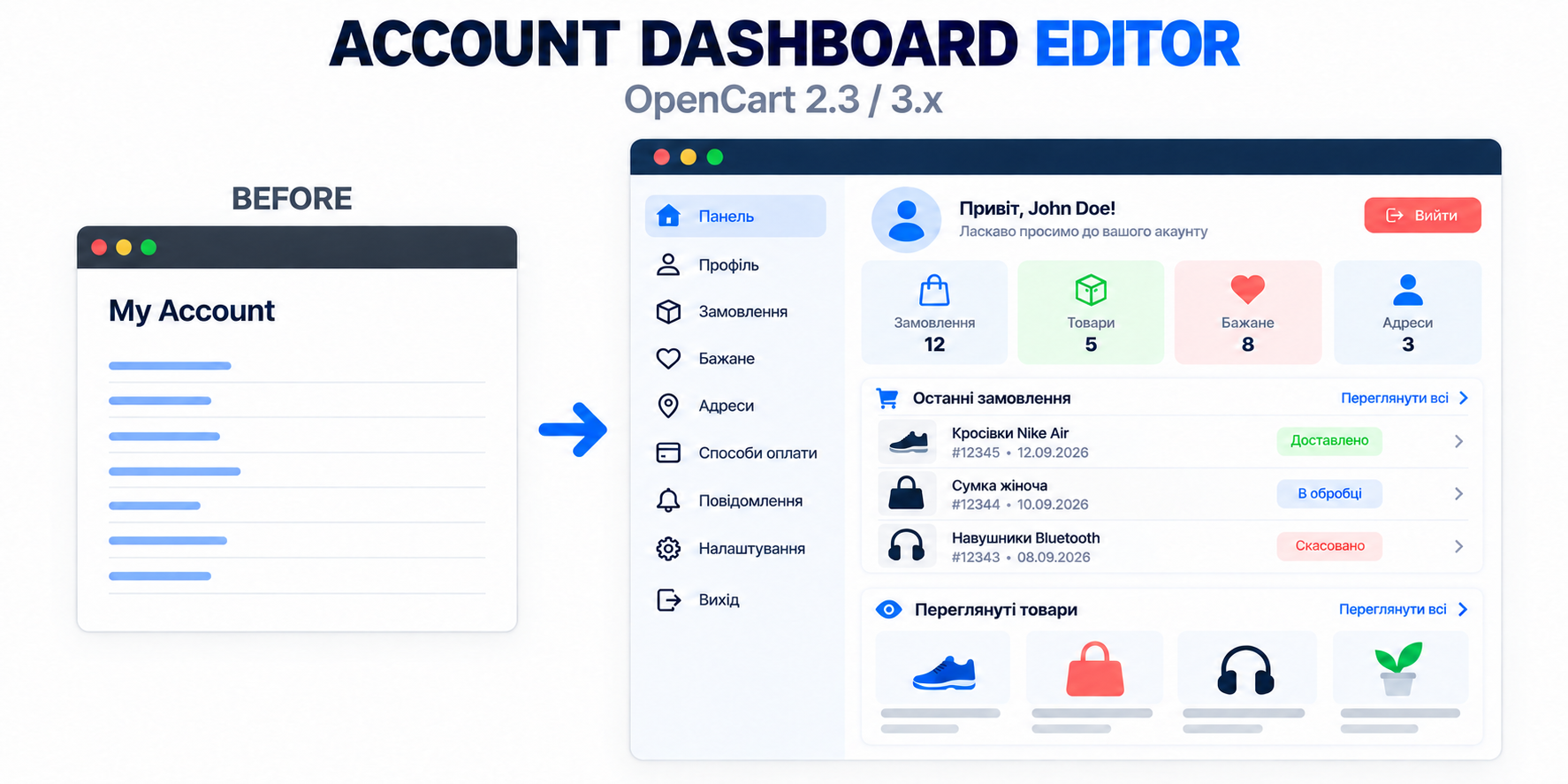
Account Dashboard Editor - Editor and settings of the personal account for OpenCart
Account Dashboard Editor transforms the standard OpenCart 3 personal account page into a modern, convenient, and informative dashboard.

IBAN QR - Payment Links for OpenCart 3
The module allows you to create convenient payment pages with QR code and bank details directly from the order card in the OpenCart admin panel.

Smart Promo Banner - flexible banner module for OpenCart 3
A module for OpenCart 3 that allows you to display responsive promotional banners over the pages of your store. Suitable for promotions, special offers, news, mobile applications and other advertising campaigns.

LookFrame - responsive template for OpenCart 3
A modern template for an online store on OpenCart. It has a clean design, responsive layout, and clear settings in the admin panel. Suitable for clothing stores, accessories, equipment, cosmetics, and other goods.
Recommended Articles

OpenCart Personal Cabinet: What's Worth Improving and What to Pay Attention To
The Personal Account is often perceived as a technical section that is simple enough to set up. In fact, it is one of the key points of interaction with a regular customer. This is where a person checks their orders, repeats a purchase, changes their address, or seeks help.
 sasha3337774

Upsells: when and what to offer, and why a manager should sometimes stop
How upsells and rigid scripts can ruin even a ready sale. I analyze from my own experience when a manager should offer more and when it's better to just listen to the customer.
 Blondi