Щиро дякую за відгук!
Account Dashboard Editor - Personal Cabinet Editor for OpenCart
Promo code will be applied automatically when you add the product to cart
Enter domain without www, http, https (e.g. example.com)
Description
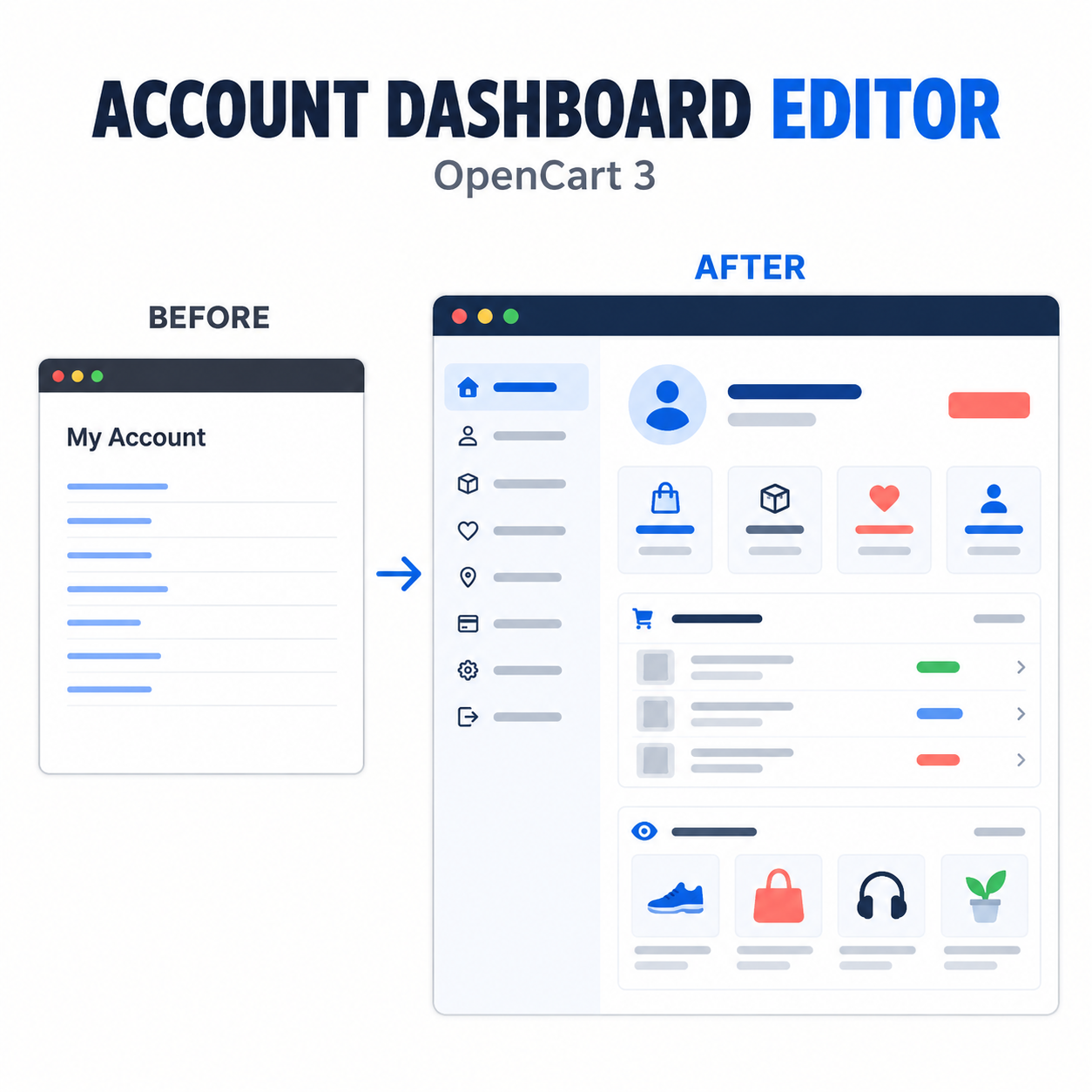
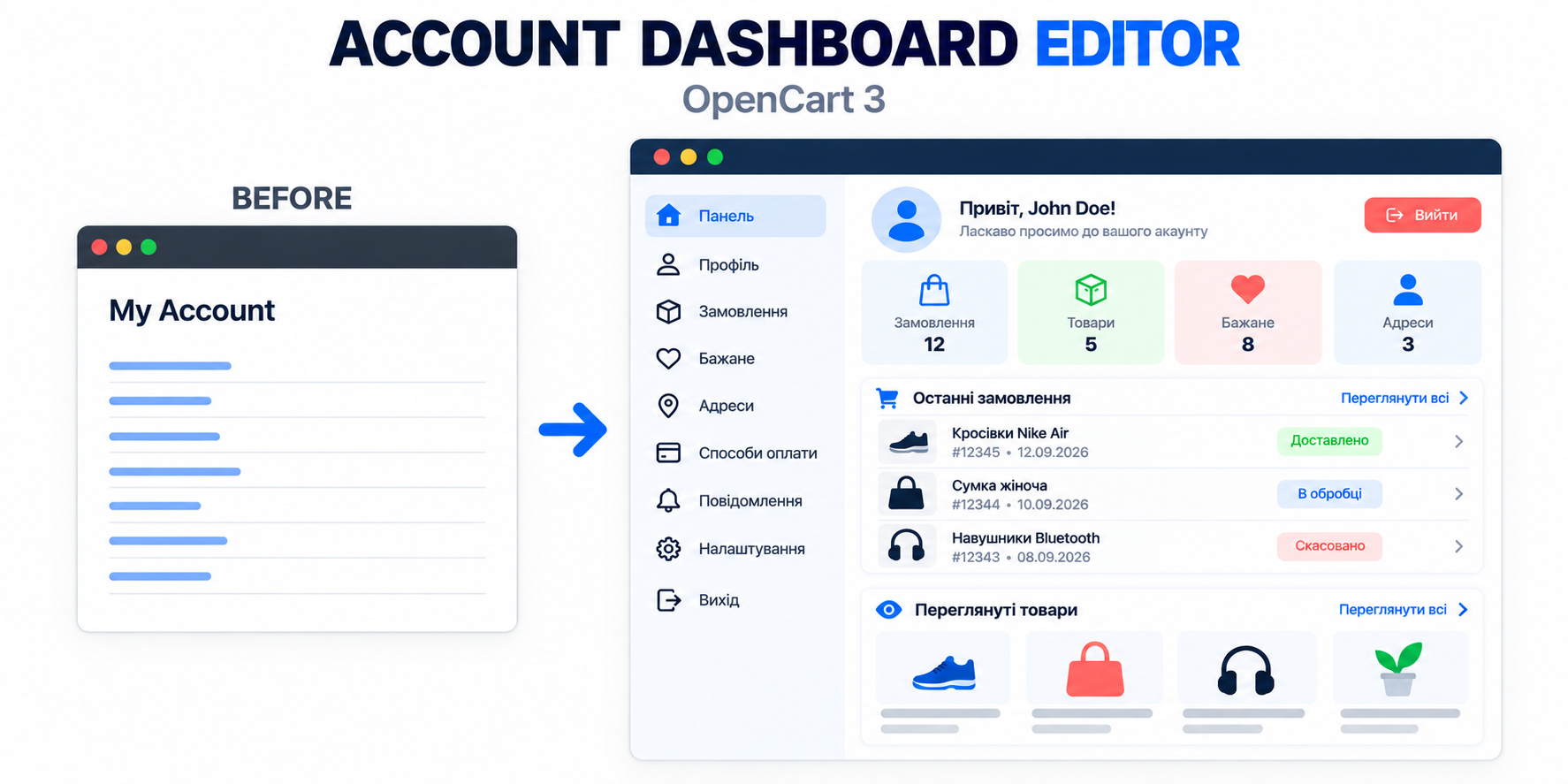
Instead of a regular list of links, the customer receives a structured account with a profile, navigation, statistics, recent orders, and viewed products. The appearance and content of the account can be customized without editing files.
Key Features
- Modern Interface: responsive design of the personal account with convenient navigation and icons.
- Structure: separate sections for personal data, orders, finances, and settings.
- Customer Profile: display of name, email, phone number, and the ability to upload/delete an avatar, as well as quick editing via pop-up without extra clicks
- Quick Statistics: counters for orders, favorite products, and accumulated bonus points.
- Recent Orders: display of the 3 most recent orders with product thumbnails, status, date, and amount directly in the account.
- Repeat Order: a button for quickly adding products from a previous order to the cart.
- View History: a section of recently viewed products with data preserved between sessions.
- Mobile Responsiveness: optimized navigation for smartphones and tablets.
Flexible Card Settings
The administrator can manage each account item separately:
- Change the name, description, and section.
- Configure sort order, enable or hide the card.
- Specify an internal OpenCart route or external link.
- Choose a built-in icon and its color, or use a custom SVG / raster image.
Empty description is allowed: if additional text is not needed for the card, the field can be left blank.
Recently Viewed Products
The module remembers the products viewed by the customer and displays them at the bottom of the personal account.
For authorized customers, the history is stored in the database and does not disappear after the current session ends. The section can be disabled, and its title and description can be changed separately for each language.
Repeat Order
Next to recent orders, there is a button to re-add products to the cart.
Features of the function:
- Verifies that the order belongs to the current customer.
- Adds available products taking into account selected options, current prices, and stock.
- Automatically skips deleted or unavailable items.
- Opens the cart immediately after adding.
Note: the function does not automatically create a new order and does not restore old discounts, certificates, or shipping/payment methods.
Customer Avatar
The customer can upload their own profile photo.
- Formats: JPG, PNG, WEBP.
- Restrictions: size up to 2 MB, resolution up to 4096 px per side (total area up to 8 Mp).
- Security: the uploaded image is re-encoded to PNG to remove unnecessary metadata.
Design Settings
In the admin panel, you have access to:
- Selection of accent color and background for account areas.
- Configuration of the number of cards per row, sorting, and grouping.
- Individual icon colors and the ability to add custom CSS.
The layout adapts to screen width: on tablets and phones, the number of columns automatically decreases.
account/account.twig. If a third-party theme has significantly changed the account template, individual adaptation may be required. IF NEEDED, IT WILL BE DONE BY ME FOR FREE IMMEDIATELY AFTER PURCHASEInstallation
- Upload the archive through the Extension Installation section.
- Update the modifier cache.
- Open the modules list and install Personal Account Editor.
- Customize texts, colors, cards, and icons.
- Save settings.
- Clear Twig cache and theme cache.
- Check the account of an authorized customer.
Specifications
Features
Technical Details
- OpenCart Version
- 3.0.0
- Module Localization
- Ukrainian, English, Russian
- Support Language
- Ukrainian, English, Russian
- Activation Method
- Automatic activation
- Ioncube Loader
- No (not required)
- Developer Server Connection
- No
- If Developer Server Unavailable
- Extension works
- PHP Version
- 7.0 7.1 7.2 7.3 7.4 8.0 8.1 8.2 8.3 8.4 8.5
- Compatible with Templates
- May require adaptation (I perform FREE of charge after purchase)
Reviews (1)
Please log in to leave a review.
Log inBased on 1 review
Questions (0)
Please log in to ask a question.
Log inNo questions yet
Be the first to ask a question about this product!
Changelog
- - Bonus points now show the current balance instead of the number of transactions.
- - Quick editing of first name, last name, email and phone number has been added in the modal window.
- - Avatar management has been moved to the modal window.
- - Order status display has been improved.
- - For orders with more than three items, a +N indicator has been added next to the photo.
- Module Release
Related Modules
IBAN QR - Payment Links for OpenCart 3
The module allows you to create convenient payment pages with QR code and bank details directly from the order card in the OpenCart admin panel.
Smart Promo Banner - flexible banner module for OpenCart 3
A module for OpenCart 3 that allows you to display responsive promotional banners over the pages of your store. Suitable for promotions, special offers, news, mobile applications and other advertising campaigns.
Floating Contacts - floating contacts button for OpenCart 3
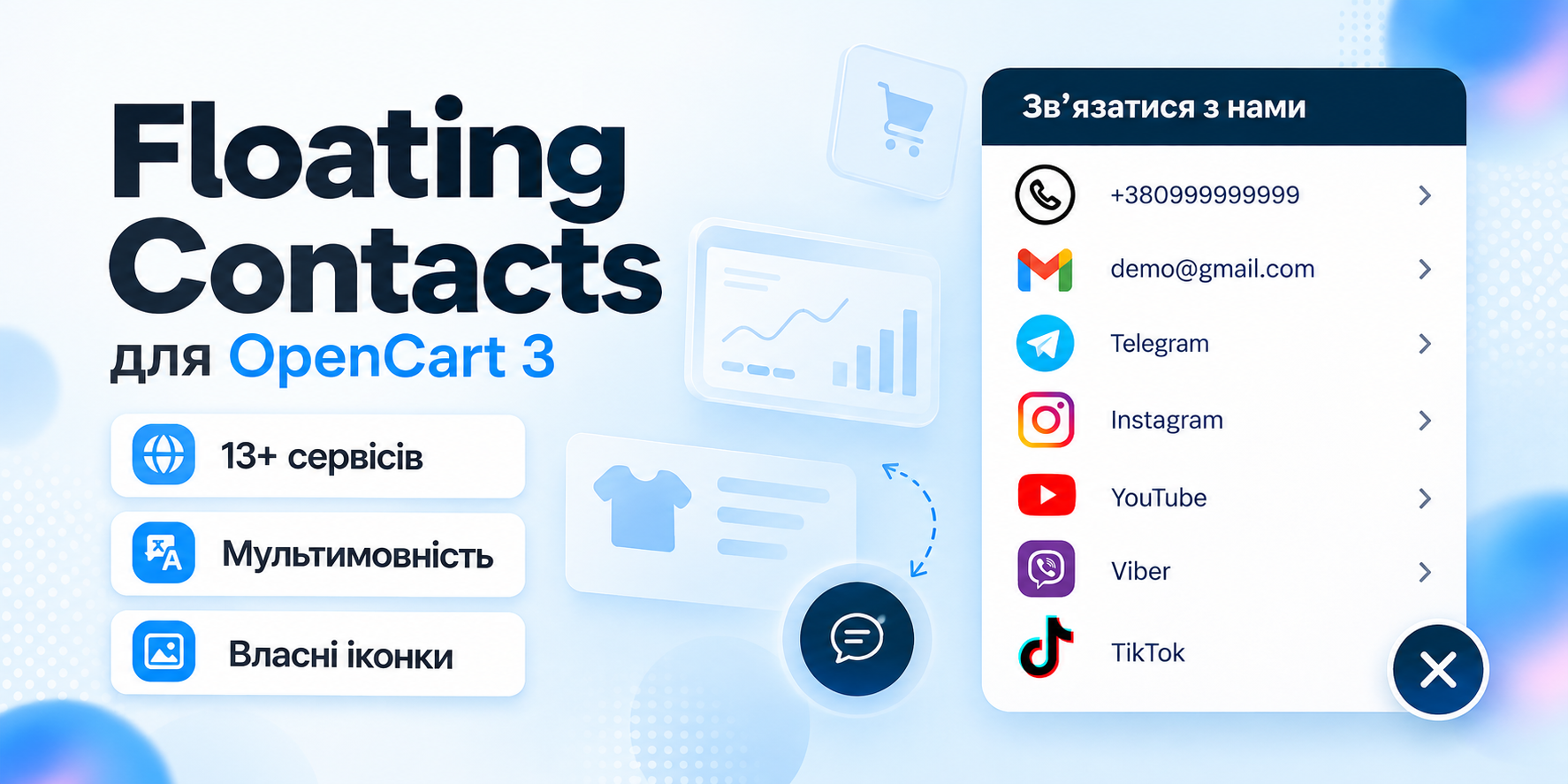
Floating Contacts allows you to add a convenient floating panel with phones, email, messengers, and social networks to your store pages.
Content Guard - text content protection for OpenCart 3
Content Guard - a module for protecting texts, product descriptions, articles and other content of an online store from regular copying.