IBAN QR - Payment Links for OpenCart 3
IBAN QR - Payment Links for OpenCart 3
 sasha3337774
Promo code will be applied automatically when you add the product to cart
Enter domain without www, http, https (e.g. example.com)
Description
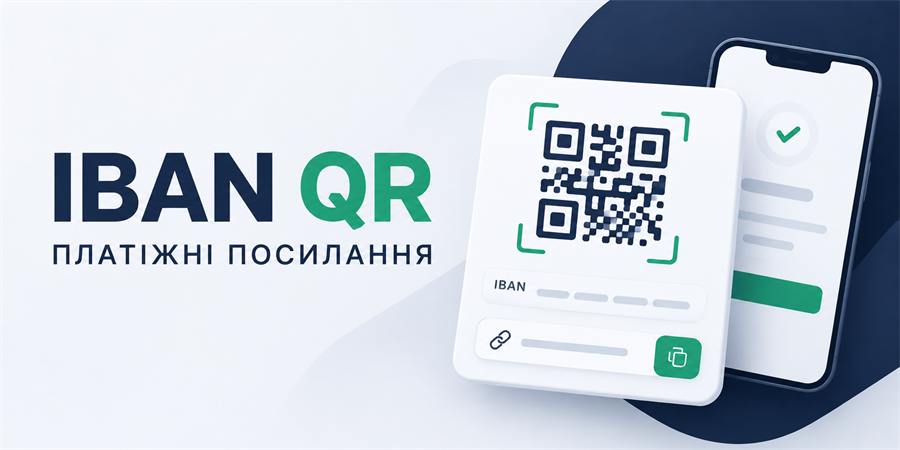
IBAN QR - Payment Links allows you to quickly create personalized payment links for OpenCart orders. The customer receives a ready-made responsive page with the amount to pay, QR code, IBAN, recipient details, and an automatically generated payment purpose.
The payment link is generated directly on the order view page in the admin panel: just click the button, select the required details profile, and copy, open, or send the ready text to the client via Telegram or Viber.
Key Features
Unlimited number of payment profiles
Create any number of profiles for different sole proprietorships, companies, banks, or business directions.
For each profile, the following are configured separately:
- Technical name (used only in the admin panel);
- Full name or recipient name, EDRPOU/RNOKPP code, IBAN;
- Payment purpose template;
- Primary color of the payment page and button color;
- Custom QR code content and deep link for a banking application (if needed);
- Profile activity status.
Creating links from an order
In a modal window on the order page, the administrator sees:
- The pulled amount of goods in the order;
- A list of available active profiles to choose from;
- The details of the selected profile and the ready link;
- Quick buttons: copy, open, download PNG;
- Buttons for direct sending via Telegram and Viber.
Personal payment page
Each link creates a short concise address (site.com/pay/token), where the customer sees:
- The amount to pay and the generated QR code;
- Recipient, EDRPOU/RNOKPP, IBAN, and payment purpose;
- Quick copy buttons for each detail in one click;
- A button for quick transition to the banking application.
The page design is fully responsive. On smartphones, the payment button is fixed at the bottom of the screen for maximum convenience.
QR code for banking applications
The module generates a QR code with payment details and amount in a standard universal format. The customer can simply scan it through their banking application. If needed, you can set a custom QR template or deep link for a specific bank.
Quick sending via Telegram and Viber
The module automatically uses the phone number from the order:
- Telegram: opens a chat with the client and a prepared message draft.
- Viber: copies the ready text to the clipboard and opens a chat (due to technical limitations of Viber links), the administrator just needs to paste the text.
The message template is flexibly configured in the admin panel using variables: {payment_url}, {order_id}, {customer}, {amount}, {currency}.
Downloading a payment card (PNG)
The administrator can generate and download a complete graphical payment card in PNG format (with QR code, amount, and all details). The link is protected by a digital signature and is only accessible from the admin panel.
Security and Stability
- Details snapshot: when generating a link, the module saves a snapshot of the data. Subsequent changes to the IBAN or profile in the admin panel will not change the invoices already sent to clients.
- Expiration date: the ability to limit the lifespan of a link in days (or set
0for unlimited). - Data protection: use of random tokens, server PNG signature, protection from search engine indexing (noindex), caching prohibition, and protection from embedding in third-party
iframe. - 100% autonomy: QR codes are generated locally on the server without transmitting details to third-party services or APIs.
Specifications
- OpenCart Version
- 3.0.0
- Module Localization
- Ukrainian, English, Russian
- Support Language
- Ukrainian, English, Russian
- Activation Method
- Automatic activation
- Ioncube Loader
- No (not required)
- Developer Server Connection
- No
- If Developer Server Unavailable
- Extension works
- PHP Version
- 7.0 7.1 7.2 7.3 7.4 8.0 8.1 8.2 8.3 8.4 8.5
Reviews (0)
Please log in to leave a review.
Log inNo reviews yet
Be the first to review this product!
Questions (0)
Please log in to ask a question.
Log inNo questions yet
Be the first to ask a question about this product!
Changelog
- Module Release
Related Modules
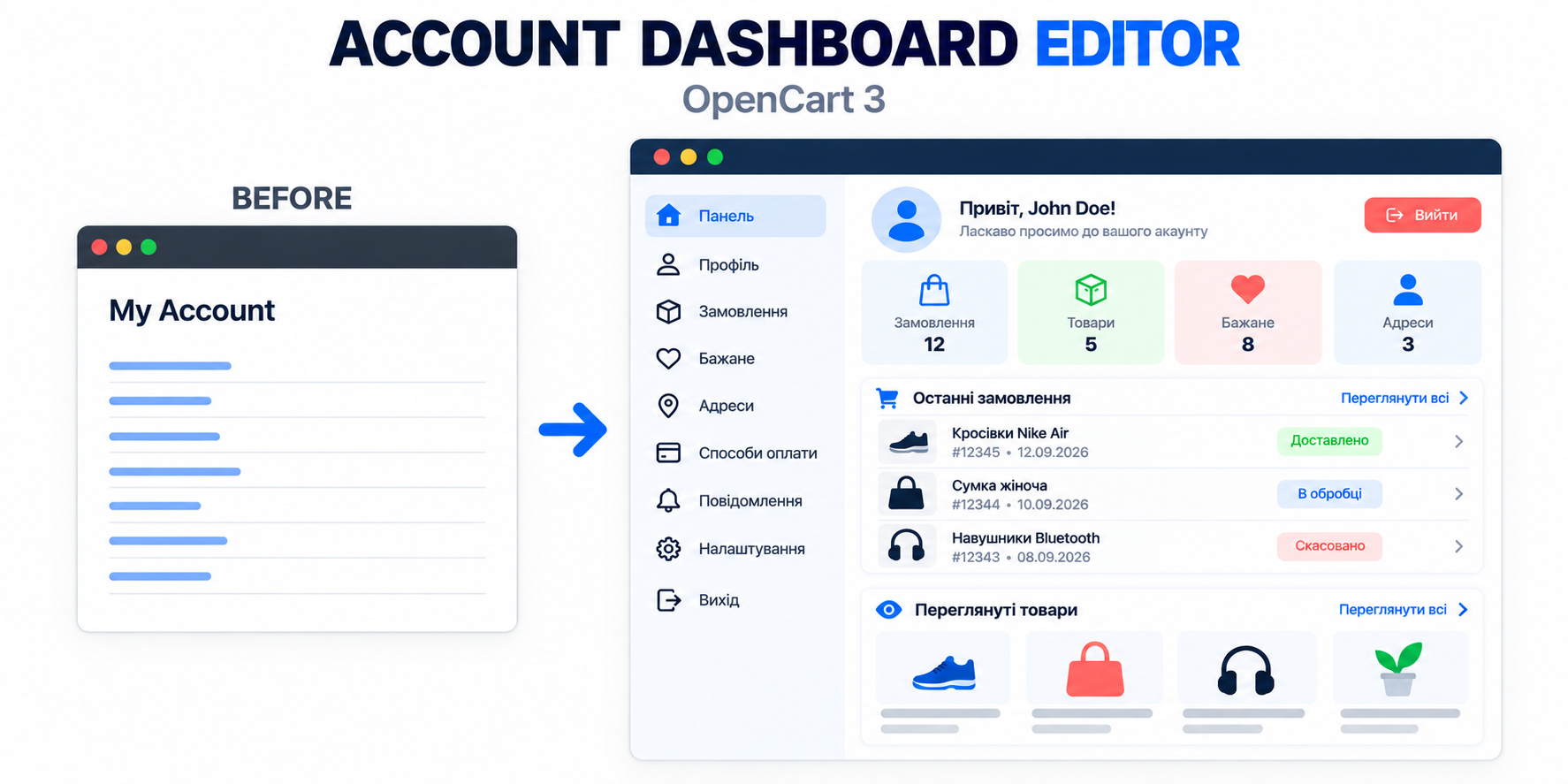
Account Dashboard Editor - Personal Cabinet Editor for OpenCart
Account Dashboard Editor transforms the standard OpenCart 3 personal account page into a modern, convenient, and informative dashboard.