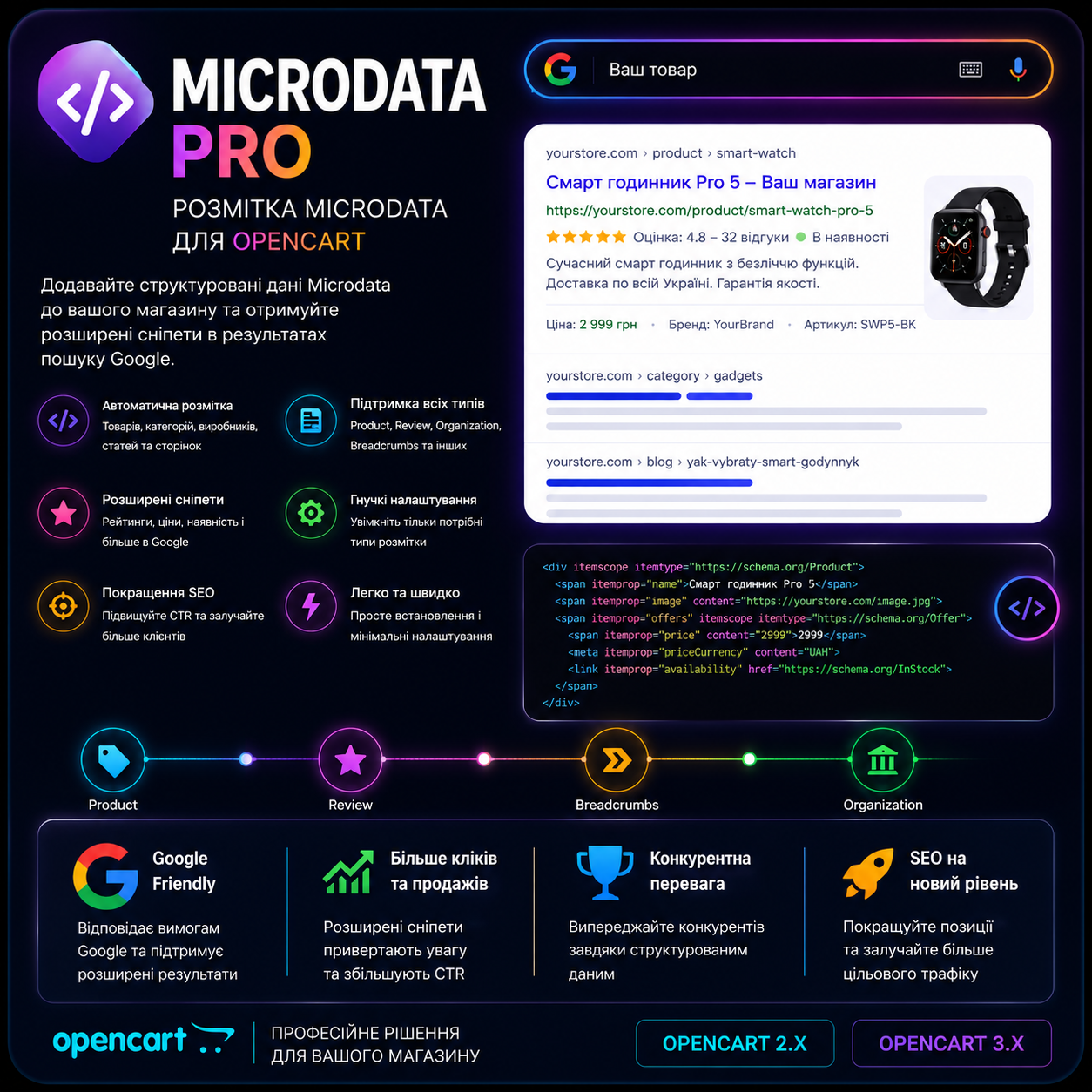
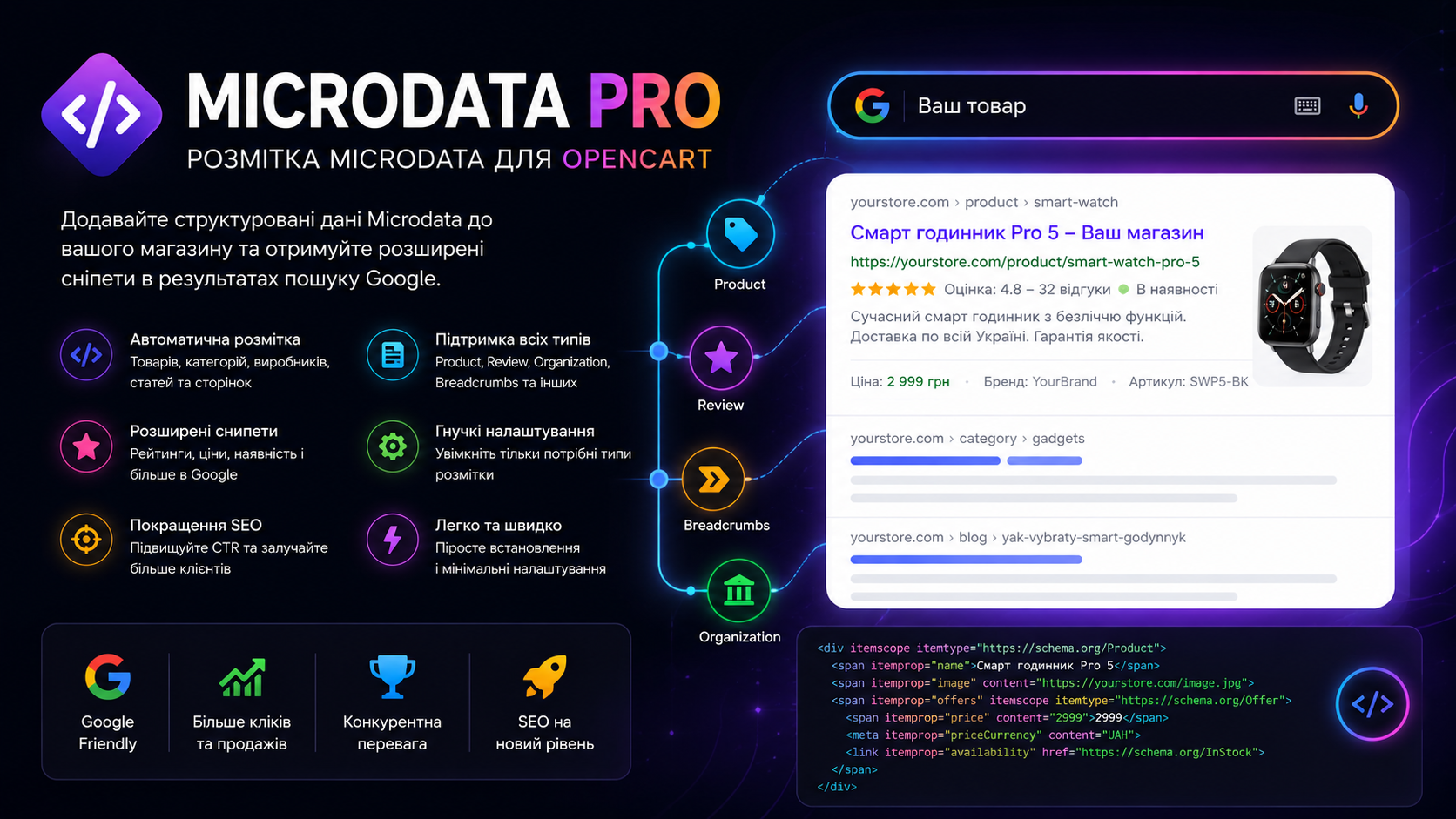
MicrodataPro - micromarkup for an online store
MicrodataPro - micromarkup for an online store
For just $15 you get the friendliness and transparency of an online store for search engines. This will set your site apart from your competitors! The module allows you to make a good snippet in search engine results. Which significantly increases click-through rates, and as a result, sales.
 Exploits
Promo code will be applied automatically when you add the product to cart
Optional — you can enter the domain later from your account.
Demo
DocumentationDescription
For just 15 USD you get friendliness and transparency of an online store for search engines. This will set your site apart from competitors!
The microdata module allows you to create a nice snippet in search engine results. This significantly increases clickability, and as a result – sales.
MicrodataPro creates structured data (generates schema.org microdata) for Products, Categories, Articles, Blogs, Photos, Videos, markup for social networks (OpenGraph, X Summary Card) and more.
With such markup, we provide search engines with structured information about the page and data on your site is indexed more "transparently" and understandably for the bot.
The module has a large number of settings, but everything is made quite simple and understandable.
Brief overview of the module
- MicrodataPro works on all modern and new versions of php
- Supports Opencart (OcStore) 2.1 - 3.x
- Does not support Opencart versions 1.5 and 4
- Has translations in 3 languages: UA, RU, EN
- Each setting has instructions
- Uses standard ocmod for integration into the store
- MicrodataPro does not require ioncube - the module code is open
- Code is optimized and does not make unnecessary requests or loads
- Caches the data it uses
- Distribution takes 52 KB.
- Disk space after unpacking 252 KB.
- Number of module files 8.
Why do I need microdata in an online store at all
Microdata is needed in a store by default, it should be like https.
Structured data (schema.org) is used by Google to recognize content on pages and display it as rich results.
With the help of microdata, the bot indexes and analyzes content on your site more effectively because it understands the essence of the content.
Also, many services and tools work with microdata, not just search bots. This direction is developing.
How does microdata affect site ranking or indexing
According to Google documentation, it is not stated anywhere that it directly affects ranking.
But structured data allow you to create rich results (snippets in search results), which cause greater interest from users and more actively attract them to interact with your site.
That is, due to a more prominent snippet, the likelihood of transitioning to your site from search increases (CTR increases).
Several examples of CTR increases are provided in Google documentation.
Also, when there is microdata on a site, the bot sees it more transparently and better. That is, it understands where the title is, where the description is, where the photo is, where the price is, and accordingly indexes it better.
Microdata is a recommendation that Google states in its SEO search optimization documentation.
What will the buyer receive by purchasing the module
- The module itself as a ready-made microdata solution on the site with open source code that can be adjusted if needed.
- Quality support from the author in case of questions about MicrodataPro operation
- Free updates for a year after purchase. Those who bought in 2015 can still receive support today
- You financially support the author and give motivation to develop the product
- The module author works completely officially with payment of all taxes, which contributes to the economy as a buyer
- You develop a healthy ecosystem for Opencart which will ensure further support for your store
Obtaining a license key
If you specified a domain during purchase - the module will already work automatically. The key is taken automatically when entering the module for the first time. If it cannot be taken - you automatically receive the key in 2 clicks without contacting the author.
How to install the MicrodataPro module
Everything is very simple. Installation is no different from the usual installation of any other typical module.
You must have a backup of your site and its database. Usually everything is ok, but this is for insurance
- Go to the Extensions - Modifiers section and update them (Blue button at the top right). After that, check if everything is fine on the site. If it's ok - you can proceed, if not - you need to fix the errors that occur after updating the modifier cache
- Download the MDP10for2x-3x.ocmod.zip module distribution
- Go to Extensions - Extension Installer - Upload and select this file
- If it complains that the directory is not accessible, upload the extension, install it as a regular module and update the modifier cache. Then repeat the MicrodataPro installation
- After installing the module, go to the Extensions - Modifiers section and update them (Blue button at the top right)
- The module is located in Extensions - MicrodataPro v10. You can configure it according to
- If you have two identical MicrodataPro in your Modules list, install any one, after entering the module the duplication will not occur
How to update to a new version of MicrodataPro v10
You must have a backup of your site and its database. Usually everything is ok, but this is for insurance!
You can order a module update service from the author. For a price of 10 USD.
- Go to the Extensions - Modifiers section and update them (Blue button at the top right). After that, check if everything is fine on the site. If it's ok - you can proceed, if not - you need to fix the errors that occur after updating the modifier cache
- Download the MDP10for2x-3x.ocmod.zip module distribution
- Go to Extensions - Modifiers and delete the MicrodataPro modifier. If it's not there, check if it's in the system/ directory, if it is - delete it
- Go to Extensions - Extension Installer - Upload and select this file
- If it complains that the directory is not accessible, upload the extension, install it as a regular module and update the modifier cache. Then repeat the MicrodataPro installation
- After installing the module, go to the Extensions - Modifiers section and update them (Blue button at the top right)
- The module is located in Extensions - MicrodataPro v10. You can configure it according to
- If you have two identical MicrodataPro in your Modules list, enter any one and after entering the module the duplication will not occur
Everything the module marks up
- Structured data for describing products and showing assortment (Product, Review, Offer) - formed on product pages, categories
- Structured data for Organization and Local Business (Organization, LocalBusiness) - formed on the home page
- Structured data for Carousel, Product Description (ItemList, Product, Review, Offer) - formed on category pages
- Structured data for Photo Metadata (ImageObject) - formed on all pages. Automatically takes additional photos in texts into the markup
- Structured data for Navigation Row - breadcrumbs (BreadcrumbList) - formed on all pages
- Structured data for Video (VideoObject) - formed on all pages. If you entered a YouTube API key (there are instructions) the module finds videos itself and takes the information itself. caches this data
- Structured data for Articles (Article) - formed on information pages
- Structured data for Blogs (Article, NewsArticle, BlogPosting) - formed on blogs
- Markup for social networks and messengers (Open Graph) - formed on all pages
- Markup for x.com (Summary Card) - formed on all pages if you entered an x.com account
- Markup for contact information - microformat (hCard) - formed on all pages
Technical support terms
When requesting technical support, the author checks whether your domain is in the license database. If not - the module needs to be purchased officially to receive support.
Provide complete information, URL when requesting or if not possible, screenshots or other data that may help the developer.
If necessary, you need to provide access to the site admin panel (full) and FTP access, for faster resolution of your issue. In some cases, support cannot be provided without access. If the buyer does not provide access – support is not provided.
Free technical support does not apply under the following conditions
the declared operation of the module is impossible due to the operation of existing software products on the buyer's side that cause conflicts with their errors in the operation of both this product and the buyer's site as a whole
the buyer makes a request for improvement or finalization of this product or orders individual solutions
the module's operation is disrupted after erroneous actions by the buyer
The response time for free technical support is unlimited (keep in mind that there are weekends and holidays, and the working day starts at 9:00 and ends at 17:00.
To maintain the module, the developer needs to have some initial data. This will significantly speed up the processing of the request and in case of necessary work – their execution.
Please note that access data to the site admin panel and ftp are in no way shared or stored.
They are needed if support requires fixing the module code or adapting it to the needs of a specific online store.
Attention! Request processing time can be up to 2 days. But as practice shows - from a few minutes to a few hours.
License
If the module is sold cheaper somewhere - it's a cracked old version of the module.
Such modules often have viruses and other malicious software embedded in them.
The MicrodataPro module is an object of copyright. MicrodataPro is a commercial product that is prohibited from copying, transferring to third parties, or using without a license. Any unlicensed use, modification and distribution completely deprives the right to a license and is prosecuted in accordance with the law.
By purchasing the MicrodataPro module, you automatically agree to the licensing and technical support terms.
The module license applies to one domain with the ability to activate on a test domain. The license is not tied to the buyer's account.
Specifications
Features
Technical Details
- OpenCart Version
- 2.0.3 2.1.0 2.2.0 2.3.0 3.0.0 3.0.1 3.0.2 3.0.3 3.0.4 3.0.5
- Module Localization
- Ukrainian, English, Russian
- Support Language
- Ukrainian, English, Russian
- Activation Method
- Automatic activation
- Ioncube Loader
- No (not required)
- Developer Server Connection
- Yes
- If Developer Server Unavailable
- Extension works
- PHP Version
- 5.6 7.0 7.1 7.2 7.3 7.4 8.0 8.1 8.2 8.3 8.4
- Compatible with Templates
- All
Reviews (0)
Please log in to leave a review.
Log inNo reviews yet
Be the first to review this product!
Questions (0)
Please log in to ask a question.
Log inNo questions yet
Be the first to ask a question about this product!
Related Modules

UniXML - module for export to XML format + import from XML
A tool that will allow you to increase online store sales through integration with marketplaces (upload and update products there) Extensive import functionality that allows you to import and update products from XML (YML) to Opencart from suppliers
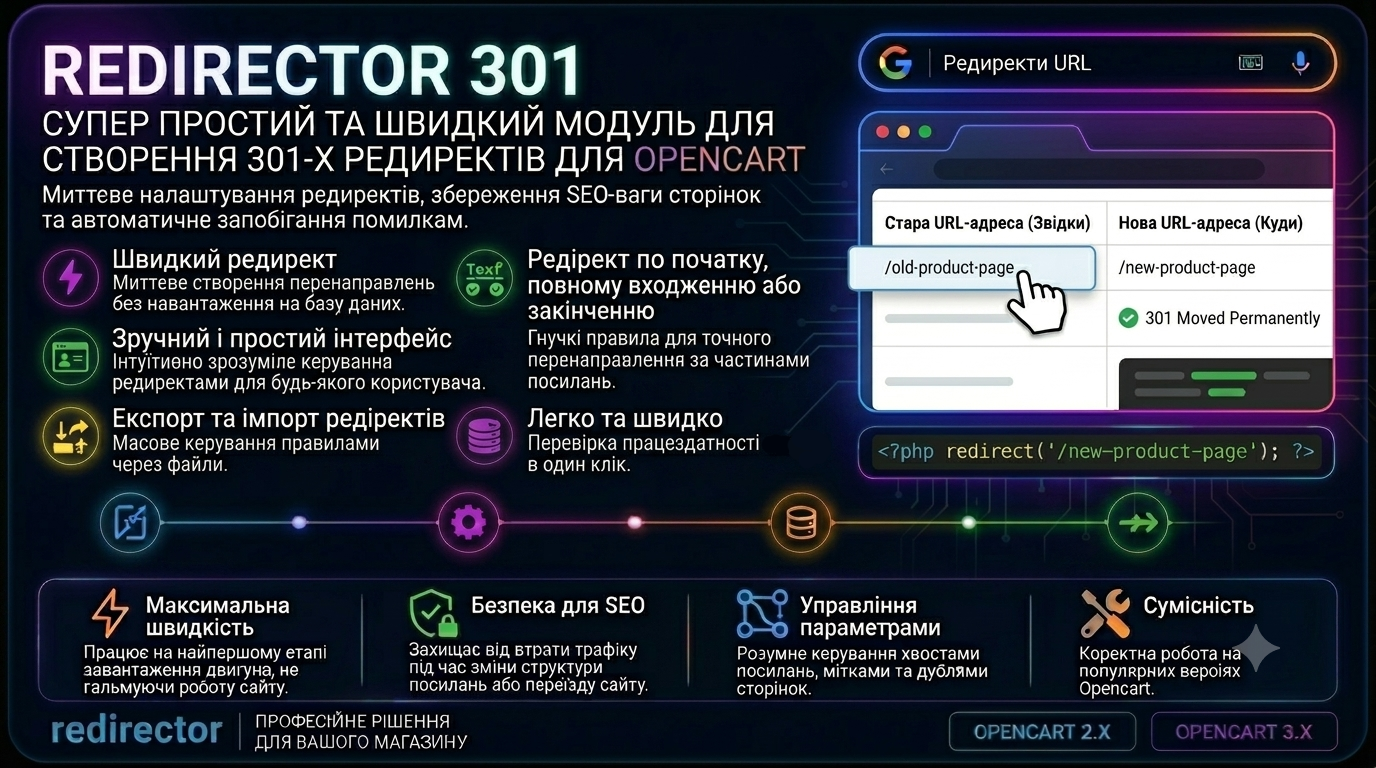
Redirector 301 - a super simple and fast module for creating 301 redirects
301 Redirector – this is a module for creating redirects in Opencart in just a few seconds! You can create redirects from exact link matching, to the beginning, to the end, or to the beginning and end of the link - very convenient! The module has import, export, deletion, and redirect testing
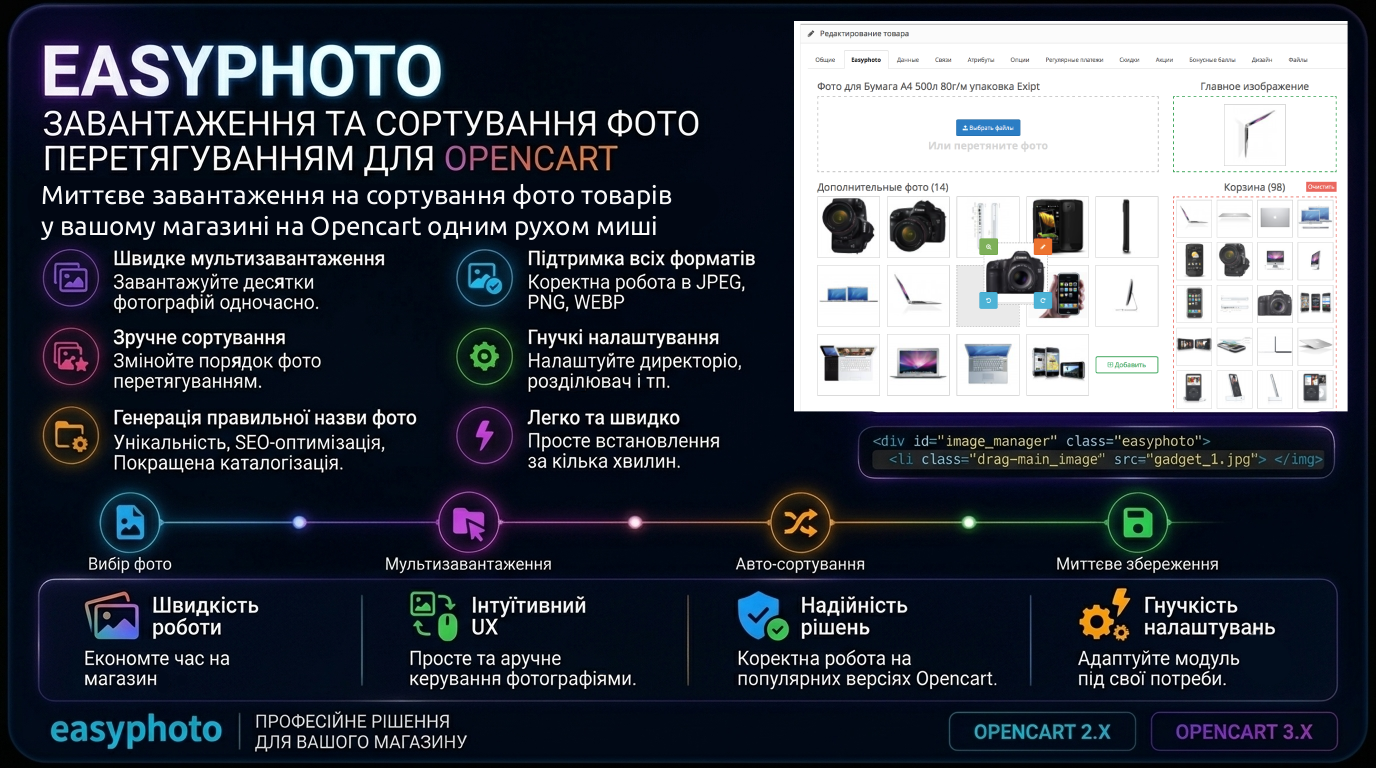
Easyphoto — photo upload and sorting by drag and drop
Multi-photo upload in 2 clicks directly from your computer, bypassing the standard file manager. Convenient and intuitive interface — photo selection/drag-and-drop field, main image field, additional photos field, and cart field