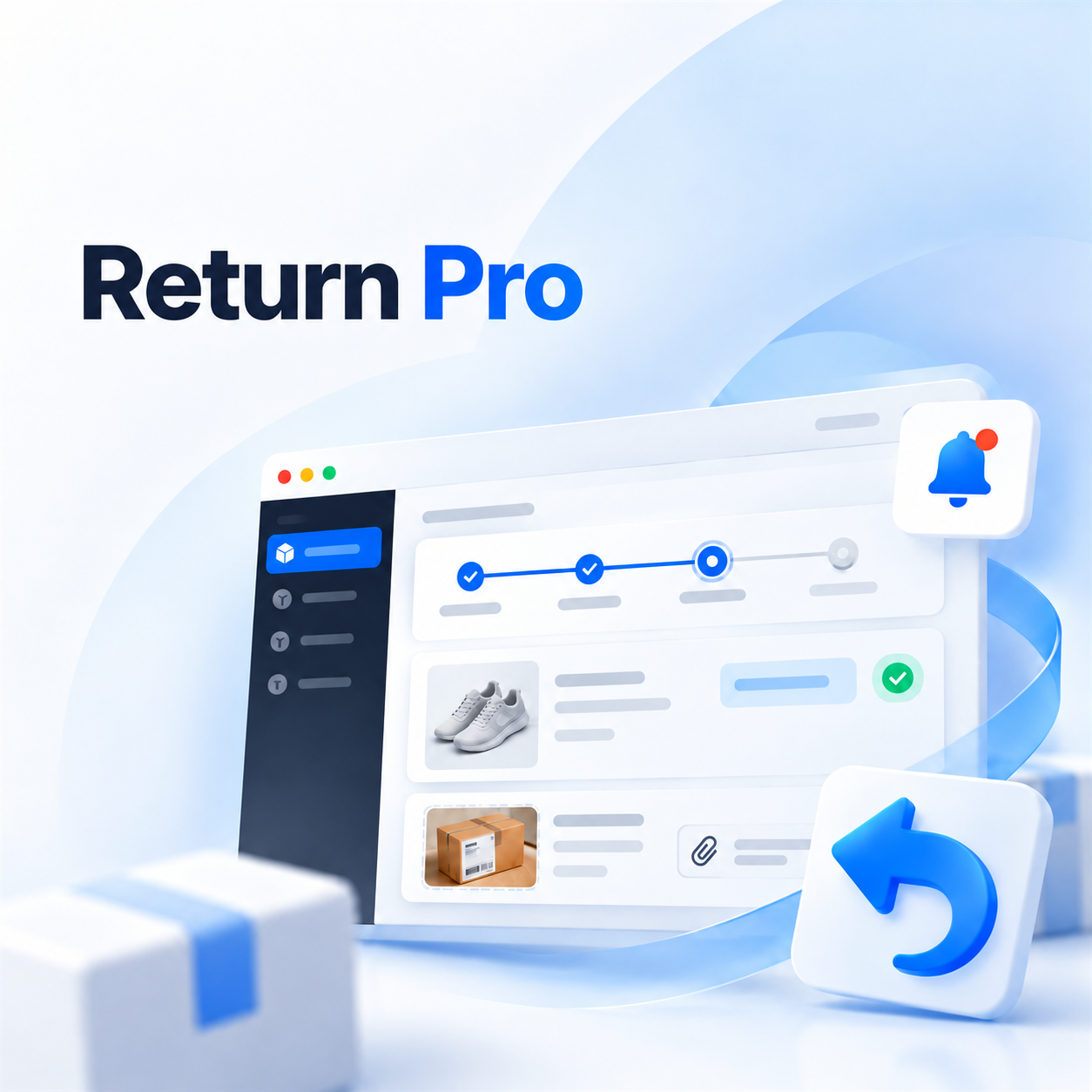
Return Pro - enhanced returns for OpenCart
Return Pro - enhanced returns for OpenCart
 sasha3337774

Promo code will be applied automatically when you add the product to cart
Enter domain without www, http, https (e.g. example.com)
Demo
demo
demo
Description
Return Pro transforms the standard OpenCart return form into a full-fledged, clear, and manageable process — from the moment a customer submits a request to its final completion by the store manager.
The customer can easily find their order, select the necessary items, add photos and a detailed description of the problem, and choose a convenient return method. All selected products are processed within a single convenient request.
Features for the Customer
- Quick search: finding an order by its number and email.
- Automation: instant loading of products from the order.
- Multi-return: ability to return multiple items in a single request.
- Detailed breakdown: selecting quantity and individual reason for each item separately.
- Media files: uploading photos, receipts, and supporting documents.
- Problem description: text field for comments regarding a defect or malfunction.
- Desired solution: choosing an option (refund, exchange, repair, or other action).
- Logistics and communication: selecting a convenient method of item delivery and preferred communication channel.
- Information: built-in FAQ and information blocks with return conditions directly on the page.
Features for the Administrator
- Instant notifications: indicator of new requests in the top panel of the admin panel.
- Processing center: convenient separate page for viewing, analyzing, and processing returns.
- Stage control: support for standard OpenCart statuses and flexible change of processing stages.
- Management: assignment of a responsible employee and setting priorities.
- Privacy: internal service notes that the customer cannot see.
- Working with attachments: viewing and downloading photos/documents from the client.
- Transparency: complete history of status changes and messages sent to the customer.
- Result fixation: saving the final actual decision of the store.
- Flexible customization: setting all texts, FAQ block, and successful completion page.
Flexible Product Return Scenarios
The store itself determines the ways a customer can return items:
- Sending via postal carrier (Nova Poshta, Ukrposhta, etc.);
- Personal visit to a physical store or pickup point;
- Courier pickup;
- Arrangement of return method directly with the manager;
- Creating any custom scenarios.
For each method, you can set a custom name, detailed description-explanation, additional field, hint (placeholder), and set whether filling is mandatory.
Specifications
- OpenCart Version
- 3.0.0
- Module Localization
- Ukrainian, English, Russian
- Support Language
- Ukrainian, English, Russian
- Activation Method
- Automatic activation
- Ioncube Loader
- No (not required)
- Developer Server Connection
- No
- If Developer Server Unavailable
- Extension works
- PHP Version
- 7.0 7.1 7.2 7.3 7.4 8.0 8.1 8.2 8.3 8.4 8.5
- Compatible with Templates
- Default
Reviews (0)
Please log in to leave a review.
Log inNo reviews yet
Be the first to review this product!
Questions (0)
Please log in to ask a question.
Log inNo questions yet
Be the first to ask a question about this product!
Related Modules
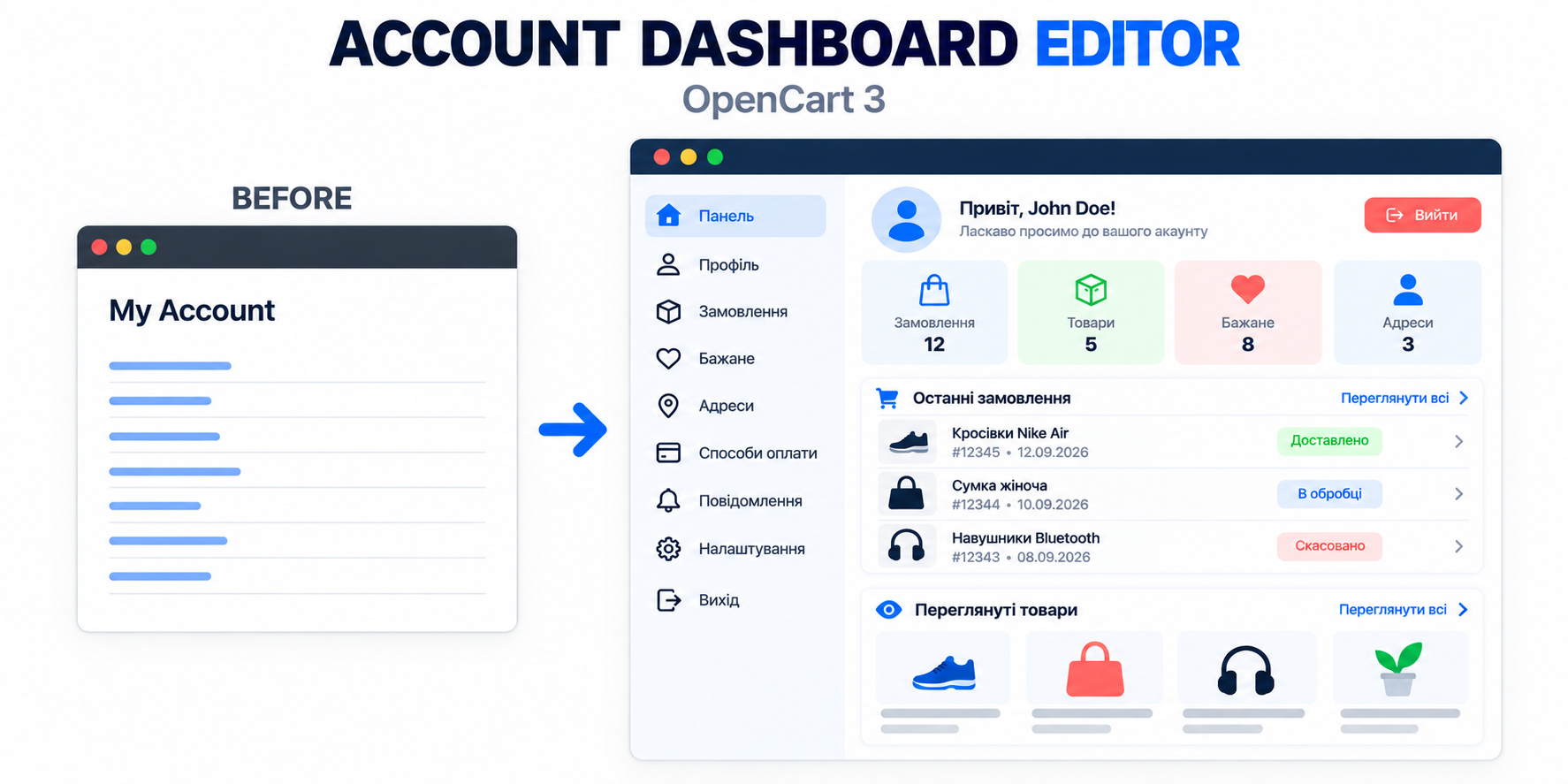
Account Dashboard Editor - Personal Cabinet Editor for OpenCart
Account Dashboard Editor transforms the standard OpenCart 3 personal account page into a modern, convenient, and informative dashboard.
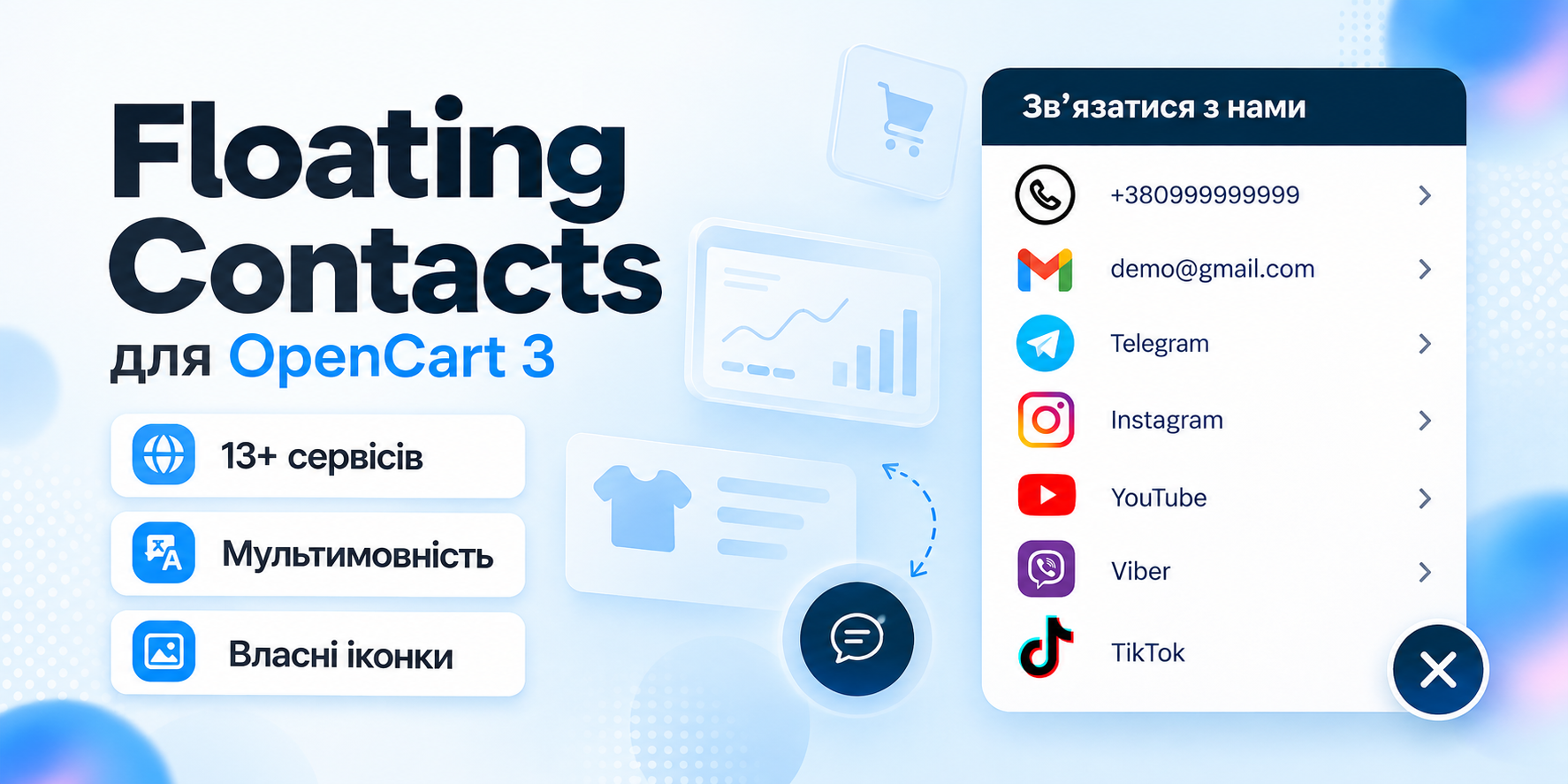
Floating Contacts - floating contacts button for OpenCart 3
Floating Contacts allows you to add a convenient floating panel with phones, email, messengers, and social networks to your store pages.

Smart Promo Banner - flexible banner module for OpenCart 3
A module for OpenCart 3 that allows you to display responsive promotional banners over the pages of your store. Suitable for promotions, special offers, news, mobile applications and other advertising campaigns.
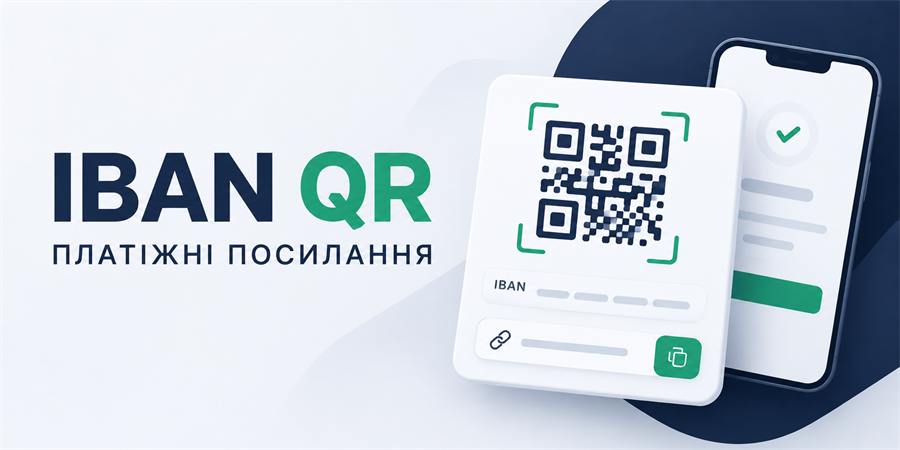
IBAN QR - Payment Links for OpenCart 3
The module allows you to create convenient payment pages with QR code and bank details directly from the order card in the OpenCart admin panel.