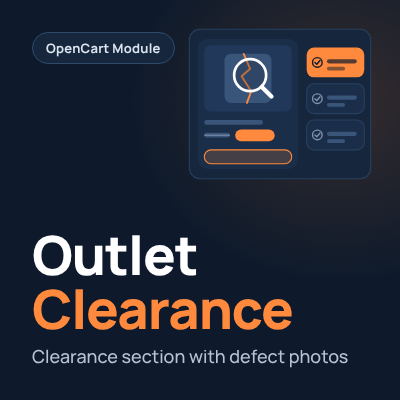
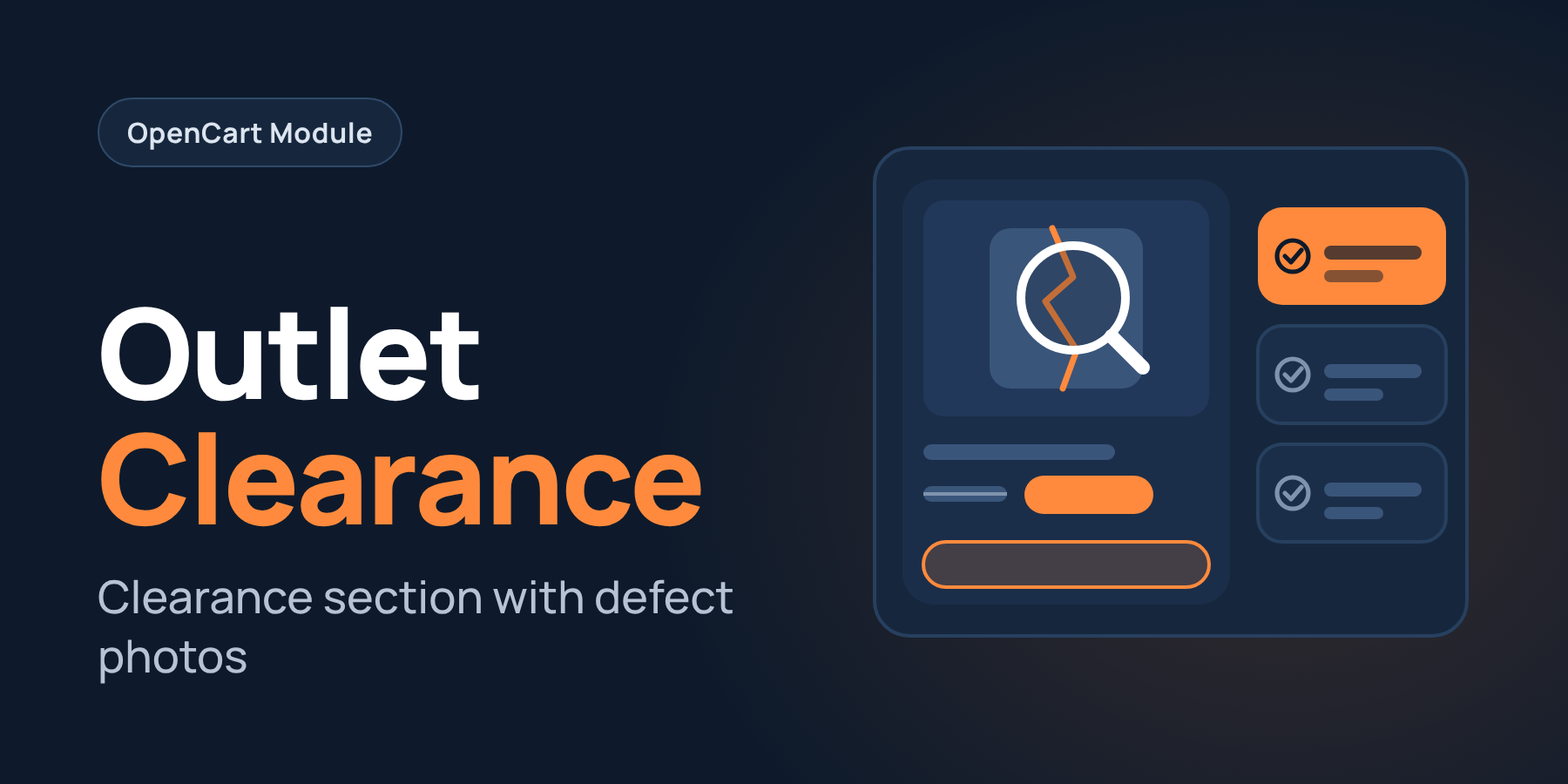
Discounting goods / Outlet for OpenCart 3.x
Discounting goods / Outlet for OpenCart 3.x
 Lito
Promo code will be applied automatically when you add the product to cart
Enter domain without www, http, https (e.g. example.com)
Demo
Description
Full-featured discount section for Opencart 3x
Sell damaged goods, display samples or refurbished items in a separate section, just like large stores do.
Customers immediately see the product condition and discount, while you don't confuse discounted items with new products and don't mix up their inventory.
This module allows you to quickly create discount copies or quickly mark individual products as discounted.
Main features:
- Two discount methods: a separate product copy linked to the original (you can create multiple copies with different conditions) or a discount label on the product itself.
- Product conditions with scale: quantity and colors are customizable, the tooltip shows condition and defect description.
- Discount page: filters by condition and categories, interdependent filters, "Biggest Discount" sorting and custom SEO URL with meta tags.
- Labels in catalog: condition and discount amount in categories, search, promotions and modules. The original product gets a label "Discount available from X".
- Blocks on product card: on the original "Discounted version available" with a list of options, and on the discount "New product" with a buy button.
- Quick discount from product list: in one window, with copying settings to multiple products. Price is set fixed or as a percentage, there are defect description templates for quick filling and ability to add defect photos.
- Automatic model prefix and text in copy names: it's possible to update in already created discounts and remove when the discount is taken off.
- Sold out discounts: choose to show with "Out of stock" text, hide or disable automatically. When stock returns, the discount is enabled again.
- "Discount products" module: separate module for pages, with filter by categories and conditions.
- Catalog: discounts can be hidden from categories and search. For copies you can specify canonical to the original, and copies get their own SEO URL.
How to install:
- Through admin: Extensions - extension installer - select archive and upload, update modifiers.
- Grant permissions: Settings - users - user groups - Your group - check the boxes for viewing and editing for all pr_outlet*
- Install and configure the module in extensions: Extensions - Extensions - "Outlet (discount): Settings" - enable and configure relevant fields - save, if necessary install additional module "Outlet (discount): Discount Products".
How to update from previous versions:
- Download the contents of the upload folder replacing files on FTP
- Go to settings - in the top right block click Check/Update tables
- Manually replace the modifier contents in admin and update modifiers
Path to create layout:
- Discount page - product/pr_outlet
License for one domain and its subdomains.
Customization / adaptation to template design - paid.
Adaptation to modules that replace standard product lists in admin is carried out only if product processing in them is not under cube, discussed individually.
Ask all questions before purchase.
There is no support and will be no support for .ru, .by sites and sites hosted on their hosting.
Specifications
- OpenCart Version
- 3.0.0 3.0.1 3.0.2 3.0.3 3.0.4 3.0.5
- Module Localization
- Ukrainian, English, Russian
- Support Language
- Ukrainian, English
- Activation Method
- Automatic activation
- Ioncube Loader
- No (not required)
- Developer Server Connection
- No
- If Developer Server Unavailable
- Extension works
- PHP Version
- 7.0 7.1 7.2 7.3 7.4 8.0 8.1 8.2 8.3
- Compatible with Templates
- Default
Reviews (0)
Please log in to leave a review.
Log inNo reviews yet
Be the first to review this product!
Questions (0)
Please log in to ask a question.
Log inNo questions yet
Be the first to ask a question about this product!
Related Modules
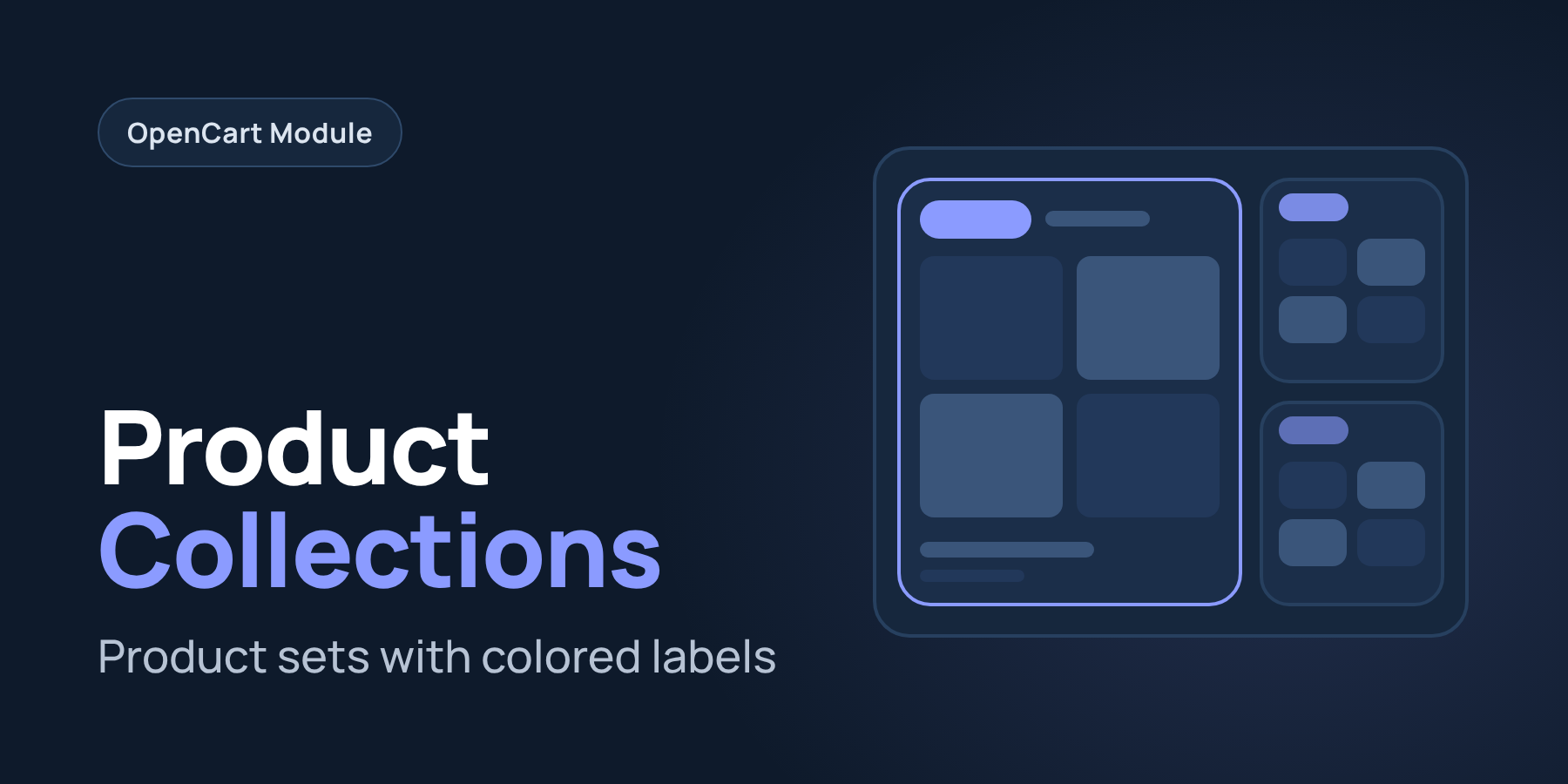
Product Collections for Opencart 3x
The extension adds a full-featured product collections section to the website. Collections page, 2 output modules (collections / products from collections), "products from this collection" block on the product page, color labels in the catalog, links in the footer.
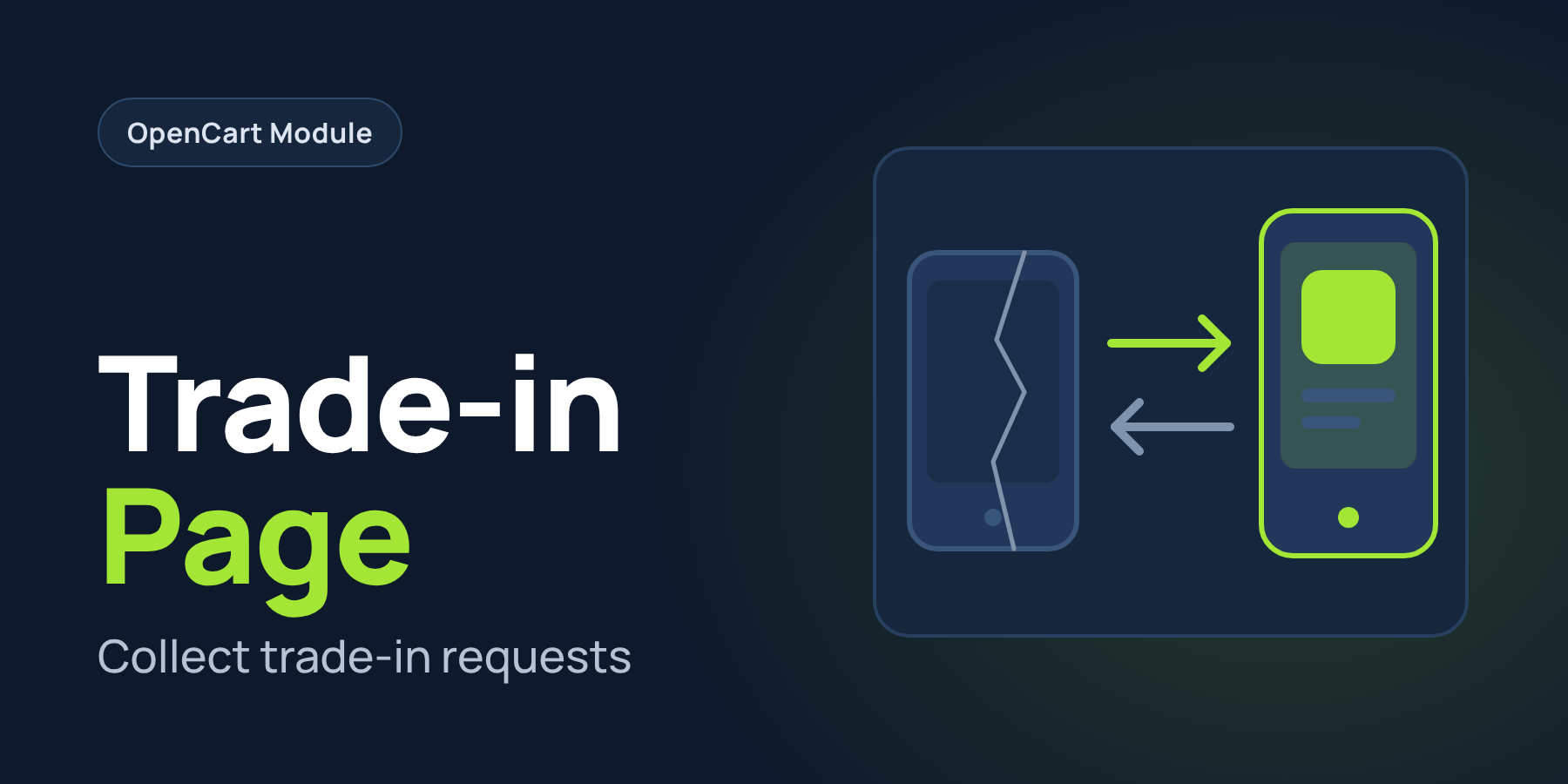
Trade-in Page for OpenCart 3x
The module adds a full-fledged section to your website for collecting Trade-in applications.