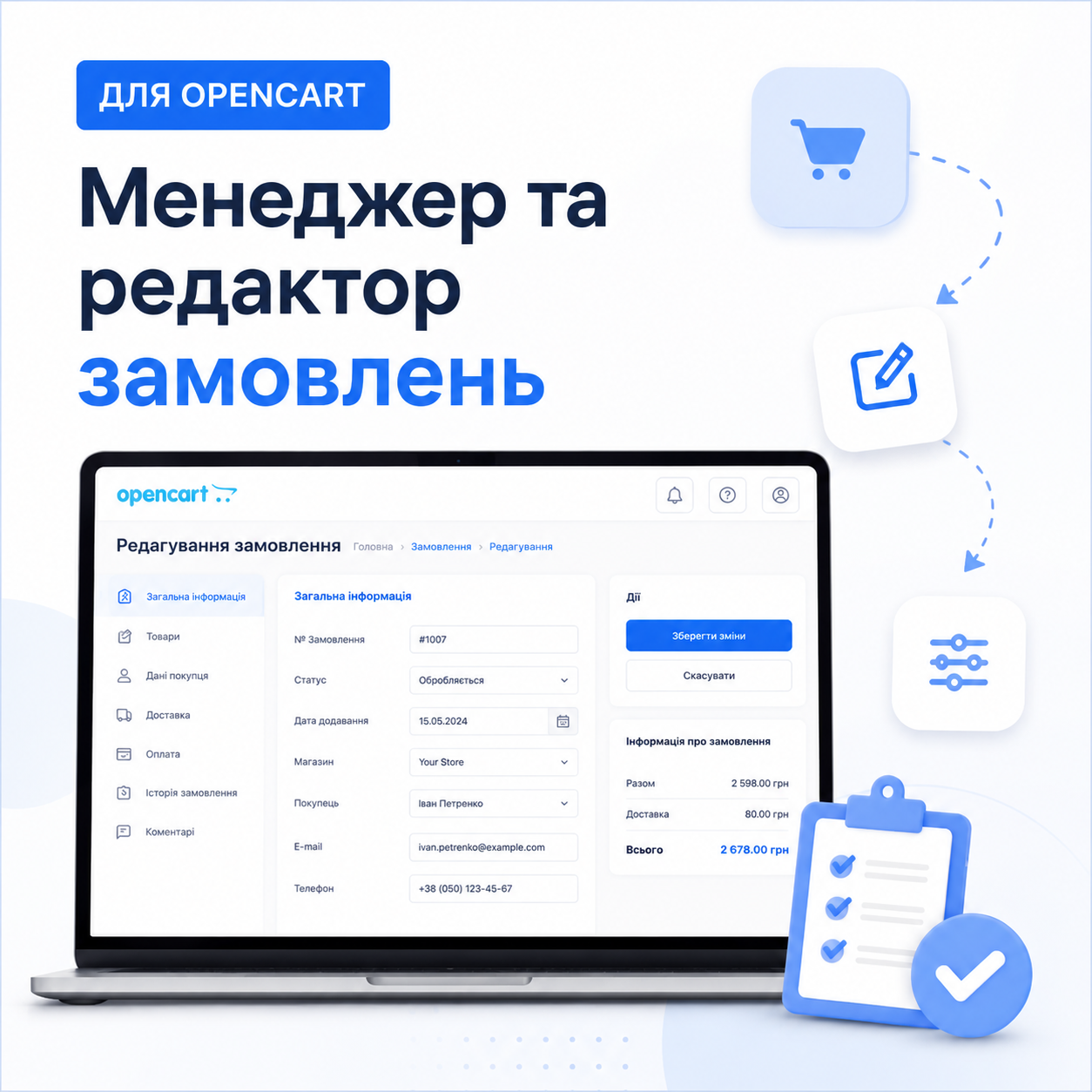
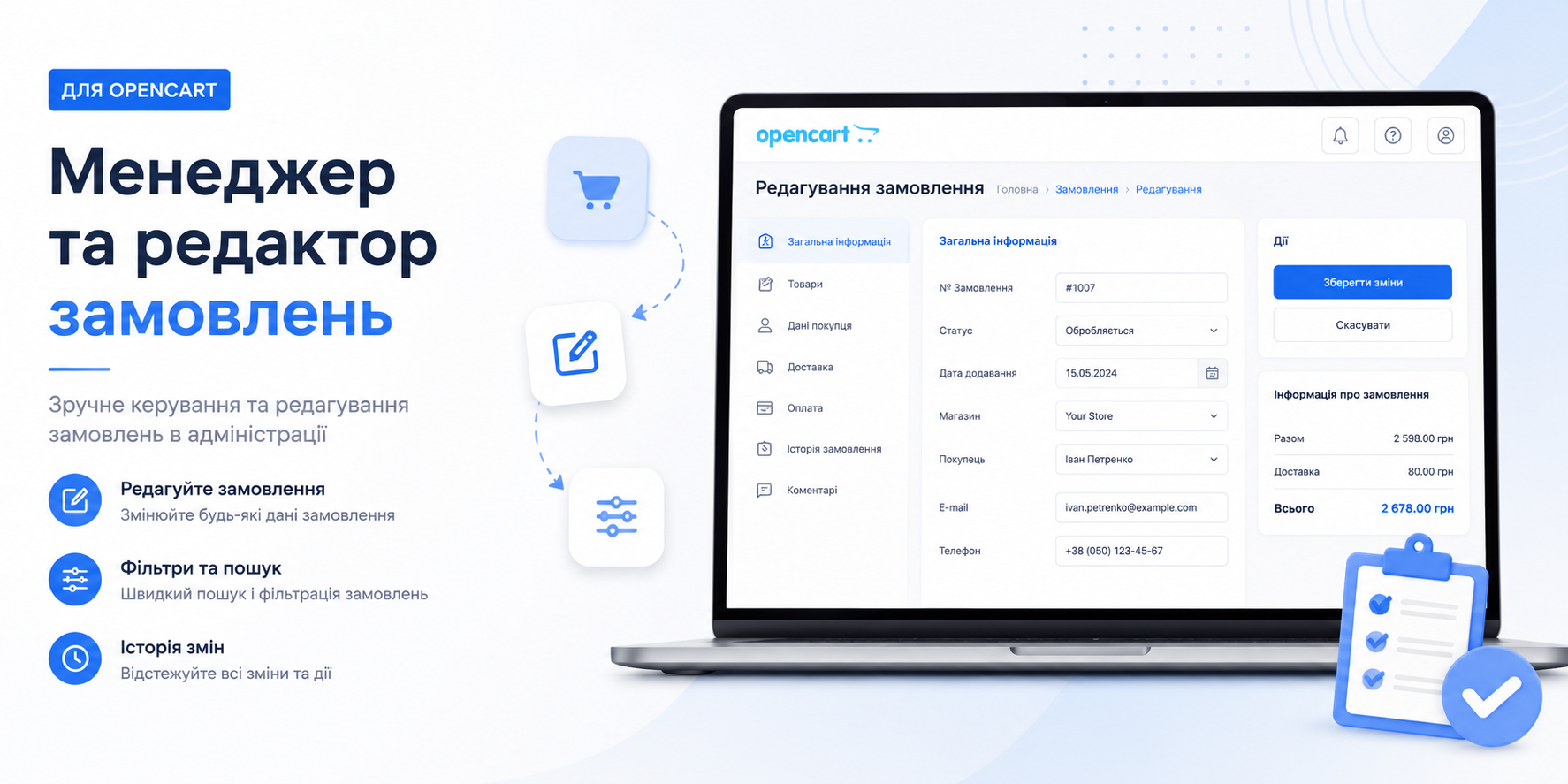
Order Management and Quick Edit Module — is a powerful tool that transforms standard routine purchase processing into a fast and pleasant process. Create new and edit existing orders in a single window, without reloads and unnecessary transitions!
⚡ Main benefit: Save up to 70% of your managers' time on processing each order.
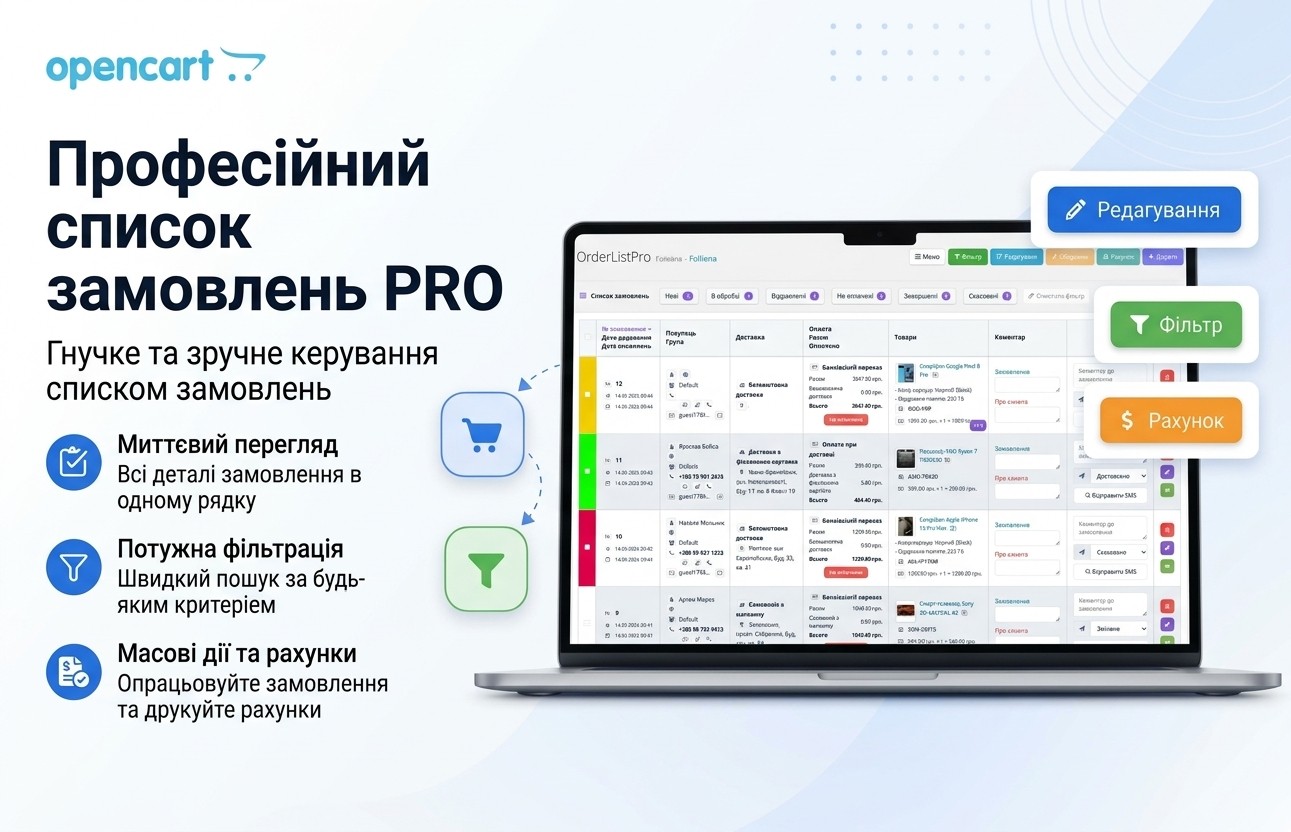
Perfectly complements the Order List PRO module.
What's new in the latest version:
- Order merging capability: Convenient functionality for merging multiple different orders.
- Default search type selection: Now you can set a priority search type for products (by model, SKU, etc.), which speeds up the manager's work.
- PDF invoice generation: Added the ability to instantly download an official order invoice in PDF format.
- Technical optimization: A number of minor improvements and fixes have been made for even more stable and faster module operation.
Integrated shipping support
The module already has full compatibility with popular shipping modules from @Prorab337:
- Novaya Pochta
- Ukrposhta
- Rozetka
1. Key advantages and algorithm of operation
- Flexible filling: Fill in only the fields you need right now. The order will be saved without errors, even if some data is missing — you can always complete it later.
- 100% Mobile-Friendly: Fully adaptive interface. Equally convenient to work on a large monitor or from a smartphone or tablet.
2. Top quick action panel
- Instant status: Change order status in one click (without resaving the entire document).
- Language and Currency: Quick switching of order language and calculation currency.
- Multi-store: Easy selection of the required store/shop.

3. Customer management and CRM functionality
- Quick attachment: Search and pull existing customers and their saved addresses.
- Smart phone number search: Automatic search for matches when entering a phone number — all contact information is pulled instantly.
- Loyalty indicator: A special icon will show if this is a regular customer and display their previous purchase history in one click.
- Quick communication (Viber, Telegram, WhatsApp): Direct buttons to switch to chat with the customer without saving the number in your phone book.
- Buyer groups: Change group directly in the order card with automatic recalculation of special prices and custom fields.
- Internal notes: Separate fields for technical comments on the order and personal notes about the customer.
- Duplication: Copy an order in 1 click.


4. Flexible cart management
- Convenient product addition: Quick search by name or article number (SKU).
- Visual control: Display of product thumbnails with the ability to quickly navigate to the product card on the website.
- Custom pricing: Setting a manual price or automatic calculation taking into account active promotions, options and discounts.
- Stock balances and base prices at hand: Accurate information about stock balances and option prices directly next to input fields.
- Auto-warehouse synchronization: Automatic deduction/return of goods to the warehouse when added or removed from the cart.
- Certificates: Full creation and editing of gift certificates.

5. Shipping, Discounts and Bonuses
- Marketing: Application of coupons, gift certificates and bonus points.
- Bonus system: Display of customer's point balance, manual accrual or deduction, as well as auto-calculation of points for the current purchase.
- Partner program (Affiliate): Affiliate attachment and management of their commissions.

6. Financial Summary and Economics
- Instant recalculation: A special button for final calculation of all items.
- Manual adjustments: The ability to set a custom shipping cost or additional discount (in % or fixed amount).
- Convenience: The save button is located right next to the summary block.

7. Order Timeline and History
- Precise detail: Display of date, hours and minutes for each status change.
- Transparency: Convenient form for adding new statuses with comments and a customer notification button via Email.

8. Flexible module settings panel
Adapt the module to your own business processes:
- Customization of block locations (tabs).
- Selection of price precision (number of decimal places).
- Input mask for phone numbers.
- Automatic or manual accrual/deduction of bonuses when changing statuses.
- Display of only required blocks (ability to hide coupons, bonuses or partner program if they are not used).

Technical Support
Technical support is provided on working days (Monday-Friday) and working hours from 10:00 to 17:00 except holidays.
The response/assistance time depends on the author's workload, but everyone who requested and needs it will receive a response or assistance.
License Agreement
The license applies only to the domain specified at the time of purchase.
The author reserves the right to revoke the license if there is a violation of copyright or license agreement.
Free technical support is provided for 180 days from the date of purchase of the add-on.
The author has the right to change the terms of technical support or the license agreement at any time at his own discretion.
Modification or additional functionality is not included in technical support and is paid separately