IBAN QR - payment links, payment via QR code for OpenCart 3
IBAN QR - payment links, payment via QR code for OpenCart 3
The module allows you to create convenient payment pages with QR code and bank details directly from the order card in the OpenCart admin panel.
 sasha3337774
Promo code will be applied automatically when you add the product to cart
Enter domain without www, http, https (e.g. example.com)
Description
IBAN QR - Payment Links creates personal payment links for OpenCart orders. The customer receives an adaptive page with the amount, QR code, IBAN, payment details and a generated payment purpose.
The link is created directly from the order page. The administrator selects a profile, amount and language of the payment page, after which they can copy the link, open it, download the payment as PNG or PDF, or send it to the customer via Telegram and Viber.
Key Features
Payment Profiles
The module supports an unlimited number of profiles for different sole proprietors, companies, banks and business areas.
For each profile you can configure:
- Internal name for the admin panel;
- Recipient, EDRPOU / RNOKPP and IBAN;
- Payment purpose template;
- Colors of the payment page and button;
- Custom QR template or deep link;
- Active status.
Flexible Payment Amount
Before creating a link, you can choose:
- The full amount of goods;
- A fixed prepayment;
- A percentage of the amount;
- The balance after prepayment;
- A custom amount.
The amount is calculated automatically and additionally verified on the server.
Creating a Link from an Order
In a compact modal window, the administrator selects the payment profile, amount mode and page language.
The finished link can be:
- Copied or opened;
- Downloaded in PNG format;
- Downloaded in PDF format;
- Sent via Telegram;
- Passed to the customer via Viber.
Payment Page
Each link has a short address in the format site.com/pay/token. The customer sees:
- The payment amount and currency;
- A QR code for payment;
- The recipient, tax code and IBAN;
- The payment purpose;
- Buttons for copying the details;
- A button to switch to the banking app;
- The seller's contacts and social networks.
On smartphones, the main payment button is fixed at the bottom of the screen.
Bank Selection
On smartphones, the customer can select a bank from the list and switch to the corresponding app. Separate transitions for iOS and Android are supported.
On a computer, the list of banks is automatically hidden. For payment, the QR code, details and copy buttons remain available.
Design and Languages
In the admin panel, you can add a logo, multilingual name and description, email, several phone numbers, website, and links to Instagram, Telegram, Facebook and Viber.
When creating a link, the administrator selects the language of the payment page: Ukrainian, English or Russian. Ukrainian is used by default.
Link Preview
The module supports Open Graph, Twitter Card and Schema.org. For previews in messengers, you can upload a separate image sized 1200 × 630 px. If no image is selected, the store logo is used.
QR Code and Shortcodes
The QR code is generated locally and contains the details, amount and payment purpose. If necessary, you can use a custom QR template or deep link.
Available shortcodes:
{order_id}- order number;{customer}- customer;{amount}- amount;{currency}- currency;{iban}- IBAN;{recipient}- recipient;{tax_id}- tax code;{purpose}- payment purpose.
Telegram and Viber
- Telegram: opens a chat with the customer and a prepared message;
- Viber: copies the message to the clipboard and opens a chat with the customer.
The message template supports the variables {payment_url}, {order_id}, {customer}, {amount} and {currency}.
Security
- Saving a snapshot of the details when creating a link;
- Setting the validity period of the link;
- Cryptographically random tokens;
- Support for previously created links;
- HMAC protection for PNG and PDF downloads;
- Server-side verification of profiles, IBAN and amount;
- Prohibition of indexing, caching and embedding in an
iframe; - Local QR code generation without third-party APIs.
Specifications
Features
Technical Details
- OpenCart Version
- 3.0.0
- Module Localization
- Ukrainian, English, Russian
- Support Language
- Ukrainian, English, Russian
- Activation Method
- Automatic activation
- Ioncube Loader
- No (not required)
- Developer Server Connection
- No
- If Developer Server Unavailable
- Extension works
- PHP Version
- 7.0 7.2 7.3 7.4 8.0 8.1 8.2 8.3 8.4 8.5
- Compatible with Templates
- Does not affect the template.
Reviews (0)
Please log in to leave a review.
Log inNo reviews yet
Be the first to review this product!
Questions (0)
Please log in to ask a question.
Log inNo questions yet
Be the first to ask a question about this product!
Knowledge Base (2)
Сторінка може відображати валюту замовлення, але стандартний український банківський QR із автоматичною сумою орієнтований насамперед на UAH. Для інших валют може знадобитися власний шаблон QR або deep link.
Ні. Модуль формує платіжні реквізити, QR-код і сторінку оплати, але не підключається до банківського API. Надходження коштів необхідно перевіряти у банківському застосунку або виписці.
Changelog
- - Added bank selection on the payment page
- - Added download of the payment card in PDF format
- - Shortened tokens of new payment links. Old links remain compatible
- - Improved the payment link creation interface in the admin panel
- - Optimized the mobile view of the payment page and the requisites block.
- - Додано гнучкий вибір суми: повна сума, передоплата, відсоток, залишок або довільна сума
- - Додано мультимовні назву й опис платіжної сторінки
- - Додано кастомізацію сторінки оплати: Вибір логотип, контакти, соціальні мережі та необмежену кількість телефонів
- - Додано зображення для прев’ю посилання, Open Graph, Twitter Card і Schema.org
- - Покращено мобільне відображення, і стабільність модуля.
- Module Release
Related Modules
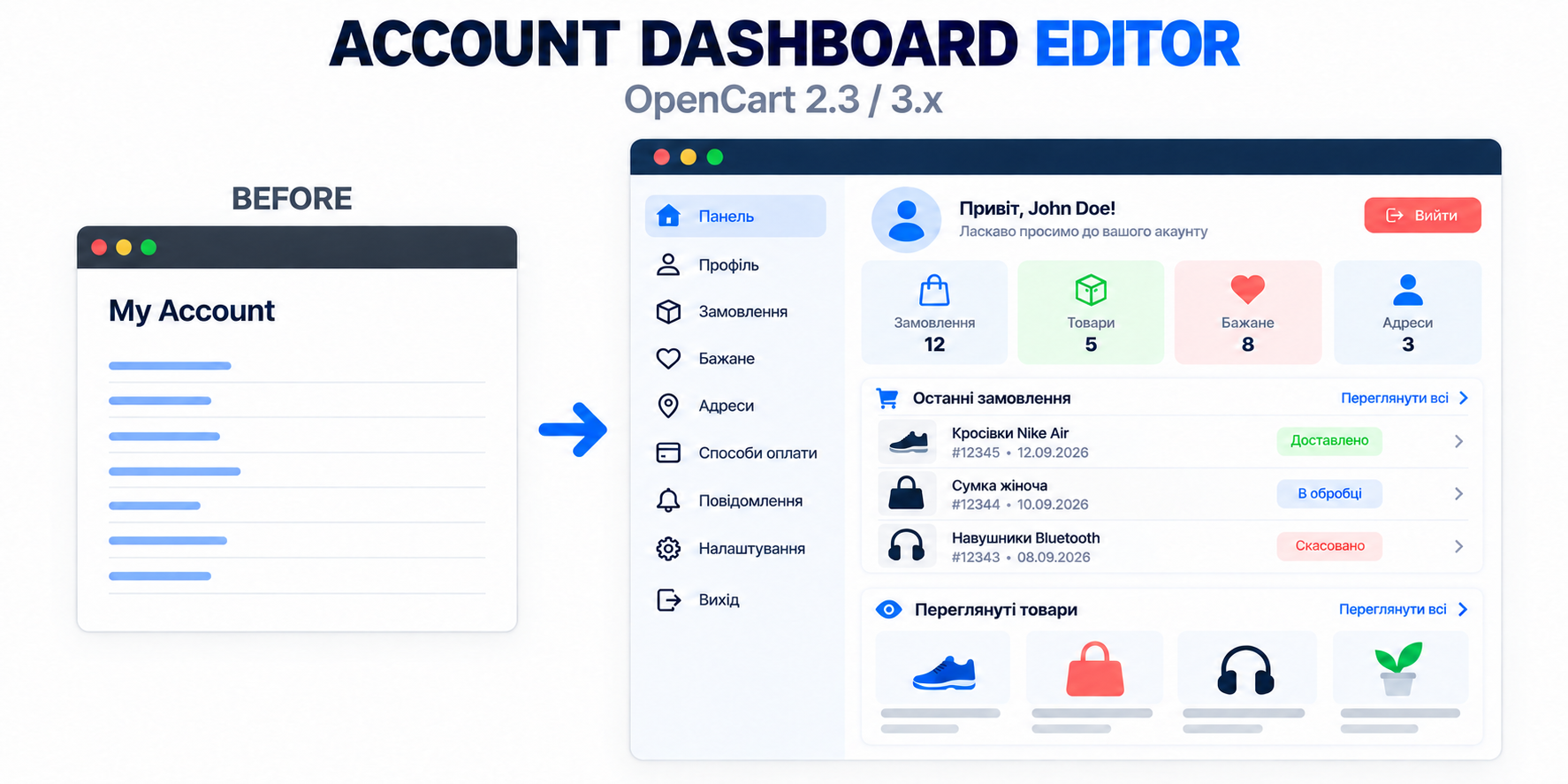
Account Dashboard Editor - Editor and settings of the personal account for OpenCart
This module transforms a standard OpenCart personal account page into a modern, convenient, and informative dashboard.
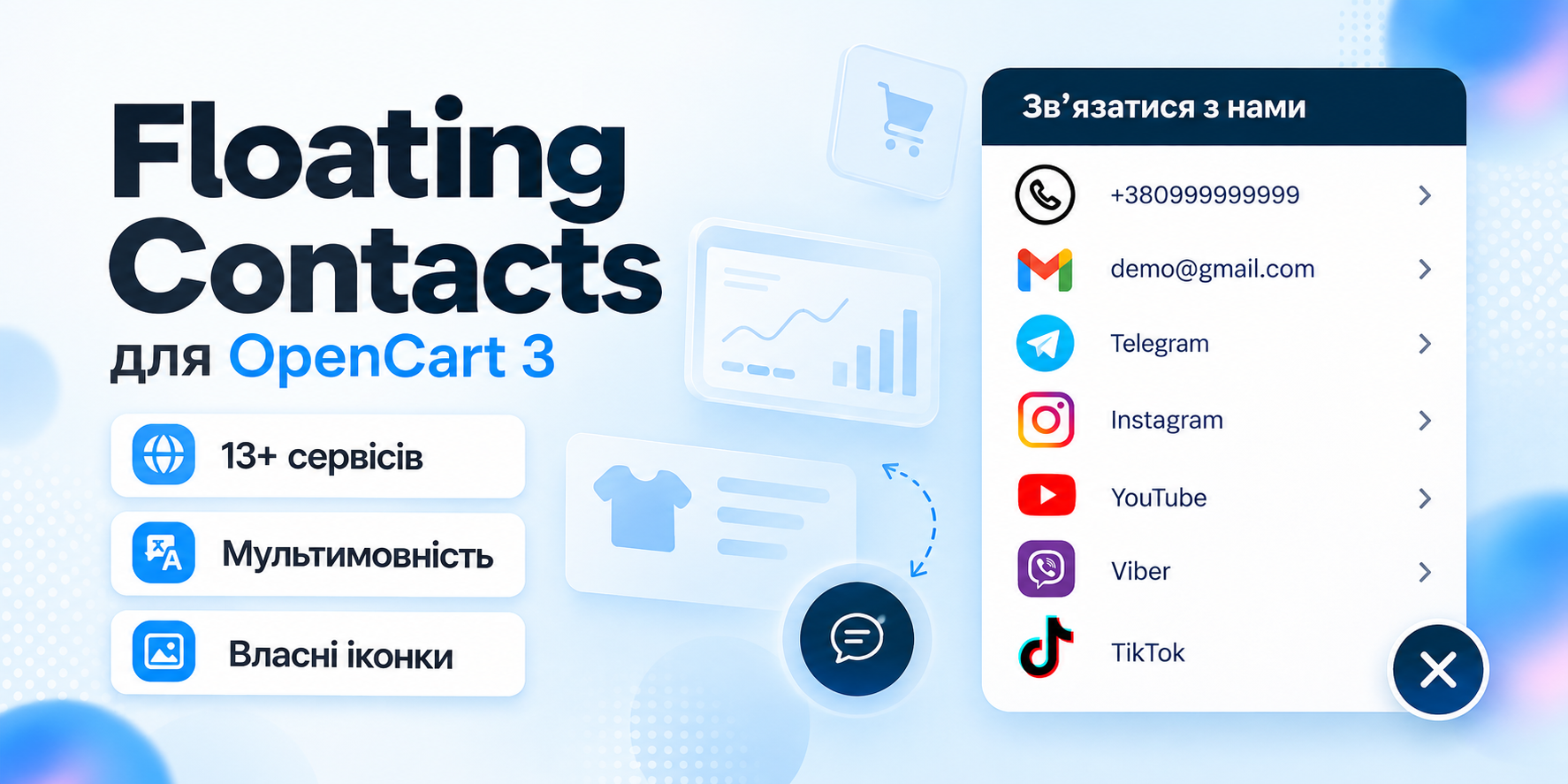
Floating Contacts - floating contacts button for OpenCart 3
Floating Contacts allows you to add a convenient floating panel with phones, email, messengers, and social networks to your store pages.
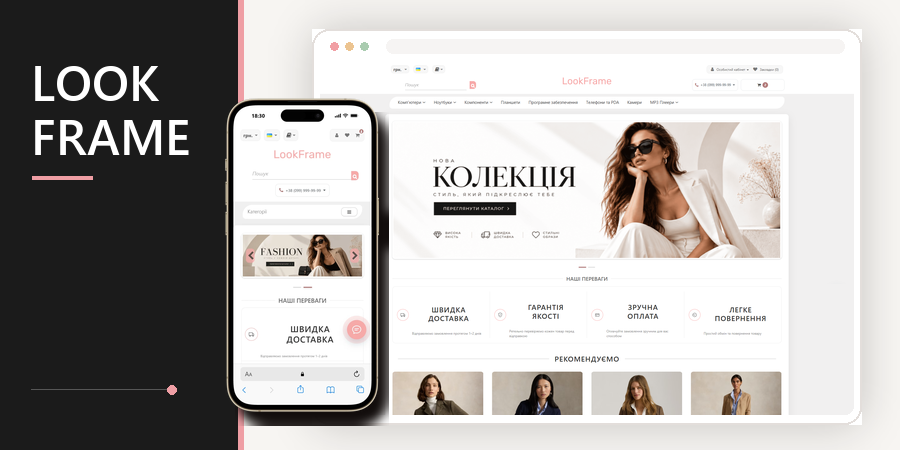
LookFrame - responsive template for OpenCart 3
A modern template for an online store on OpenCart. It has a clean design, responsive layout, and clear settings in the admin panel. Suitable for clothing stores, accessories, equipment, cosmetics, and other goods.
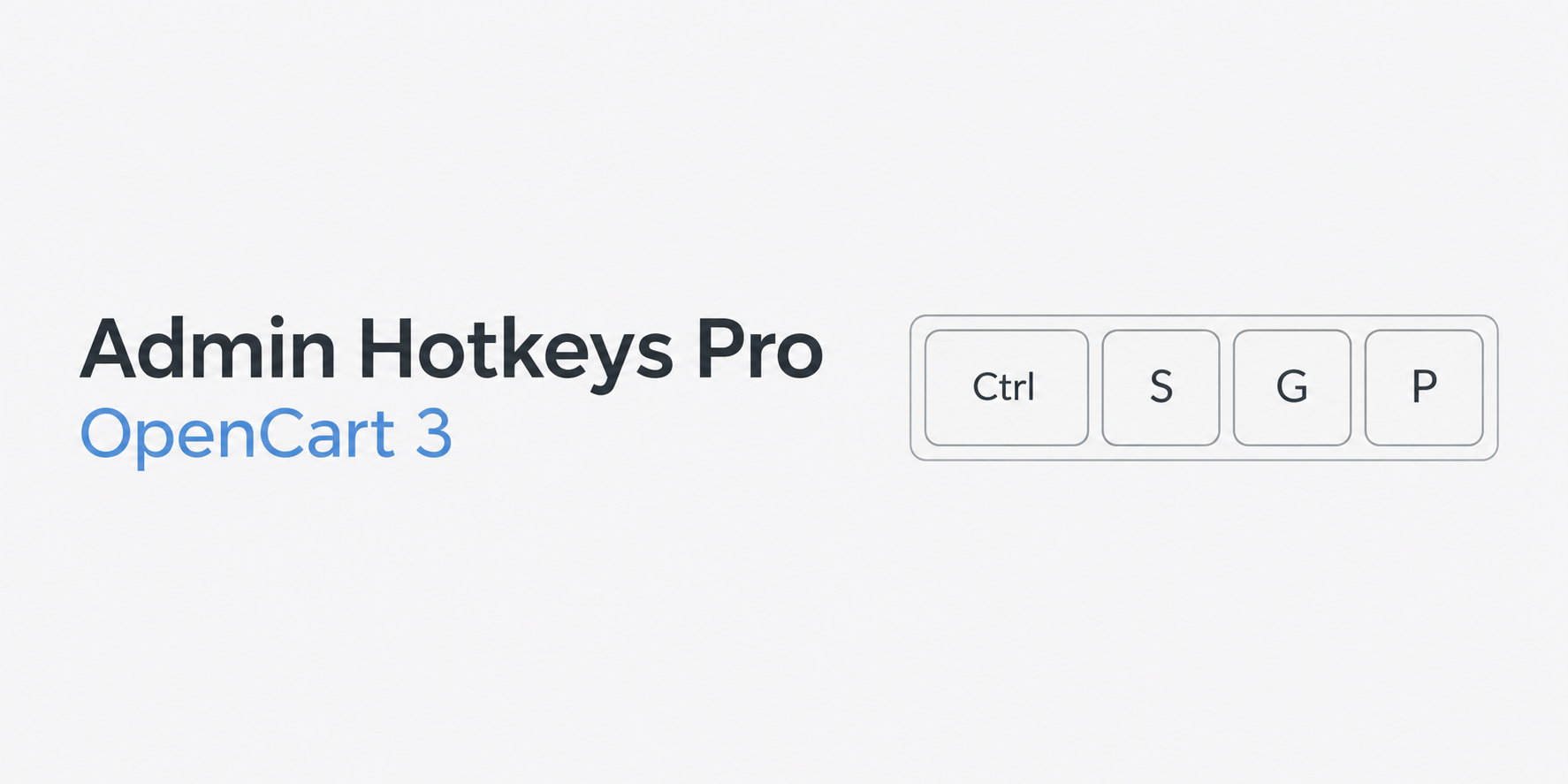
Admin Hotkeys Pro for OpenCart 3
Adds convenient management to the OpenCart admin panel using keyboard shortcuts. The module allows you to quickly save forms, navigate to products, categories, orders, customers and other admin sections without unnecessary menu clicks.