
Size Converter - Convert option values to a standard format
Size Converter - Convert option values to a standard format
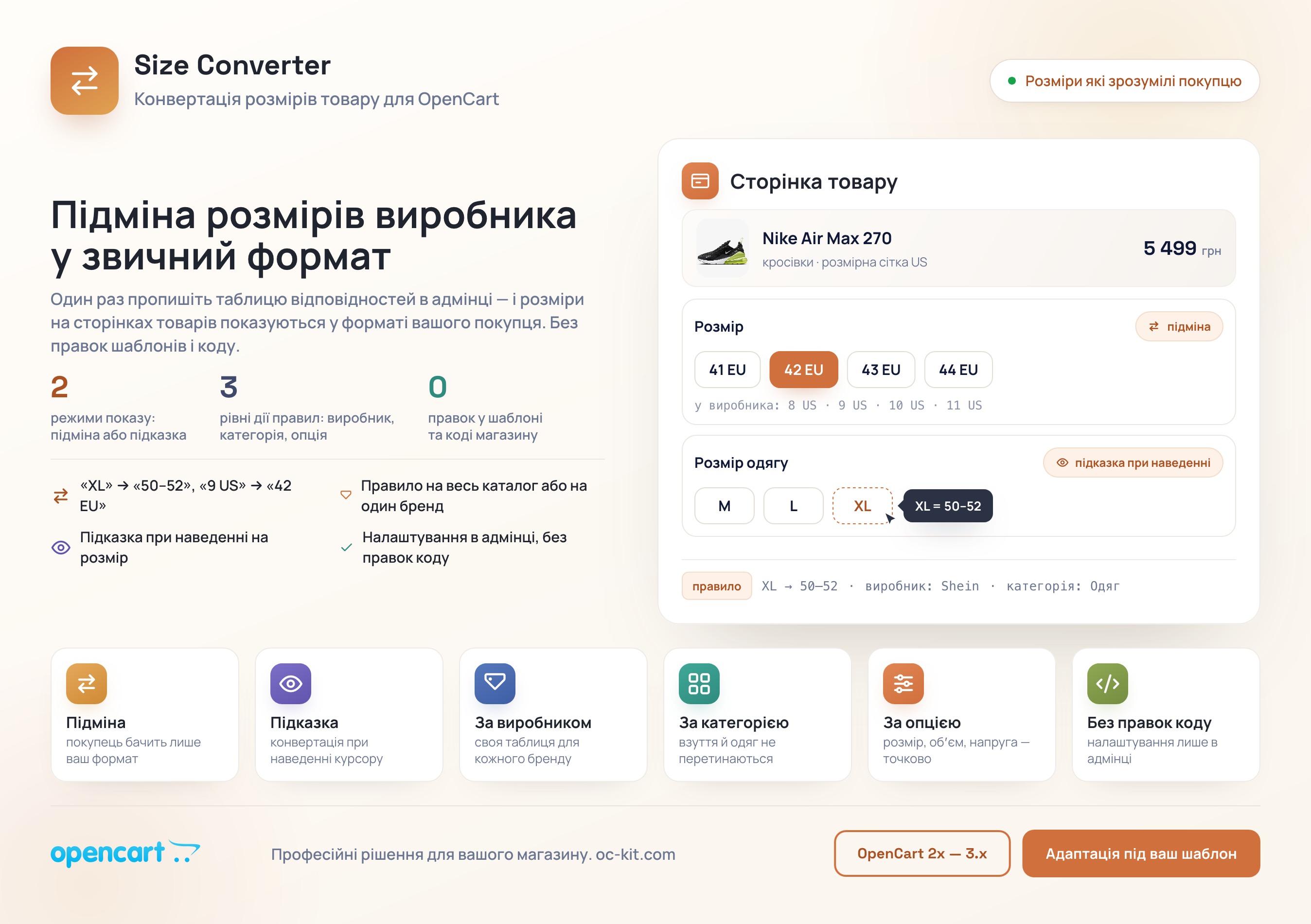
Display converted size values for customers in a familiar format
 oc_kit
Promo code will be applied automatically when you add the product to cart
Optional — you can enter the domain later from your account.
Demo
Documentationdemo
demo
Description
XL from a Chinese supplier and XL European are different things. The buyer doesn't know this until they receive the package.
Size Converter converts sizes from the manufacturer's system to the one your buyer understands. You set up the conversion table once in the admin panel — and sizes on product pages automatically display in the required format.
How it works
- Add a conversion rule — specify the original option value and what the buyer will see. For example: «XL» → «50–52» or «9 US» → «42 EU».
- Set the scope — the rule can apply to the entire catalog or only to a specific manufacturer, category, or option.
- The buyer sees the correct size — either instead of the original value, or as a tooltip on hover. No template or code edits needed.
Two display modes
Substitution
The original option value is replaced with the converted one directly on the product page. The buyer sees only your format — no questions like "what size system is this?"
Tooltip on hover
The original size remains visible, and the converted value appears when you hover over it. Convenient when the buyer knows both systems and wants to compare.
Flexible rules — from global to precise
By manufacturer
Different brands mark differently — set up a separate conversion table for Nike, Adidas, your Chinese supplier, or any other manufacturer.
By category
Footwear and clothing use different size systems. Rules for «Footwear» won't overlap with rules for «Children's Clothing».
By option
Conversion applies only to the specified option — «Size», «Volume», «Voltage», or any other. Other product options remain unchanged.
Specifications
Features
Technical Details
- OpenCart Version
- 3.0.0 3.0.1 3.0.2 3.0.3 3.0.4 3.0.5
- Module Localization
- Ukrainian, English, Russian, German, Polish, Spanish, French, Italian, Portuguese, Czech
- Support Language
- Ukrainian, English, Russian
- Activation Method
- License key
- Ioncube Loader
- Yes (required)
- Developer Server Connection
- Yes
- If Developer Server Unavailable
- Extension works
- PHP Version
- 7.3 7.4 8.0 8.1 8.2 8.3 8.4
- Compatible with Templates
- default, octemplates
Reviews (0)
Please log in to leave a review.
Log inNo reviews yet
Be the first to review this product!
Questions (0)
Please log in to ask a question.
Log inNo questions yet
Be the first to ask a question about this product!
Changelog
- - Виправлено помилки
Related Modules
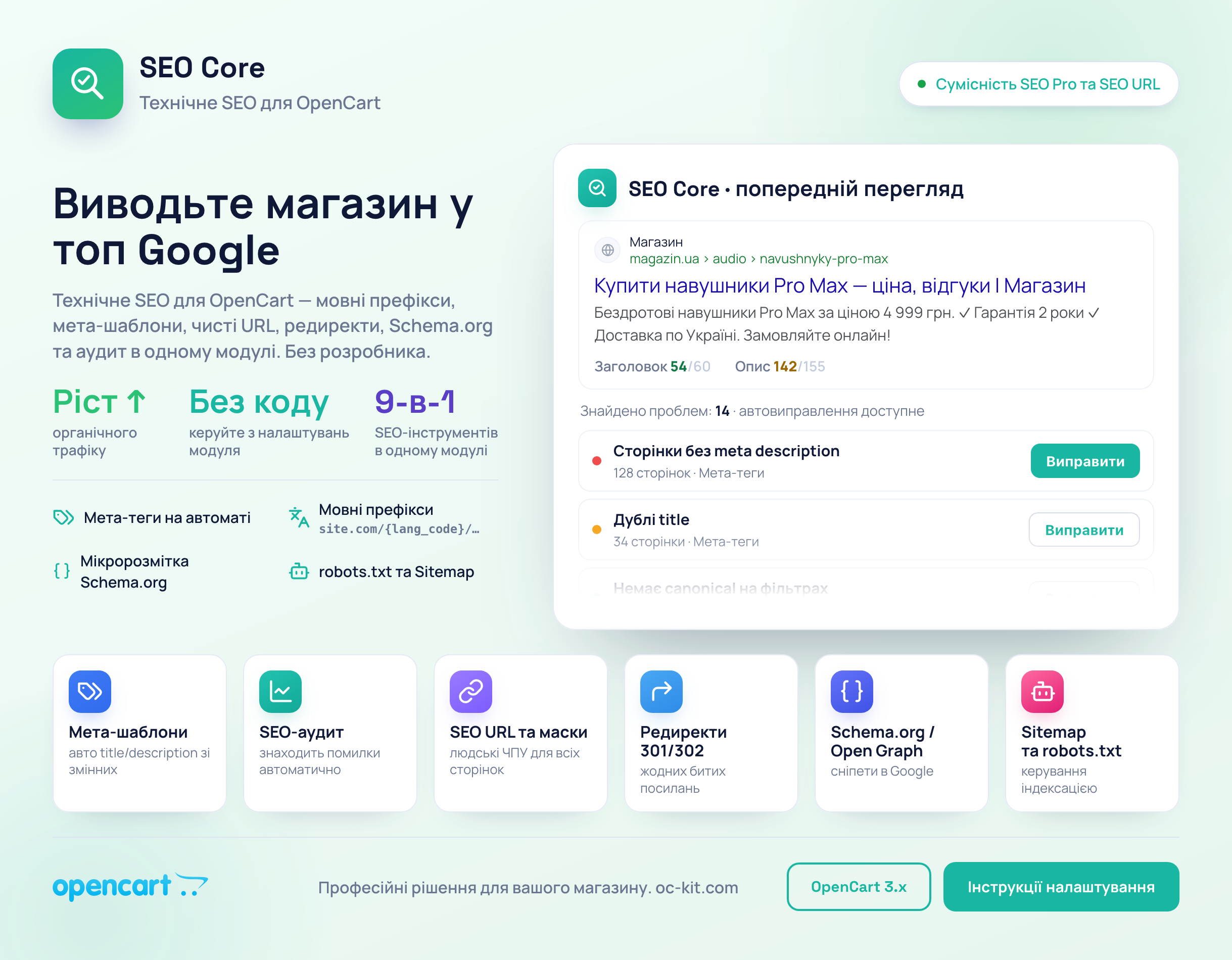
SEO Core - comprehensive seo solution for opencart store
Effective and comprehensive SEO solutions for OpenCart in one module.
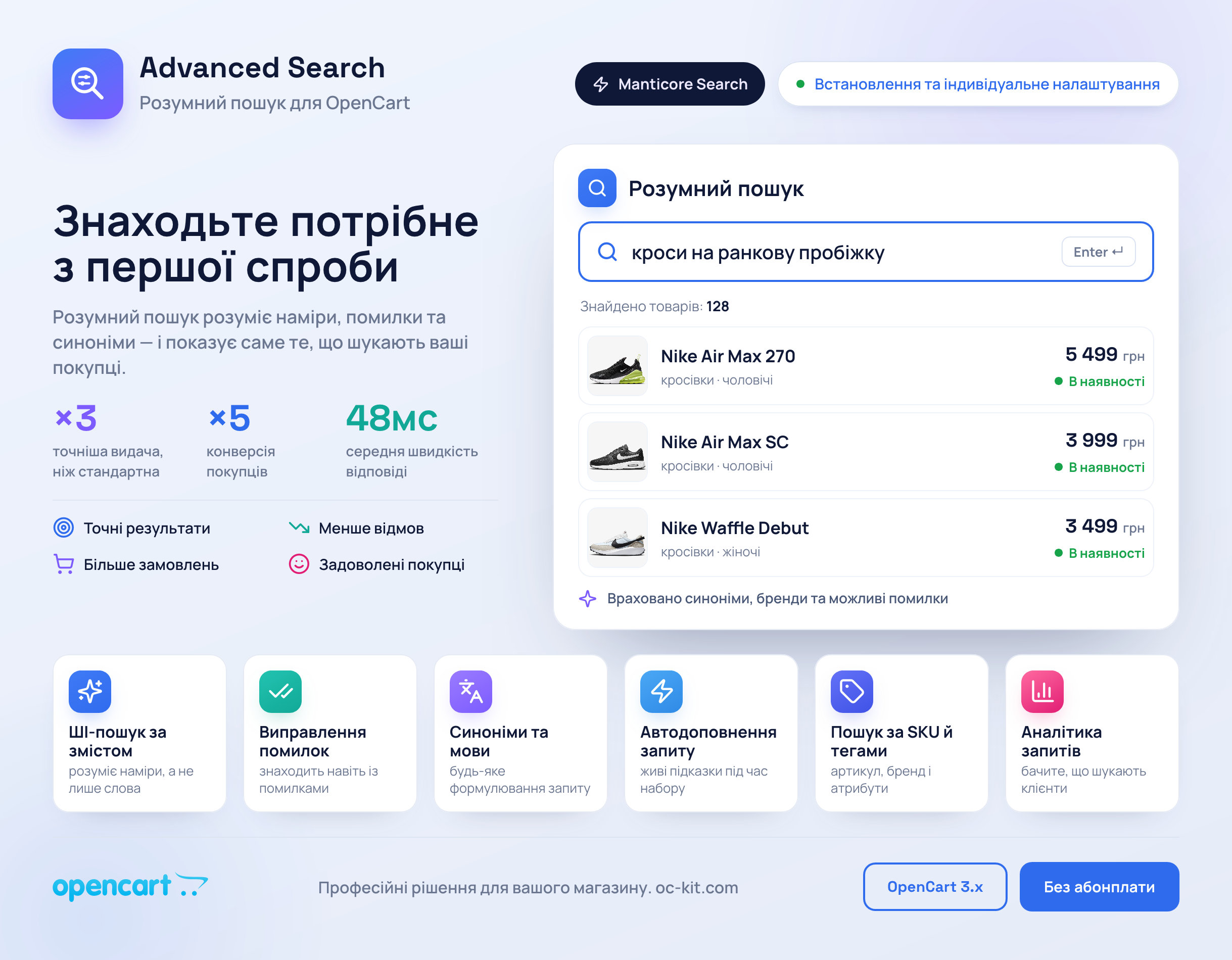
Advanced Search
Find what you need on the first try – Advanced Search Pro for OpenCart