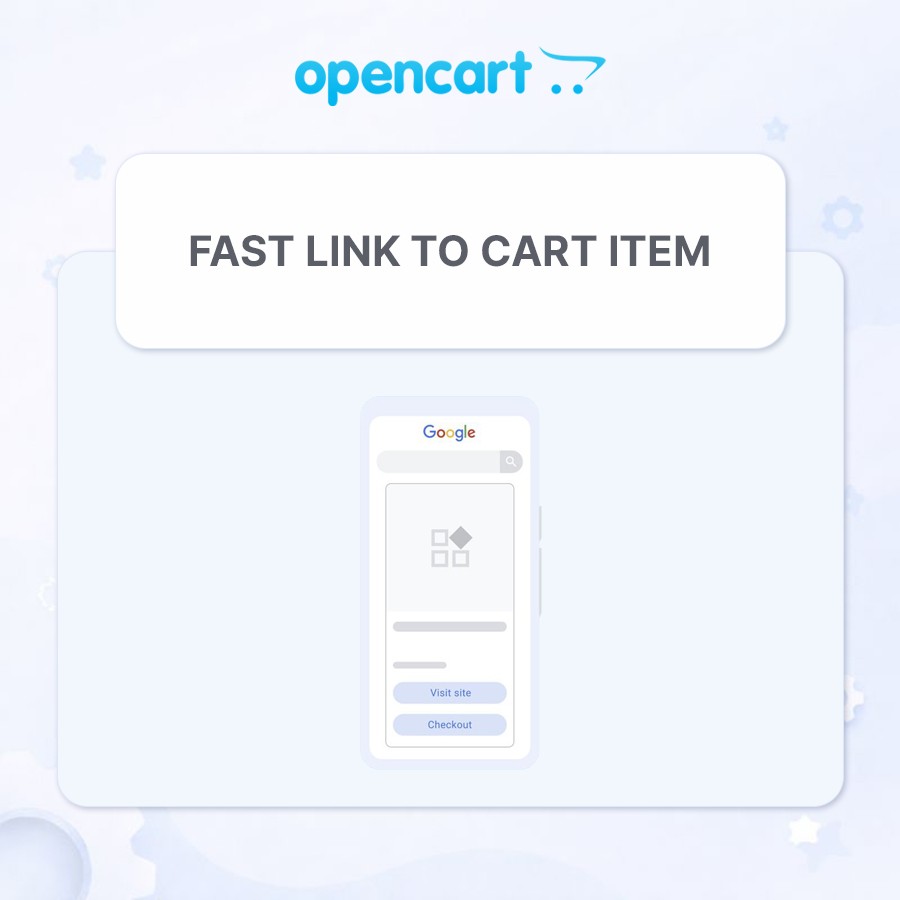
Fast Link to Cart Item
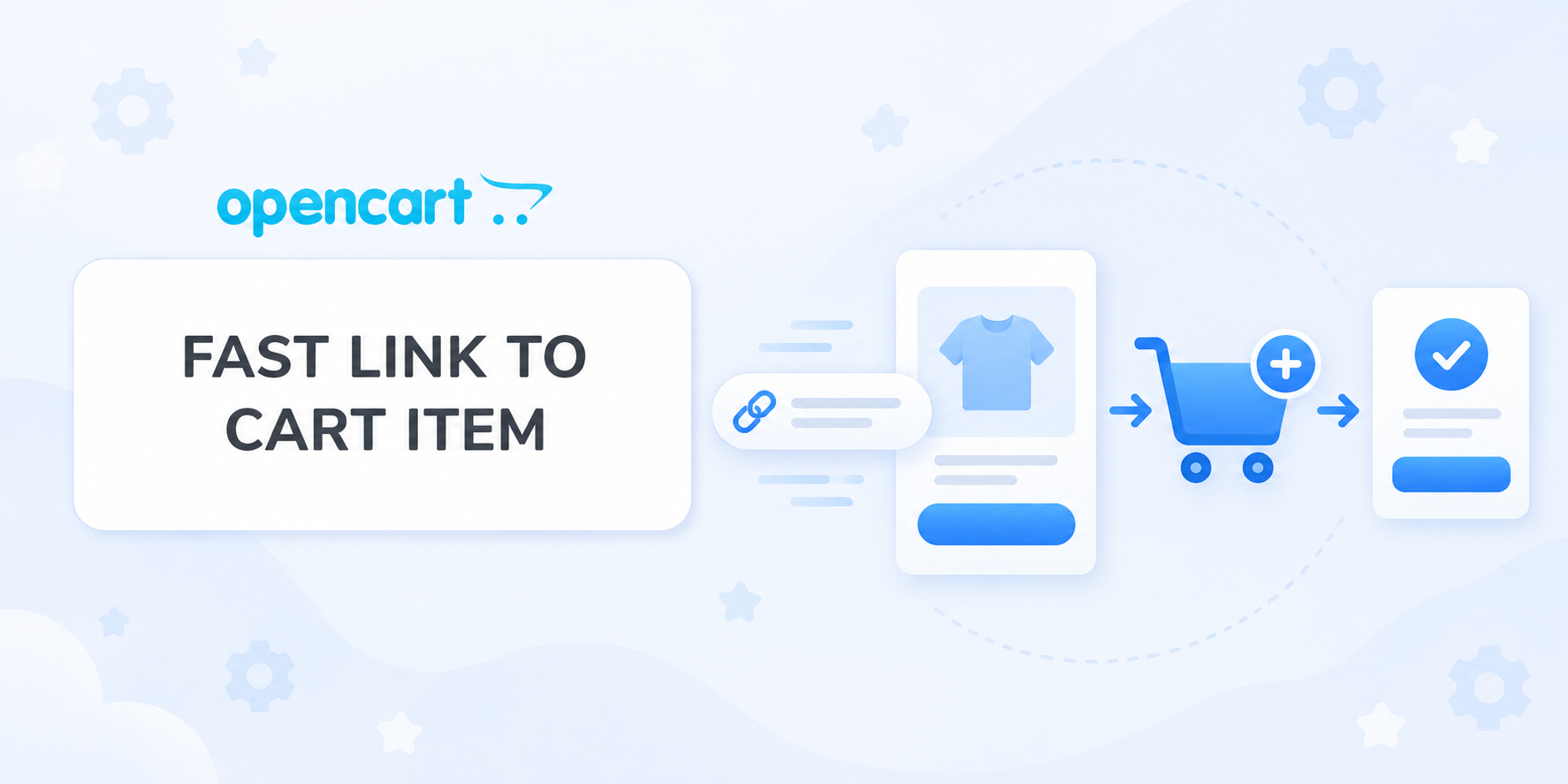
Fast Link to Cart Item
Creates direct links that add products to the cart and open checkout using Model, SKU, UPC, EAN, JAN, ISBN or MPN. Products with required options are redirected to the product page.
 IHOR1989
Promo code will be applied automatically when you add the product to cart
Enter domain without www, http, https (e.g. example.com)
Description
The modifier adds the ability to add a product to the cart via a direct link of the form: https://yourshop.com/index.php?route=checkout/checkout&{key}
- Where {key} — configured key (possible values: product_id, model, sku, upc, ean, jan, isbn, mpn).
- Quantity added to cart = 1.
- Options are not requested: if the product has options, the buyer is automatically redirected to the product page.
Why this is needed
In Google Merchant Center Next (GMC), works only in the USA, there is an option to "Add cart or checkout page URL". After installing the modifier, you will be able to specify in GMC a special Checkout URL for each product.
As a result, two buttons will appear in ads:
- Standard: "Go to product page"
- New: "Buy" — leads directly to cart with the selected product
You can get more detailed information in the GMC dashboard: Settings → Company info → Checkout.
Where the module is useful outside GMC
- Email/SMS/Viber/Telegram: "Buy now" button with link
- Social networks and influencers: links directly to cart in posts/stories/video descriptions.
- Banners, landing pages, blog.
- QR codes offline: scan → product in cart (showroom, price tags, brochures).
- B2B price lists/commercial proposals: clickable "Buy" in PDF/Excel.
- Support/chatbots: quick replies with cart addition link.
- Retargeting (outside GMC): ads with direct cart link (with UTM).
Key benefits
- Instant cart addition via link.
- Flexible binding: choose the product search field — product_id, model, sku, upc, ean, jan, isbn, mpn.
- Correct handling of options: if the product has options (size/color, etc.), the user is correctly redirected to the product page.
- Clean UX: after adding — auto-redirect to /checkout/ without GET parameters (no re-adding on F5).
- Fast GMC integration: use SKU/MPN/Model in links for convenient matching with feed.
Cart compatibility
- Standard cart
- Simple cart
- Cart octemplates
- Cart 29aleksey
Version compatibility
- OpenCart 3.x / ocStore 3.x
- OpenCart 2.3 / ocStore 2.3
Setup for Google Merchant Center
- In your feed you already have an identifier (for example, model).
- In GMC go to Settings → Company info → Checkout and specify "Add cart or checkout page URL" in the format:
- For standard cart: https://yourshop.com/index.php?route=checkout/checkout&model={id}
- For Simple cart: https://yourshop.com/index.php?route=checkout/simplecheckout&model={id}
- For cart octemplates: https://yourshop.com/index.php?route=checkout/oct_smartcheckout&model={id}
- For cart 29aleksey: https://yourshop.com/index.php?route=checkout/onepcheckout&model={id}
- If SEO_URL is used on the checkout page, you can specify: https://yourshop.com/checkout?model={id}
The customer from the ad can either open the product card or go straight to the cart with this product.
Link examples
Product with options:
- https://demo.ocmodules.in.ua/checkout?model=SM-X910NZAA
- https://demo.ocmodules.in.ua/index.php?route=checkout/checkout&model=SM-X910NZAA
Product without options:
- https://demo.ocmodules.in.ua/checkout?model=SM-X826BZAREUC
- https://demo.ocmodules.in.ua/index.php?route=checkout/checkout&model=SM-X826BZAREUC
Installation
- Install the modifier via the standard installer.
- Update modification cache.
- Go to: System → Settings → Edit store settings → "Options" tab.
- Find the option "Product key for link formation" and select the one that matches the identifier in the GMC feed.
- Save store settings.
- Test link operation using the examples provided.
License
Use is permitted in one online store.
Specifications
- OpenCart Version
- 2.3.0 3.0.0 3.0.1 3.0.2 3.0.3 3.0.4 3.0.5
- Module Localization
- Ukrainian, English, Russian
- Support Language
- Ukrainian, English, Russian
- Activation Method
- Automatic activation
- Ioncube Loader
- No (not required)
- Developer Server Connection
- No
- If Developer Server Unavailable
- Extension works
- PHP Version
- 7.1 7.2 7.3 7.4 8.0 8.1 8.2 8.3 8.4 8.5
- Compatible with Templates
- Default, Promo, Deals, ShowCase, ReMarket, UltraStore
Reviews (0)
Please log in to leave a review.
Log inNo reviews yet
Be the first to review this product!
Questions (0)
Please log in to ask a question.
Log inNo questions yet
Be the first to ask a question about this product!