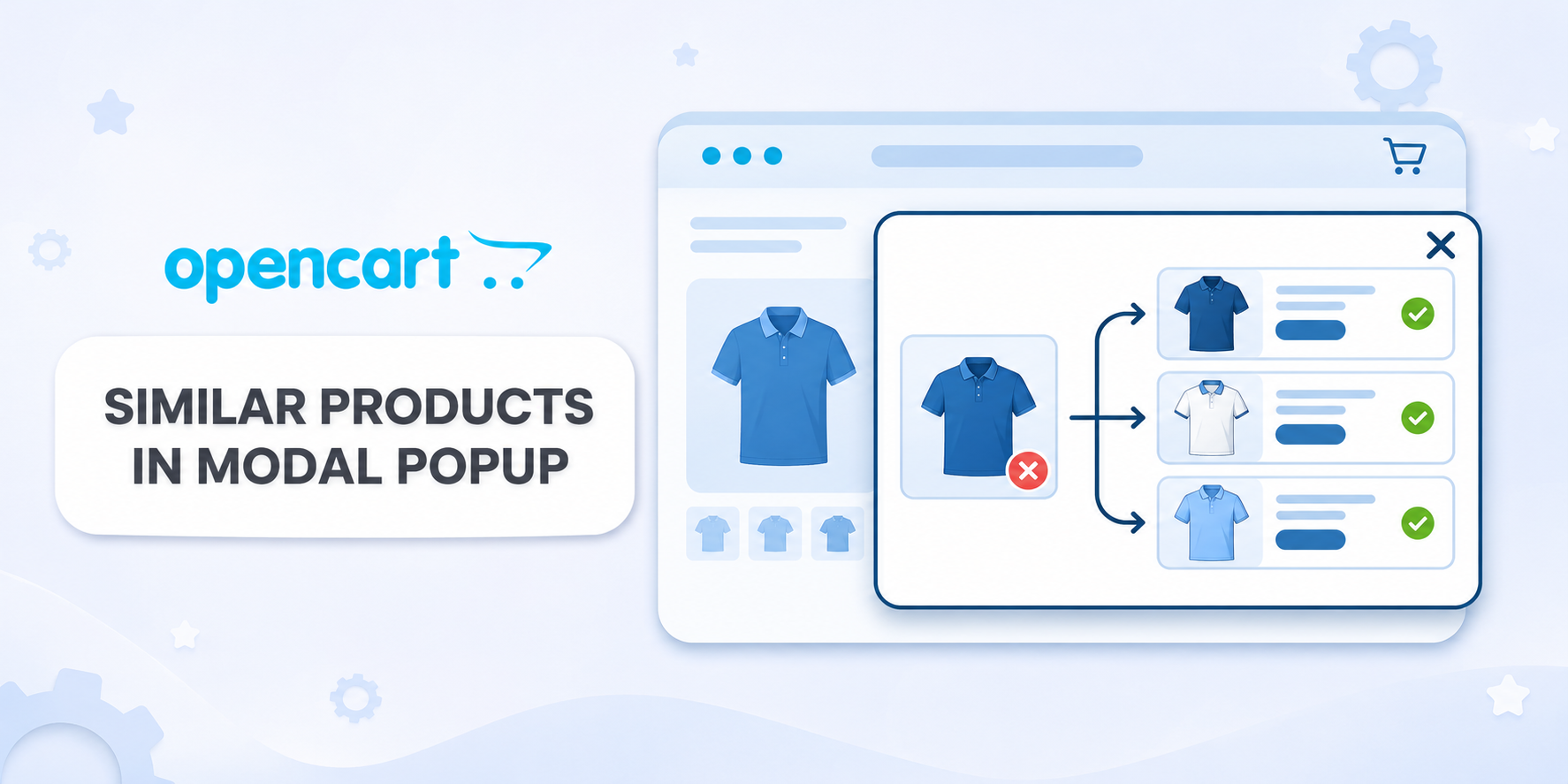
Offer customers an available alternative when their chosen product is out of stock. The module automatically opens a modal window with similar products selected by category, manufacturer and price range.
The modal appears on product pages where stock is insufficient to meet the minimum order quantity.
Flexible Selection of Alternatives
Each filter can be used independently. When multiple filters are enabled, products must meet all selected conditions:
- category — the source product’s main category or any of its assigned categories, with the option to include subcategories;
- manufacturer — only products from the same manufacturer;
- price — the permitted percentage below and above the source product’s price.
For example, for a product priced at UAH 1,000, you can allow alternatives that are up to 20% cheaper and up to 30% more expensive. Products priced between UAH 800 and UAH 1,300 will then be selected. The lower and upper limits can be set independently: leaving a field empty removes the limit on that side of the range.
Price comparisons use the current special price. If no special price is available, the customer group price for a single unit or the regular product price is used.
Display Settings
- number of products in the modal window;
- opening delay in seconds, including display without an additional delay;
- a custom heading for each store language;
- image width and height;
- sorting by closest price, price from low to high or high to low, newest products, number of views or product sort order;
- repeat display: once per product in the current browser tab, once per browser tab or every time the product page is opened.
Product cards include an image, name, current price, special price when available and action buttons. Customers can visit the product page or add the product to their cart. If a product has required options, customers select them on the product page using the standard process.
Generation and Performance
Product relationships are generated in advance and stored in separate indexed tables. The storefront uses these pre-generated relationships and OpenCart’s built-in caching system.
- batch generation from the administration panel without reloading the page;
- progress display showing the number of processed products and generated relationships;
- the ability to stop and resume generation;
- automatic generation via CRON with a separate enable/disable setting.
Regenerate the relationships after changing the selection criteria or product catalog. Recommendations take the store, customer group and language into account.
Compatibility
- OpenCart 3.x;
- ocStore 3.x.
Theme Compatibility
The base version is compatible with the standard default theme. Other themes may require adaptation. Theme adaptation is a paid service.
Installation
- Upload the
similar_products_modal_v_1_2_oc3.ocmod.zip archive through “Extensions → Installer”. - Refresh modifications and clear the theme cache.
- Find “Similar Products in a Modal Window” in the module list and click “Install”.
- Configure the filters, heading and display settings, then save your changes.
- On the “Generation / CRON” tab, generate the relationships and wait for completion.
- Enable the module. If needed, enable CRON and configure its schedule on your hosting.
License
The license covers one domain and its subdomains.
 IHOR1989