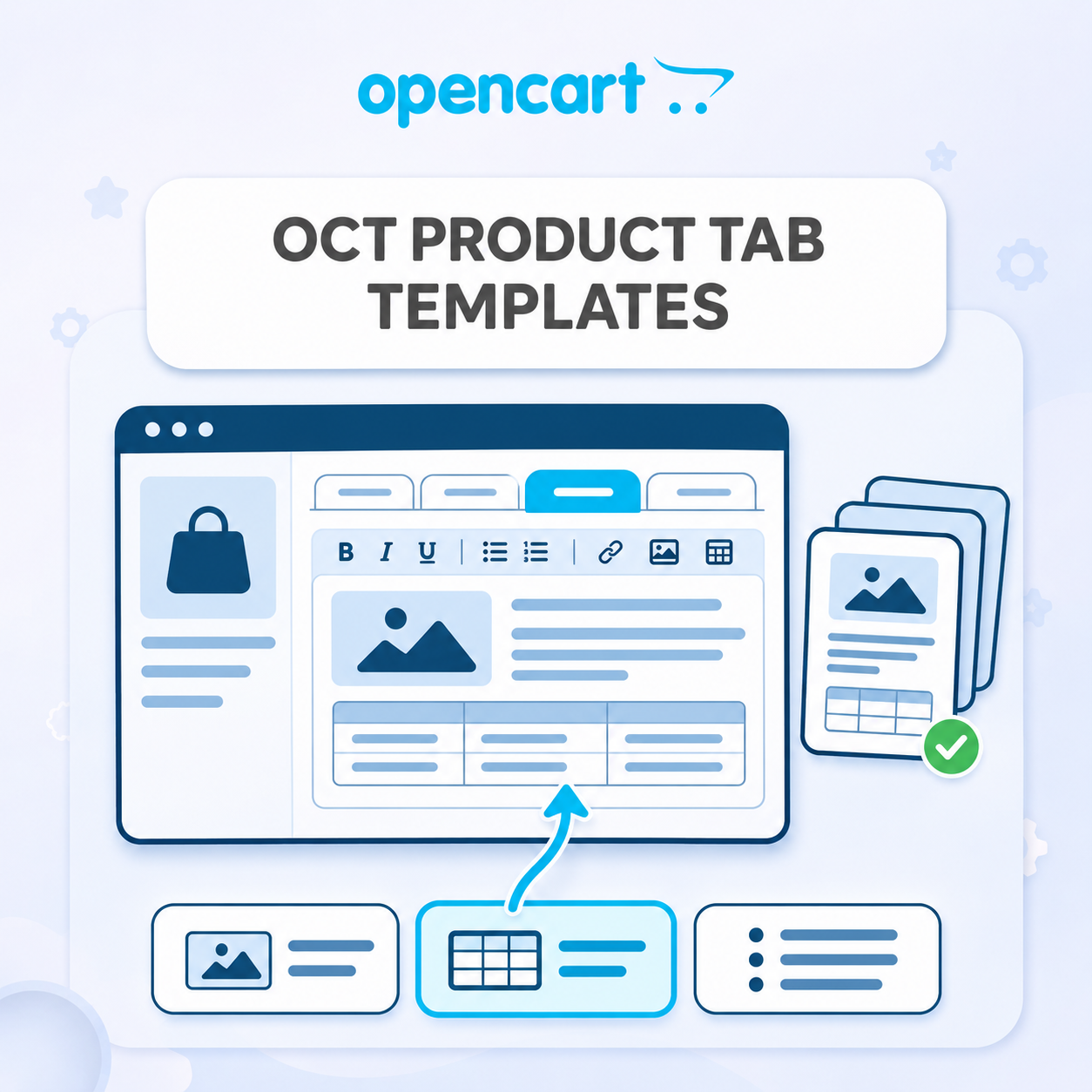
Templates of additional product tabs "Octemplates - Product Tabs"
Templates of additional product tabs "Octemplates - Product Tabs"
Create reusable content templates for OCTemplates additional product tabs and insert them with one click. Supports multiple languages, HTML formatting, tables and images. Configure tab assignments, button order and visibility.
 IHOR1989
Promo code will be applied automatically when you add the product to cart
Enter domain without www, http, https (e.g. example.com)
Description
Save ready-made texts and insert them into product additional tabs with a single click. The module helps quickly fill in information about delivery, payment, warranty, product care and other repetitive blocks without copying from other cards.
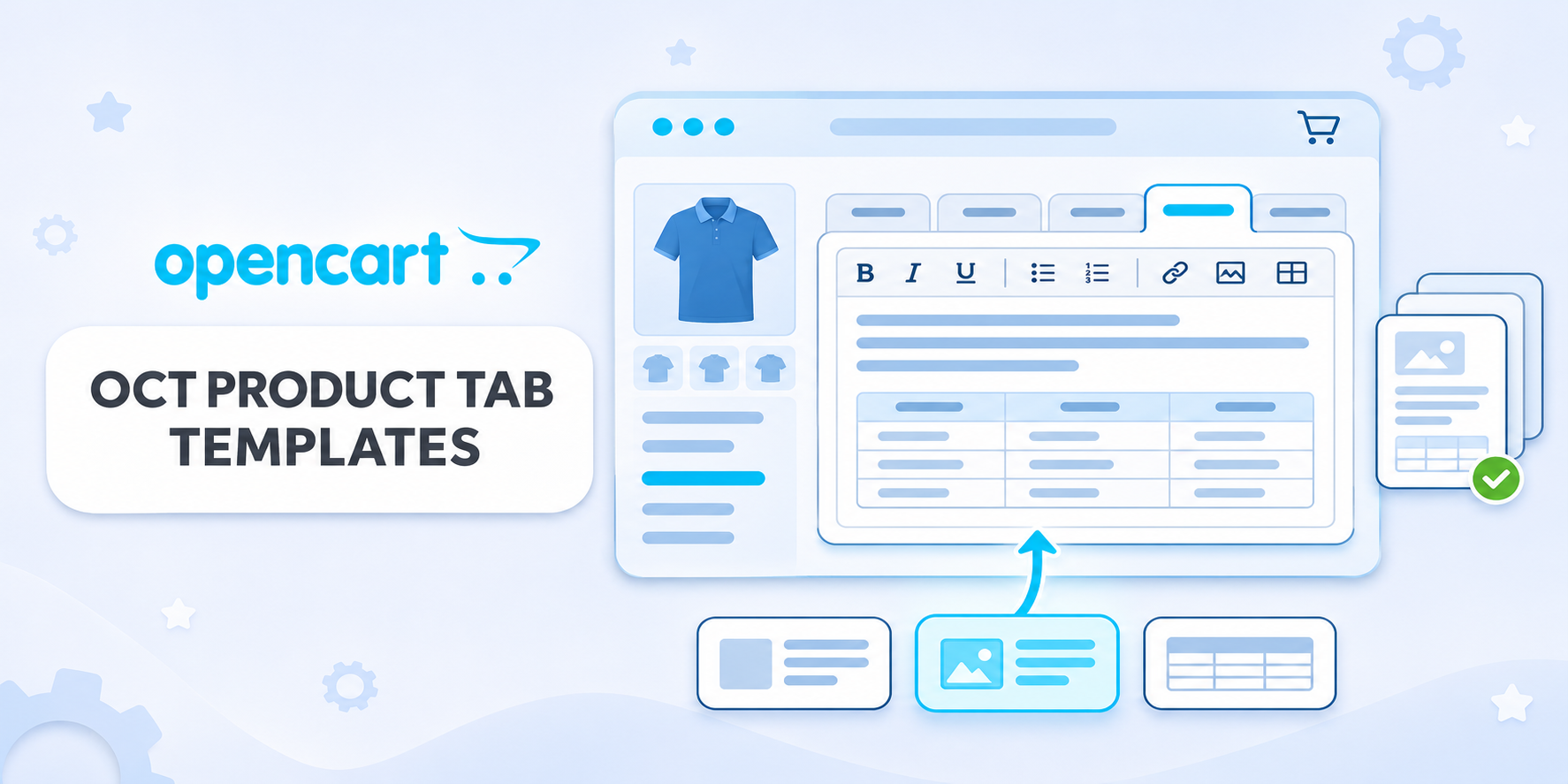
Below the additional tab editor OCT, buttons with the names of created templates appear. Clicking replaces the content of the current editor with the text of the selected template in the corresponding language. To save changes, use the standard product save button.
Ready inserts for different tabs
- creation and editing of templates in the admin panel;
- display of template in all additional OCT tabs or only in the selected one;
- custom button name for each template;
- setting the order of button display;
- enabling and disabling individual templates;
- bulk deletion of selected templates from the list.
Multilingual content
Template text is set separately for each store language. When inserting, only the current language editor is changed: texts in other languages and in other tabs remain unchanged. If the translation is not filled in, the template button for that language is not displayed.
How it works
- Create a template, set the name, required tab and content in the appropriate languages.
- Open product editing and add or select an additional OCT tab.
- Go to the required language and click the template button below the editor.
- If necessary, edit the inserted text for a specific product.
- Save the product with the standard OpenCart button.
Important: the button replaces all content in the selected editor. The inserted text is saved as regular product tab text. Further editing or deletion of the template does not change already saved product cards.
Compatibility and requirements
- OpenCart 3.x and ocStore 3.x;
- the installed and enabled OCTemplates additional product tabs module with the modifier
oct_product_tabs.ocmod.xmlis required for operation; - integration is tested with OCT Promo; for other tab implementations, adaptation may be required;
- PHP DOM extension is required for HTML processing.
Installation procedure
- Install and enable OCTemplates additional product tabs.
- Upload the module templates archive through the "Extensions → Install Extensions" section.
- Update modifiers and clear template cache.
- In the modules list, find "OCT Additional Tabs Templates" and click "Install".
- Open module settings, create templates, enable the module and save changes.
- If necessary, grant users rights to work with the module and edit products in user group settings.
License
The license applies to one domain and its subdomains.
Specifications
- OpenCart Version
- 3.0.0 3.0.1 3.0.2 3.0.3 3.0.4 3.0.5
- Module Localization
- Ukrainian, English, Russian
- Support Language
- Ukrainian, English, Russian
- Activation Method
- Automatic activation
- Ioncube Loader
- No (not required)
- Developer Server Connection
- No
- If Developer Server Unavailable
- Extension works
- PHP Version
- 7.3 7.4 8.0 8.1 8.2 8.3 8.4 8.5
- Compatible with Templates
- Promo, Deals
Reviews (0)
Please log in to leave a review.
Log inNo reviews yet
Be the first to review this product!
Questions (0)
Please log in to ask a question.
Log inNo questions yet
Be the first to ask a question about this product!