
PWA System - store application
PWA System - store application
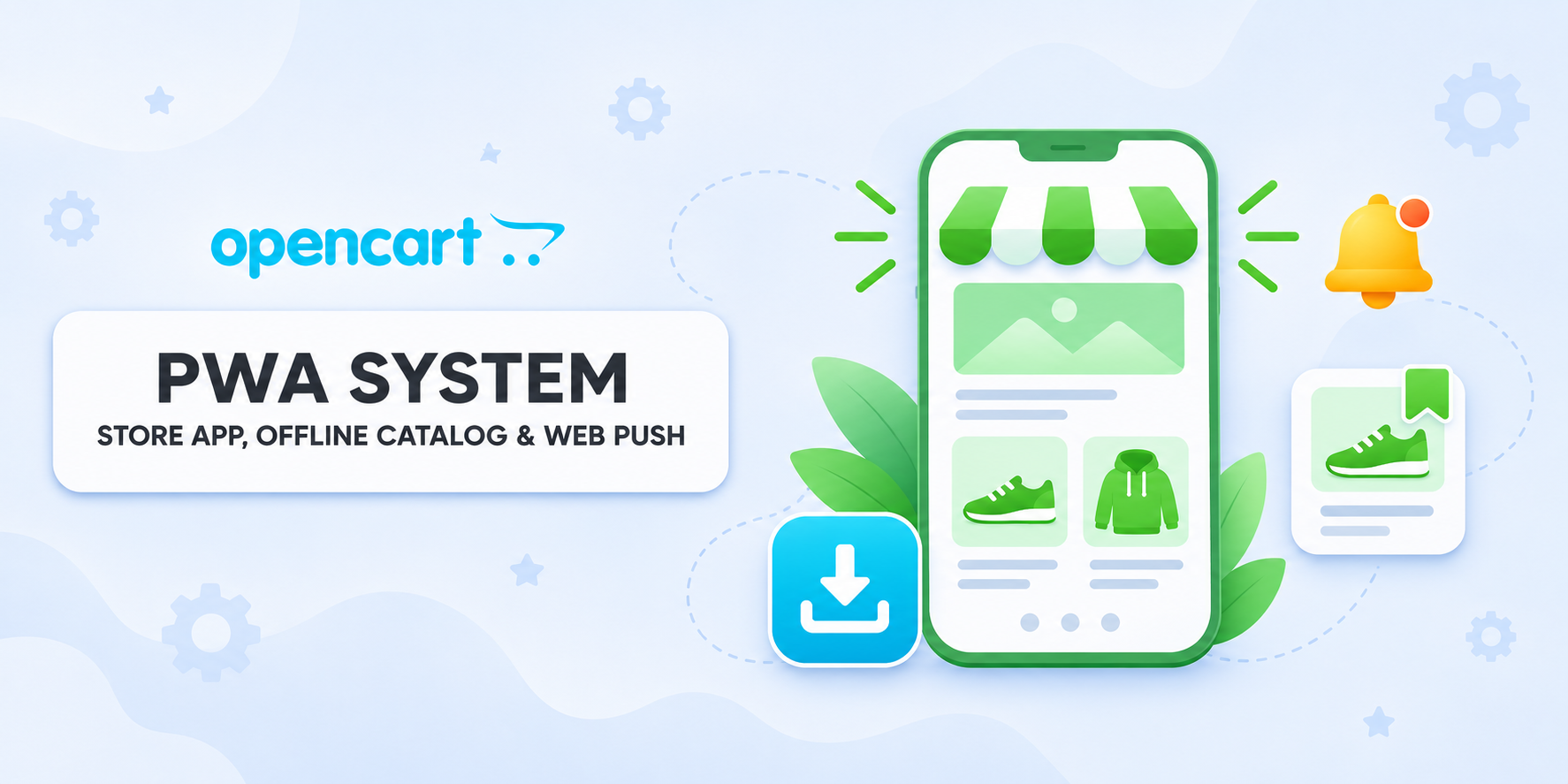
Your OpenCart store on the customer's home screen. Customers can install the app from their browser and browse saved products offline, while you can send push notifications about promotions and new arrivals from the admin panel.
 IHOR1989
Promo code will be applied automatically when you add the product to cart
Enter domain without www, http, https (e.g. example.com)
Description
The customer found the product they needed, but decided to come back to it later. Let them add the store to the home screen, save the product, and open it even without internet. And when a sale starts or a new collection arrives, send notifications to those who chose to receive them.
PWA System turns your OpenCart storefront into an app that can be installed from the browser. The store gets its own icon, an offline catalog of saved products, and Web Push. You manage the name, the app's appearance, and mailings from the OpenCart admin panel.
Help the customer quickly return to the store
Add a custom icon, colors, and a name for each store language. The module shows how to install the app on Android and iPhone or iPad. On Apple devices, the customer adds the store to the home screen, opens it from there, and separately allows notifications. Web Push requires iOS or iPadOS 16.4 or later. Web Push requirements on Apple devices.
Save products the customer has already viewed
The customer can review previously opened products, click "Save offline" on the desired items, and build a local shopping list. Saved cards include a photo, description, specifications, and the public price at the time of saving. Search helps quickly find the needed product even when the connection is lost.
You set the storage period and the number of products. Collections are separated by language and currency. When the internet is available again, the customer goes to the current product page, checks the price and availability, selects options, and places an order.
Notify about offers at the right moment
Schedule notifications for the morning of a sale, showcase a new collection, or remind customers that a seasonal offer is ending. Create a message with a title, short text, image, and a link to a product, category, or promotion. The customer can turn push notifications on or off in the app settings.
Manage the queue and track results
- Save drafts, copy successful mailings, and send them immediately or on a schedule.
- Set the batch size, sending limits, and the message expiration period. A mailing can be paused, resumed, or canceled.
- View which messages were accepted by the push service, where errors occurred, and how many clicks were recorded after tapping.
- If Google Tag is connected to GA4, the module sends
pwa_installevents after the browser confirms installation andpush_subscribeevents after a new push subscription is saved.
Compatibility
OpenCart 3 and ocStore 3.
The main OCMOD package is designed for the standard default theme.
Installation steps
- Upload
pwa_system_v_1_0_oc3.ocmod.zipvia "Extensions → Installer". - Refresh modifiers and clear the template cache.
- In the module list, install PWA System.
- In the required admin user group, grant view and edit permissions for
extension/module/pwa_systemandmarketing/pwa_push. - Select the store and configure the app. In the "Web Push" tab, enable push, generate VAPID keys, and specify the sender contact. Enable the module and save the settings.
- For scheduled sending, enable CRON, save the settings, and add the command from the "Queue and CRON" tab to your hosting scheduler.
Campaigns are available in the "Marketing → Push Mailings" section.
License
The license covers one domain and its subdomains.
Specifications
- OpenCart Version
- 3.0.0 3.0.1 3.0.2 3.0.3 3.0.4 3.0.5
- Module Localization
- Ukrainian, English, Russian
- Support Language
- Ukrainian, English, Russian
- Activation Method
- Automatic activation
- Ioncube Loader
- No (not required)
- Developer Server Connection
- No
- If Developer Server Unavailable
- Extension works
- PHP Version
- 7.3 7.4 8.0 8.1 8.2 8.3 8.4 8.5
- Compatible with Templates
- Default
Reviews (0)
Please log in to leave a review.
Log inNo reviews yet
Be the first to review this product!
Questions (0)
Please log in to ask a question.
Log inNo questions yet
Be the first to ask a question about this product!