
Data Exchange With Google Spreadsheets
Data Exchange With Google Spreadsheets
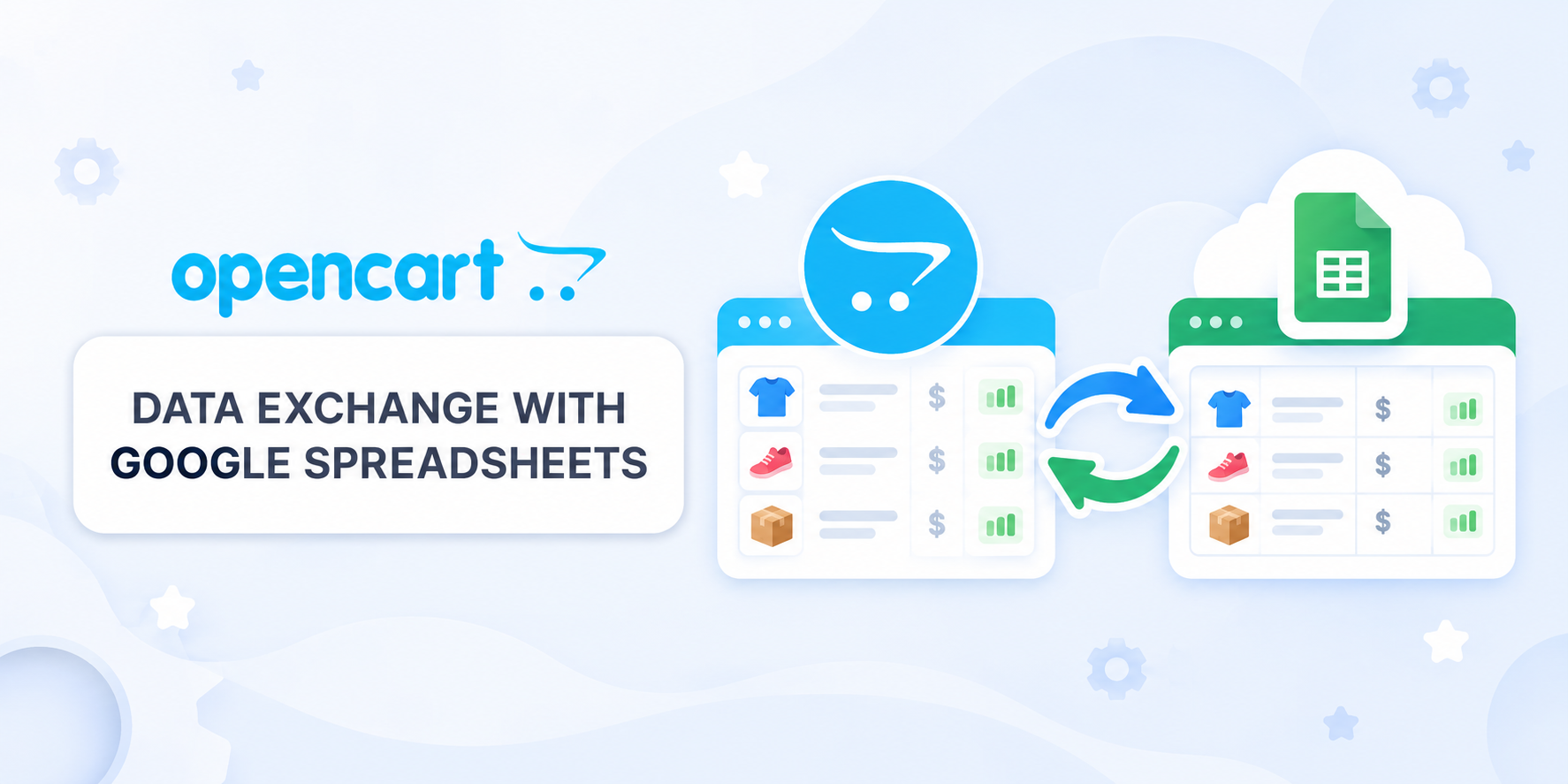
Bidirectional product data exchange between OpenCart and Google Sheets. Import prices, stock, status, specials and discounts; export selected categories and fields. Supports profiles, customer groups, batch processing, error logs and scheduled CRON runs.
 IHOR1989
Promo code will be applied automatically when you add the product to cart
Enter domain without www, http, https (e.g. example.com)
Description
Automate price and inventory management in OpenCart using Google Sheets!
Editing prices and inventory manually through the admin panel is time-consuming, inconvenient, and requires great attention. The "Data Exchange with Google Spreadsheets" module allows you to easily and quickly make changes to prices directly in Google Sheets, and then import them into OpenCart.
Why is this convenient?
- Flexibility and speed – make changes in the spreadsheet and update your store in one click.
- Bulk editing – change thousands of products at once without logging into the admin panel.
- Convenient data display – sort, filter, and analyze products in Google Sheets.
- Team collaboration – edit data as a team without access to the OpenCart admin panel.
- Export with category filtering – download selective data, for example, only for certain categories.
- Import from multiple Google Sheets – update data not only from your spreadsheets, but also from supplier price lists.
- Automation via CRON – schedule import and export operations.
What data can be imported into OpenCart?
- Price
- Inventory stock
- Product status
- Indexing/Noindex
- Special prices for customer groups with the ability to specify the promotion period
- For import, you can use product identifiers: product_id, model, sku, upc, ean, jan, isbn, mpn
What data can be exported from OpenCart to Google Sheets?
- Price
- Inventory stock
- Product status
- Indexing status
- Special prices for customer groups
- Product identifiers: product_id, model, sku, upc, ean, jan, isbn, mpn
How to configure the module?
- For import into OpenCart: Get an API key with active Google Sheets API from Google Cloud.
- For export from OpenCart: Set up a service account in Google Cloud and grant it access to the spreadsheet.
The module includes help with setup instructions.
Installation
- Install the module through the OpenCart administration panel
- Update modifiers
- Enable the Google Spreadsheets module and configure it according to the help guide.
License
The license applies to one domain + its subdomains.
Specifications
- OpenCart Version
- 3.0.0 3.0.1 3.0.2 3.0.3 3.0.4 3.0.5
- Module Localization
- Ukrainian, English, Russian
- Support Language
- Ukrainian, English, Russian
- Activation Method
- Automatic activation
- Ioncube Loader
- No (not required)
- Developer Server Connection
- No
- If Developer Server Unavailable
- Extension works
- PHP Version
- 7.3 7.4 8.0 8.1 8.2 8.3 8.4 8.5
- Compatible with Templates
- Not needed
Reviews (0)
Please log in to leave a review.
Log inNo reviews yet
Be the first to review this product!
Questions (0)
Please log in to ask a question.
Log inNo questions yet
Be the first to ask a question about this product!