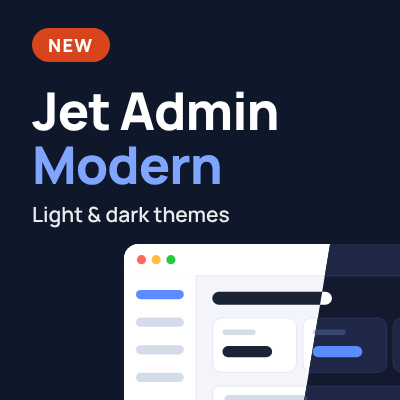
Jet Admin Modern - modern light and dark themes for admin
Jet Admin Modern - modern light and dark themes for admin
Promo code will be applied automatically when you add the product to cart
Optional — you can enter the domain later from your account.
Description
Your phone feels modern. Then you open the OpenCart admin panel and it feels like you’ve gone back ten years. Jet Admin Modern freshens up the menus, tables, and forms you already know, with palettes inspired by iOS and Android.
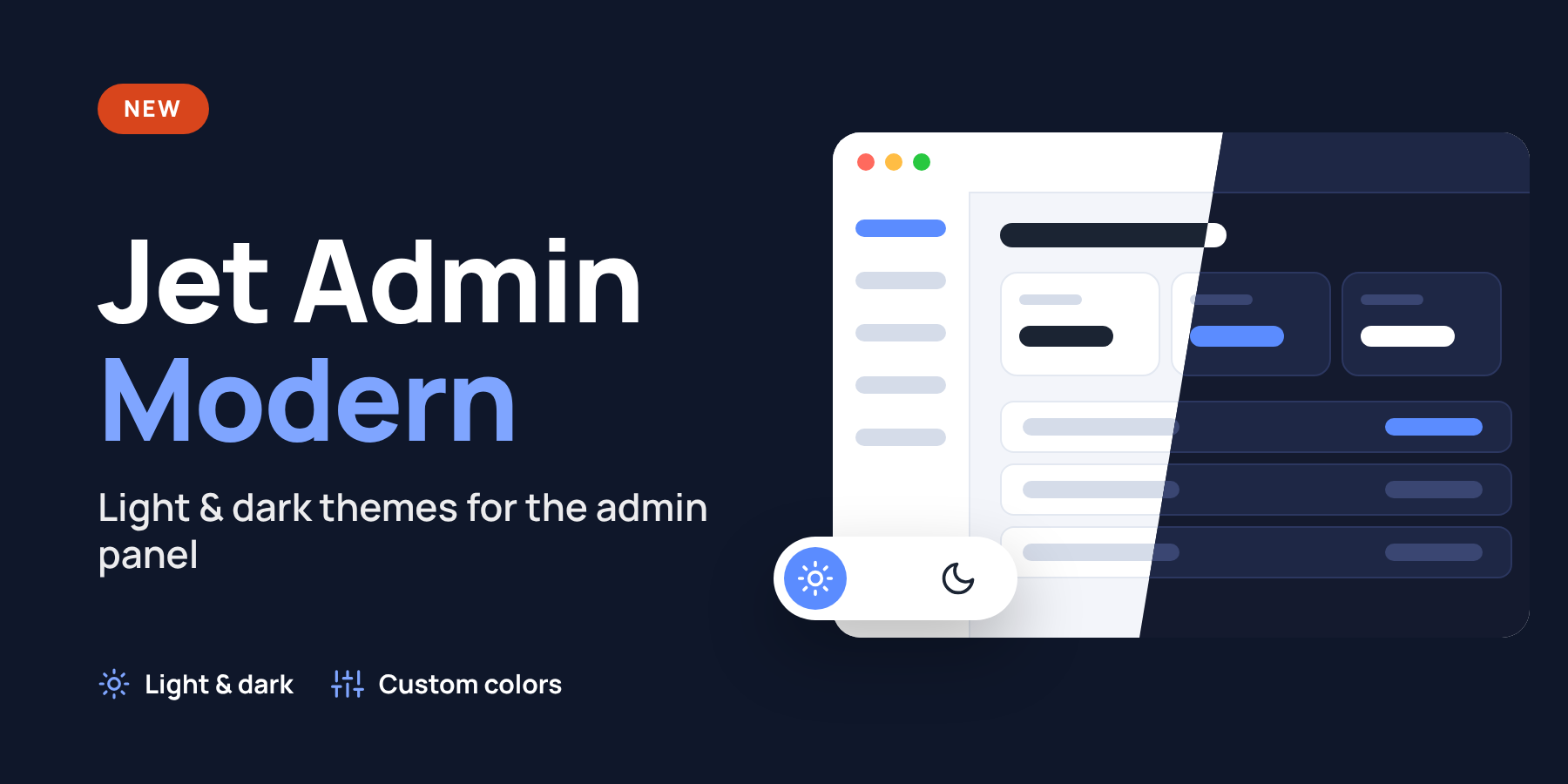
You’re working late, an air raid alert goes off, and the bright white admin panel is already hurting your eyes. With three-step switching enabled, one click takes you from light to dark and you can carry on working in the same tab. The magic wand button in the top bar cycles through the standard, light, and dark themes, and your browser remembers your choice.
Make it yours
- Pick a palette for each theme. For example, use the light Google palette with its pale blue sidebar during the day and dark Graphite in the evening.
- Adjust the accent, background, text, border, and sidebar colors.
- Add your own CSS rules for the modern theme.
- Choose how desktop submenus open. They can fly out on hover or expand downward on click.
You work with products and orders the way you already do in OpenCart. The sections, tabs, and actions stay familiar, while the top bar, menu, tables, and forms get a fresh look. Shoppers continue to see your usual storefront.
On phones, Jet Admin Modern fixes a few layout issues on narrow screens. Top-bar buttons can wrap onto a second row, product-list actions sit below the page title, and long rows of tabs can be swiped sideways.
Benefits
- Switch themes in the middle of a task. With three-step switching enabled, one click takes you from light to dark. The form you’re filling out stays open.
- Everyone can use their preferred look. A store manager can use the dark theme while the owner keeps the standard one. Each browser remembers its own choice.
- Pick separate palettes for daytime and evening. Choose the colors for your light and dark themes once, then switch between them from the top bar.
- Match the admin panel to your store. Set your own accent, background, and menu colors in the settings. Use the custom CSS field for finer control.
- Your team can keep its routine. The catalog, orders, and everyday actions are where people expect to find them.
- Choose how submenus open. On desktop, open nested sections on hover or keep the familiar click-to-expand menu.
- It’s easier to check in from your phone. Product-list actions sit below the page title, and long rows of tabs can be swiped sideways.
- Go back to the standard look anytime. It’s available from the same top-bar button, even while the module is enabled.
- Your storefront keeps its design. The module styles your team’s workspace. Shoppers see the same store.
- Install it through OCMOD. The module installs from the OpenCart admin panel without manual edits to core files.
Installation
Jet Admin Modern is a OpenCart 3.x extension supplied as an OCMOD archive. Upload the archive through the extension installer, install Jet Admin Modern from the modules list, and enable it in the module settings. Three-step switching is available under Appearance → Behavior.
Specifications
Features
Technical Details
- OpenCart Version
- 3.0.0 3.0.1 3.0.2 3.0.3 3.0.4 3.0.5
- Module Localization
- Ukrainian, English, Russian
- Support Language
- Ukrainian, English
- Activation Method
- Automatic activation
- Ioncube Loader
- No (not required)
- Developer Server Connection
- No
- If Developer Server Unavailable
- Extension works
- PHP Version
- 5.6 7.0 7.1 7.2 7.3 7.4 8.0 8.1 8.2 8.3 8.4 8.5
- Compatible with Templates
- Standard admin
Reviews (0)
Please log in to leave a review.
Log inNo reviews yet
Be the first to review this product!
Questions (0)
Please log in to ask a question.
Log inNo questions yet
Be the first to ask a question about this product!
Changelog
- 2.0 — індивідуальні налаштування гами, зміни інтерфейсу
- 1.3 — нові гами кольорів для світлої й темної тем
- 1.2 — світла й темна теми, режим перемикача в шапці, зміни інтерфейсу
- 1.1 — налаштування вигляду, гами кольорів, зміни інтерфейсу і меню
- 1.0 — перший реліз: сучасне оформлення адмін-панелі, перемикання модифікатора разом зі статусом модуля
Related Modules

Jet Cache - caching, pagespeed, optimization, SEO
Jet Cache - must have tool for caching and pagespeed optimization for stores. Provides high performance, Pagespeed & SEO