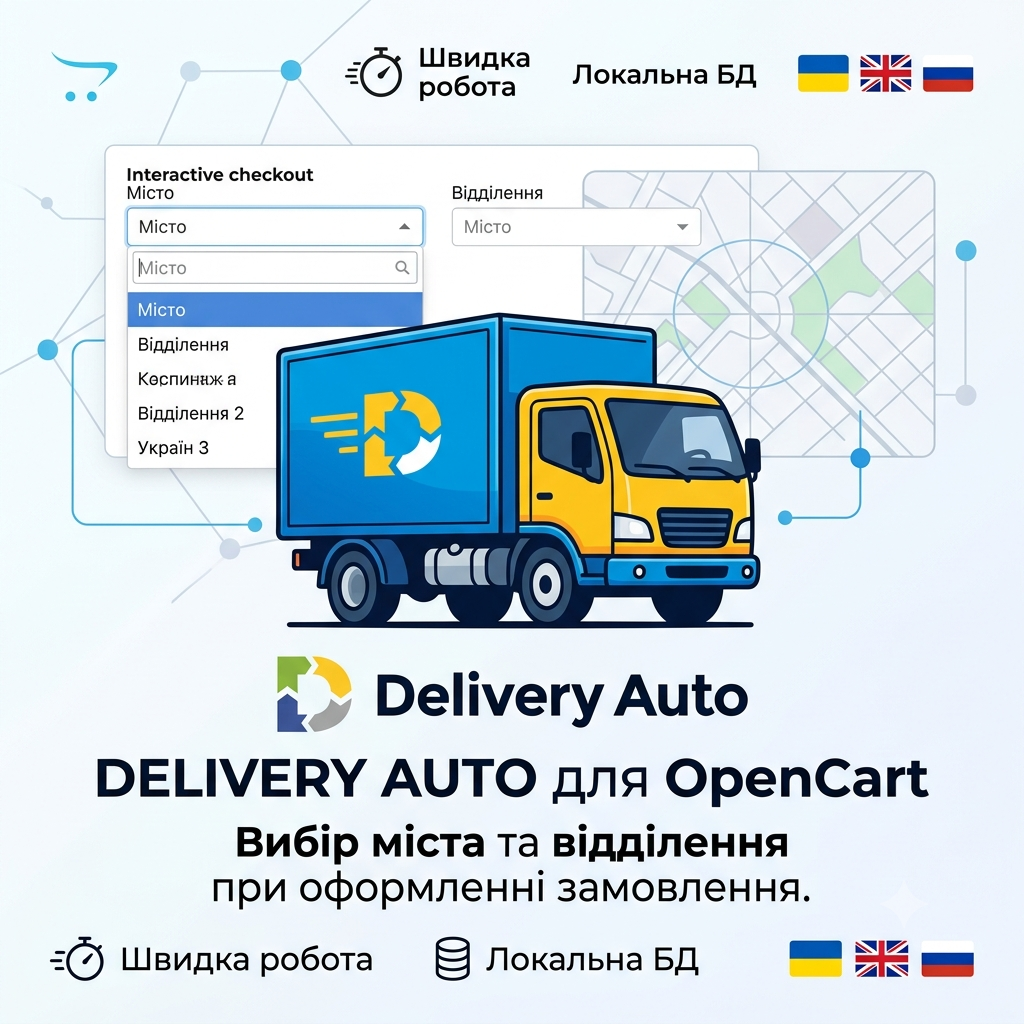
Delivery Auto for Opencart - cities, branches when placing an order
Delivery Auto for Opencart - cities, branches when placing an order
Integration of Delivery Auto delivery service for OpenCart. Selection of city and branch directly on the order checkout page, local database, auto-update via Cron, support for courier delivery and multilingual support.

Technical Details
Promo code will be applied automatically when you add the product to cart
Optional — you can enter the domain later from your account.
Demo
demo
demo
Description
Full compatibility with octemplates templates and Smart Checkout module!
Delivery Auto — a module for integrating the delivery-auto.com delivery service with an online store on the OpenCart platform. Customers select a city and branch directly on the order checkout page using the convenient Tom Select autocompleter.
The module supports two types of delivery:
- branch pickup and courier delivery
- with separate settings for each.
The database of cities, districts and branches is stored locally on the server and synchronized via API on a schedule (Cron) with a secure URL, ensuring fast operation even with large data volumes.
Key features:
- Flexible delivery cost configuration: disable price display, fixed amount or custom text phrase.
- City filtering: show only those with active branches.
- Custom values: customer can enter city or branch manually.
- Personalized hints (placeholder) for fields with multi-language support.
- Compatibility with standard, One Page Checkout and Simple Checkout.
- Support for geozones to limit delivery method availability.
- Built-in multilingual support: Ukrainian, English, Russian.
Features
- Selection of city and branch
- Local database
- Synchronization via Cron
- Flexible delivery cost
- Multilingual support
- Popular checkouts
Reviews (0)
Please log in to leave a review.
Log inNo reviews yet
Be the first to review this product!
Questions (0)
Please log in to ask a question.
Log inNo questions yet
Be the first to ask a question about this product!
Changelog
- - added support for OCT SmartCheckout
About Author

@bogdan281989
Achievements

First Sale
Made first sale

Rising Star
Achieved significant number of sales
Related Modules
by Prorab337
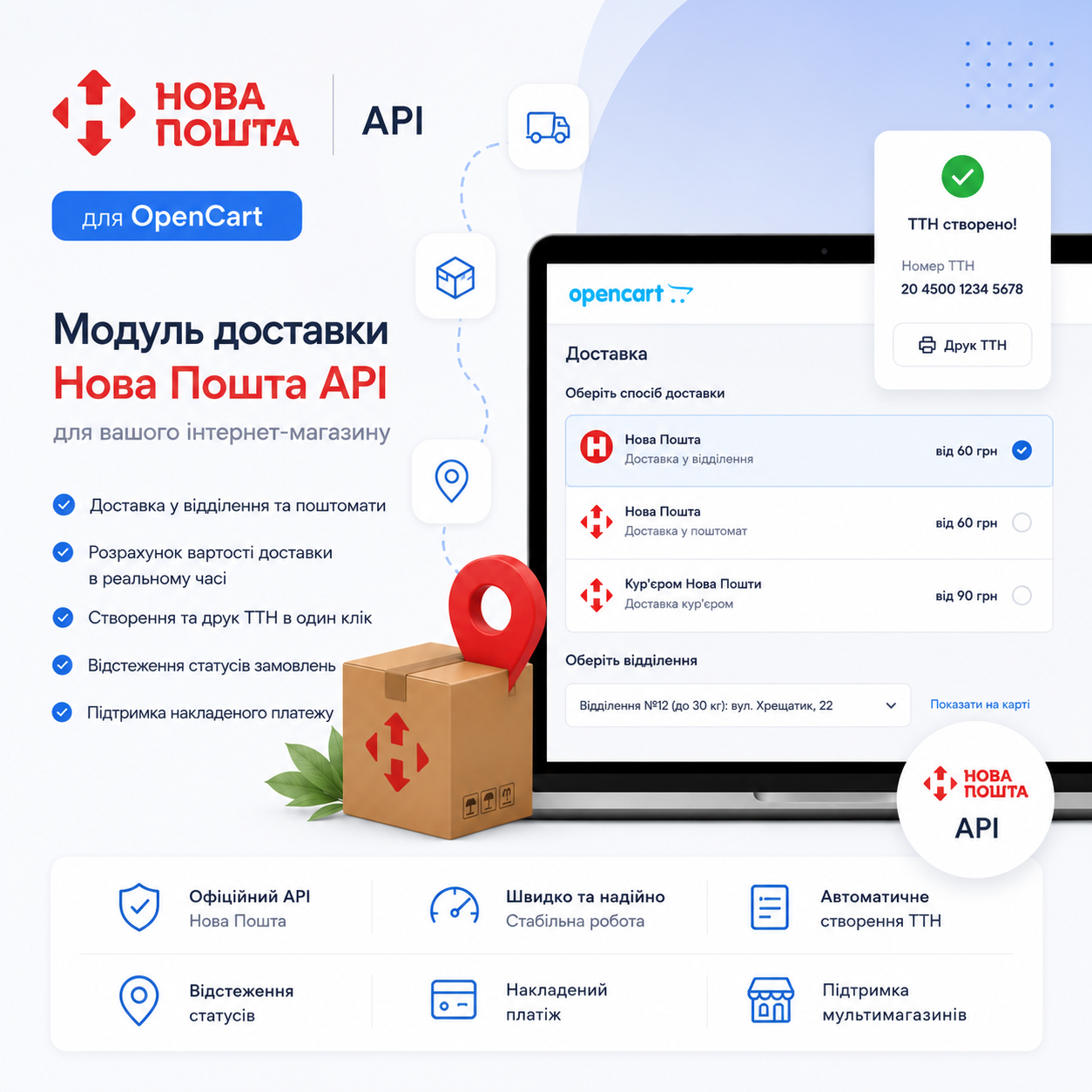
«Nova Poshta API» - delivery module for OpenCart
The Novaya Pochta delivery module is a comprehensive solution for automating work with one of the most popular carriers in Ukraine. The add-on significantly simplifies the process of registration, processing and tracking of orders, allowing you to effectively work with delivery at all stages.
by Prorab337
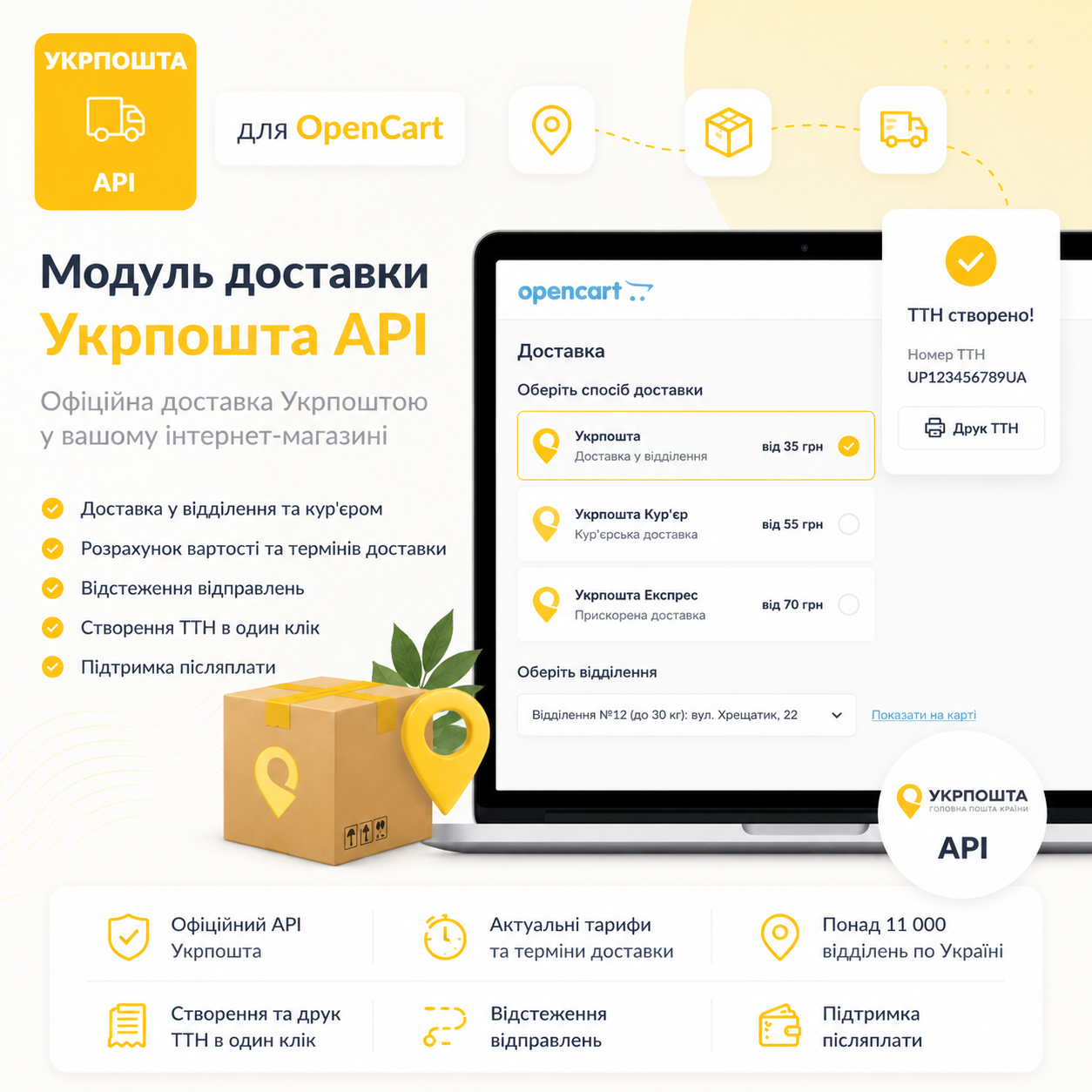
"Ukrposhta API" - delivery module for OpenCart
"Ukrposhta API" for OpenCart - a modern delivery module with full E-COMMERCE API integration. Automates waybill preparation, calculates delivery costs and timeframes, notifies customers and updates order statuses. Saves time, reduces costs and simplifies order processing.
by Prorab337
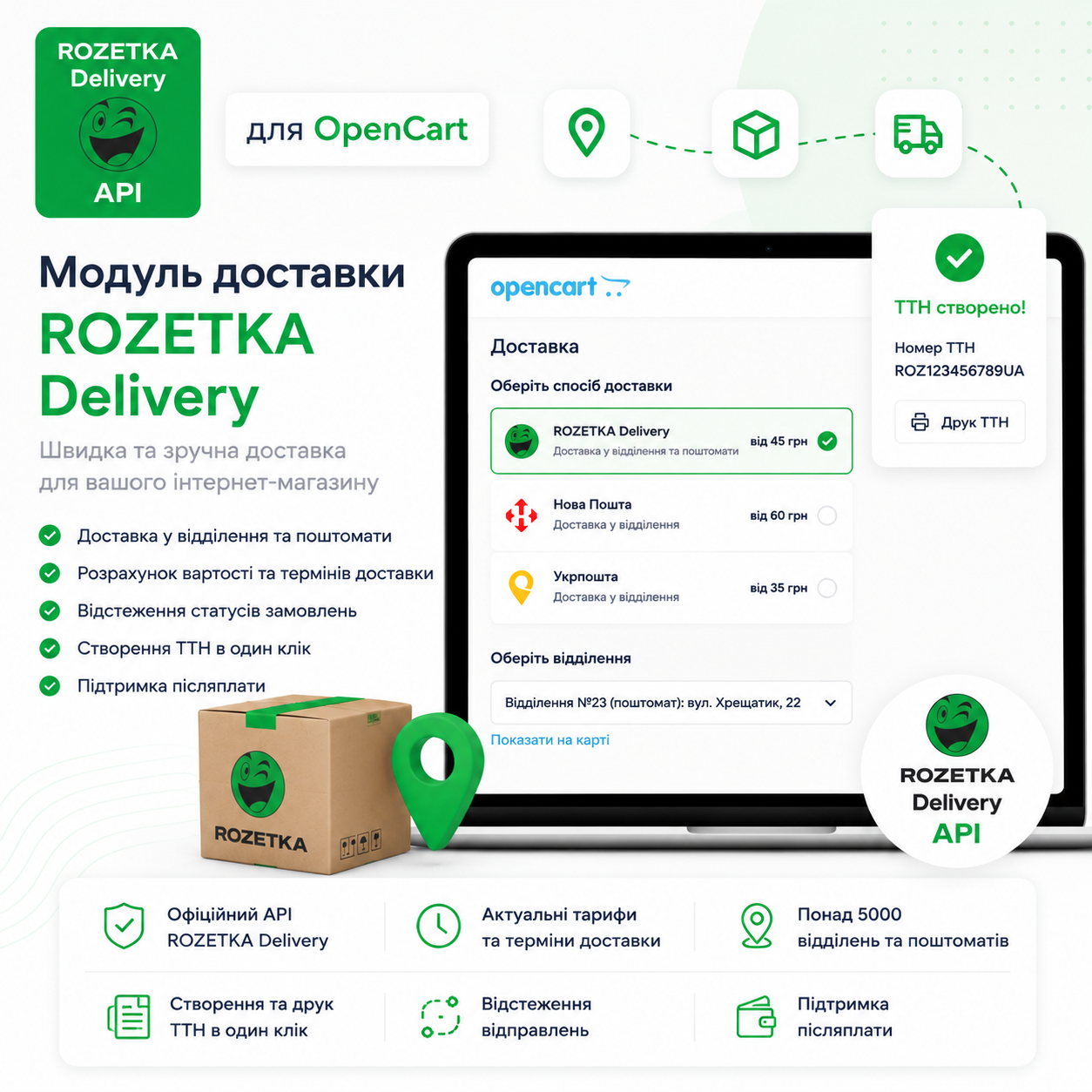
«ROZETKA Delivery» - delivery module for OpenCart
"ROZETKA Delivery" — a delivery module for OpenCart with full support for the ROZETKA Delivery API. Allows you to arrange and track shipments, work with express waybills, returns, archives and directories, ensuring fast integration of delivery into your store.
![[BETA] NovaPost International Delivery / Nova Poshta - International Delivery for OpenCart](https://opencartcode.com/storage/products/e4c17afb-0113-4b00-ba7c-382710edfe41/thumbnails/novapost-international-thumb-6a968d3c1a213.png)
by SSHEVA
[BETA] NovaPost International Delivery / Nova Poshta - International Delivery for OpenCart
International delivery Nova Poshta in one click directly from your store