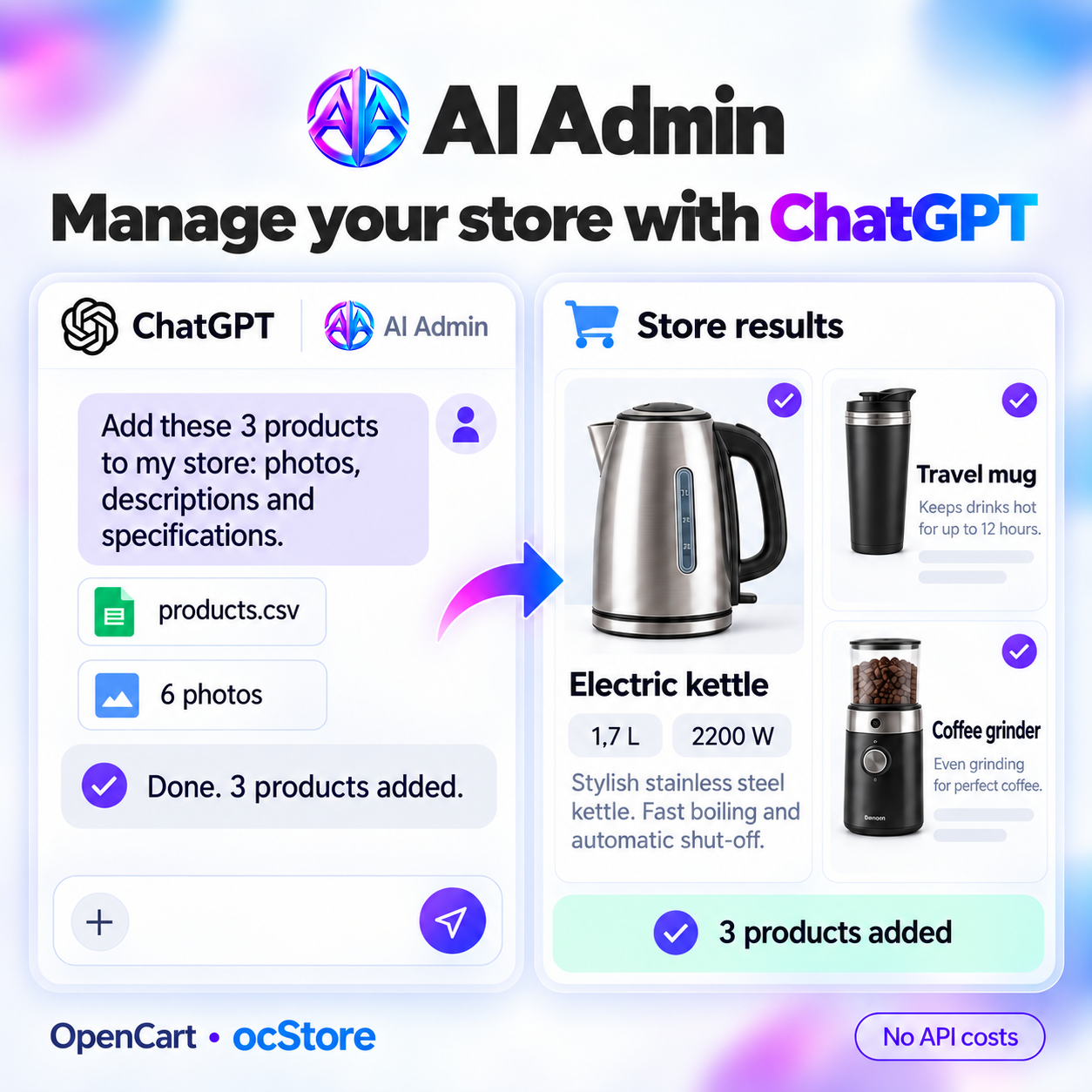
AI Admin MCP — connecting ChatGPT and Claude via MCP Server
AI Admin MCP — connecting ChatGPT and Claude via MCP Server
Manage your store through MCP module AI Admin using ChatGPT, Claude or any other AI assistant. Update products, create content, work with prices and analyze sales — simply, easily, quickly and without additional APIs.
 AIAdmin
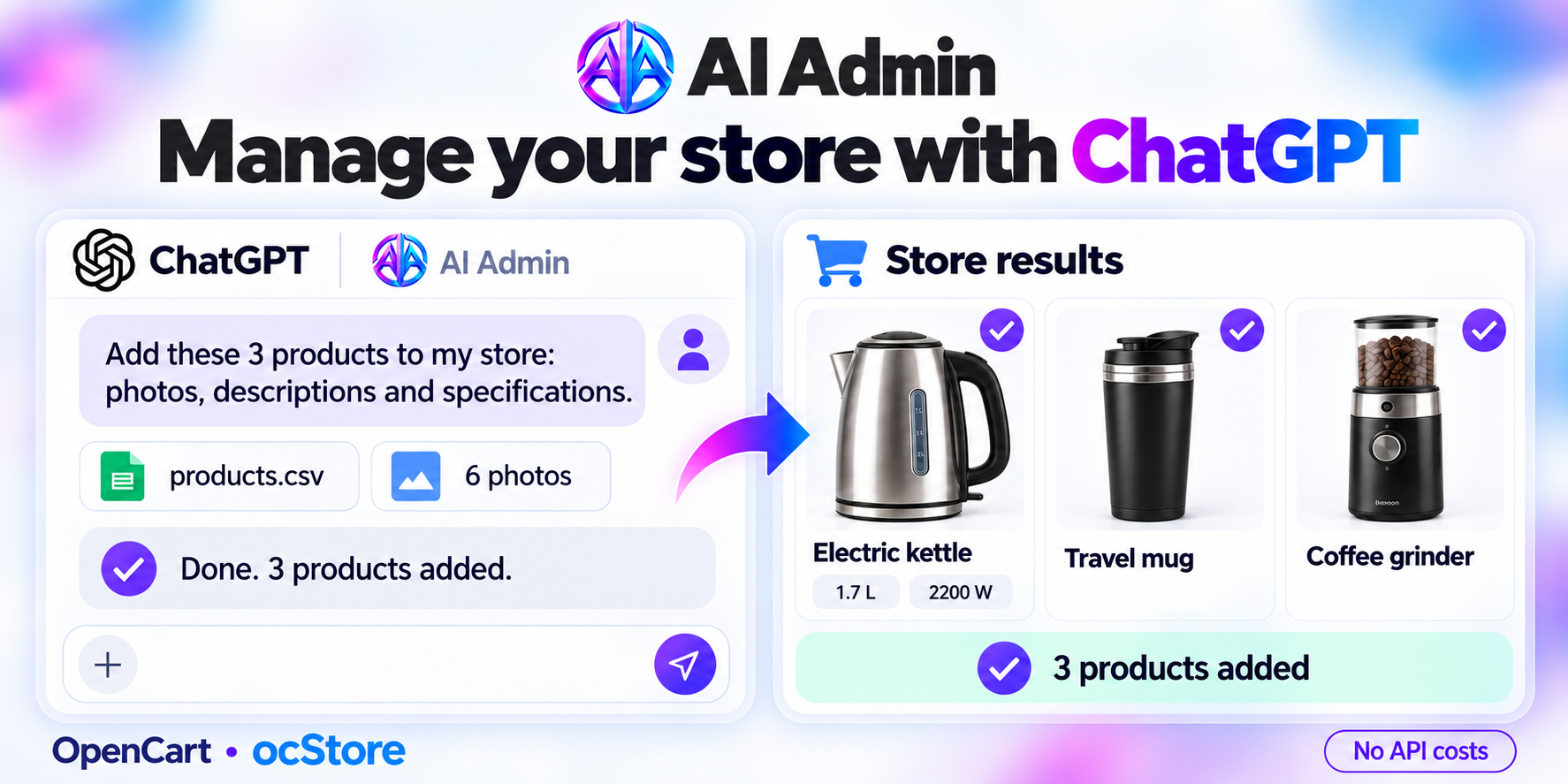
Promo code will be applied automatically when you add the product to cart
Optional — you can enter the domain later from your account.
Description
AI Admin — MCP Server for Opencart
No API keys and no separate payment for API requests.
Works on any hosting.
MCP plugin AI Admin connects your personal ChatGPT, Claude, Cursor and other AI assistants to your OpenCart 3, 4 store. You issue tasks via the chat in the app on your phone or PC, and the assistant works with the store's data, performing the actions you have authorized: reading, editing, adding, and deleting.
What you can do with MCP expansion AI Admin
- Manage your catalog. Create and edit products, categories, brands, and more. Change names, descriptions, characteristics, options, prices, stock levels and sort order — for individual items or entire groups.
- Update prices and stock from price lists. Provide ChatGPT with a supplier's price list or website and explain the update rules: which products to change, what markup to apply and what to check before making changes. Or create a prompt once that will work for typical actions automatically.
- Work with content and SEO. Create and translate descriptions, fill in metadata, configure SEO URLs. Find empty fields and delegate their processing to the assistant.
- Run a blog. Prepare a content plan, create categories and publications based on your store's assortment and customer interests.
- Work with images. Delegate to AI the selection, uploading and preparation of images for products, articles and other pages.
- Process orders and reviews. View orders, change their statuses, analyze customer inquiries and prepare responses to reviews.
- Analyze sales. Compare different periods, identify popular products, find items with high views and low sales.
- Generate reports and work with files. Get summaries for a day, week or month, export selections and use data from CSV and Excel to update your catalog.
- Boost sales. Provide the assistant with reports from Google Ads or Merchant Center to match advertising metrics with your store's sales and make appropriate changes.
And much, much more.
Just explain what you need
"Rewrite the product descriptions in this category. Make them more understandable and use the characteristics from the product cards".
"Find products without metadata and prepare Title and Description for them. Show examples before making changes".
"Update prices from the supplier's price list: match products by article number and add a random markup from 15% to 25%".
"Compare sales for the last two months and identify products for which it's worth reviewing the price. Check out competitors and provide a list of recommended changes before making them in the store".
"Upload these images and add them to the corresponding products".
"Create a blog content plan for a month and prepare the first article about products from our catalog".
"Prepare holiday promotions for next year. After approval, set prices and their effective dates".
"Perform SEO optimization of products in the category using keyword analysis and SERP data from DataForSEO".
You control access
AI Admin allows you to configure which data the assistant can read, which can edit, and which it will have full access to. Choose a ready-made "Safe", "Recommended" or "Full" profile, or customize permissions manually for individual sections and fields.
The following are available for control:
- Authorization via OAuth 2.0 — without passing your password to the AI assistant.
- Operation confirmation — set changes to be made only after your approval.
- Action history — check which data the assistant worked with and what it changed.
- Undo changes — restore previous values through the module interface or directly in the chat.
- Revoke access — disable the connection when needed.
How MCP protocol AI Admin Works
AI Admin is an MCP server for OpenCart: a bridge between your store and an AI assistant ChatGPT, Claude or any other. The module runs on your store's hosting, so you don't need to deploy a separate server for MCP. You don't need to be a programmer.
- Install the module for your version of OpenCart.
- Connect your store to your ChatGPT.
- Configure permissions.
What's included in the full version
- Read, edit, create and delete data.
- Unlimited number of AI assistant connections.
- Flexible access settings.
- Action history and undo changes.
- Image processing.
- Ready-made and custom prompts.
- Advanced MCP settings.
- Support for one month.
License: for one domain, one-time payment without subscription.
The capabilities provided by AI Admin MCP are limited only by your imagination.
Specifications
Features
Technical Details
- OpenCart Version
- 3.0.2 3.0.3 4.0.1 4.0.2 4.1.0 3.0.4 3.0.5
- Module Localization
- Ukrainian, English
- Support Language
- Ukrainian, English
- Activation Method
- License key
- Ioncube Loader
- No (not required)
- Developer Server Connection
- No
- If Developer Server Unavailable
- Extension works
- PHP Version
- 7.1 7.2 7.3 7.4 8.0 8.1 8.2 8.3 8.4
- Compatible with Templates
- Compatible with all templates
Reviews (0)
Please log in to leave a review.
Log inNo reviews yet
Be the first to review this product!
Questions (0)
Please log in to ask a question.
Log inNo questions yet
Be the first to ask a question about this product!
Changelog
- Fixes and improvements.