Git is a version control system that is the standard in modern development. If you're not using Git yet, this guide will help you get started.
Installation and Setup
# Ubuntu/Debian
sudo apt install git

# Check version
git --version

# Basic configuration
git config --global user.name "Your Name"
git config --global user.email "[email protected]"
git config --global init.defaultBranch main
Basic Commands
Creating a Repository
# Initialize new repository
git init

# Clone existing one
git clone https://github.com/user/repo.git
Workflow
# Check status
git status

# Add files to staging
git add filename.php
git add .  # all files

# Create commit
git commit -m "Description of changes"

# Push to server
git push origin main

# Pull changes from server
git pull origin main
Write meaningful commit messages. "fix bug" — bad. "Fix product price calculation for discounted items" — good.
— Common practice
Working with Branches
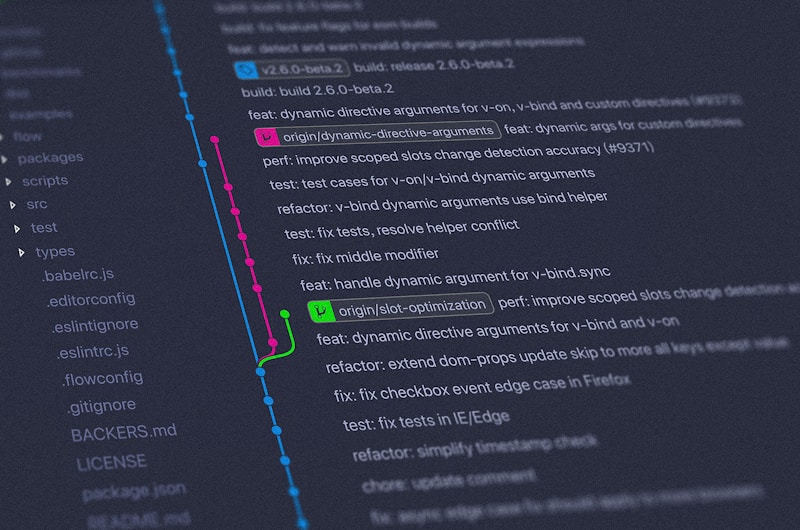
Branches allow you to work on different features in parallel:
# Create new branch
git branch feature/new-payment

# Switch to branch
git checkout feature/new-payment

# Or create and switch at once
git checkout -b feature/new-payment

# List branches
git branch -a

# Delete branch
git branch -d feature/old-branch
Tip: Use branch naming convention:
feature/, bugfix/, hotfix/
Merging Branches
# Switch to main
git checkout main

# Merge feature branch
git merge feature/new-payment

# If there are conflicts — resolve them in files
# Then:
git add .
git commit -m "Merge feature/new-payment"
Resolving Conflicts
Conflicts occur when the same lines are changed in different branches:
<<<<<<< HEAD
$price = $product->getPrice();
=======
$price = $product->getDiscountedPrice();
>>>>>>> feature/discounts
Remove the markers and keep the needed code, then commit.
Useful Commands
# Commit history
git log --oneline

# Discard uncommitted changes
git checkout -- filename.php

# Remove file from staging
git reset HEAD filename.php

# Amend last commit
git commit --amend -m "New description"

# Temporary save changes
git stash
git stash pop
.gitignore
File to exclude files from the repository:
# .gitignore for OpenCart
/config.php
/admin/config.php
/system/storage/
/image/catalog/
*.log
.env
/vendor/
/node_modules/
Important: Never commit sensitive data: passwords, API keys, configurations with credentials.
Conclusion
Git is a powerful tool, and these basic commands cover 90% of daily needs. Practice, and soon Git will become your reliable development companion.